Global world clock wall, 24h meeting overlap planner, and epoch converter
World Clock Planner is an offline global time zone wall, interactive 24-hour
meeting overlap planner, and timestamp converter for distributed teams.
Key features:
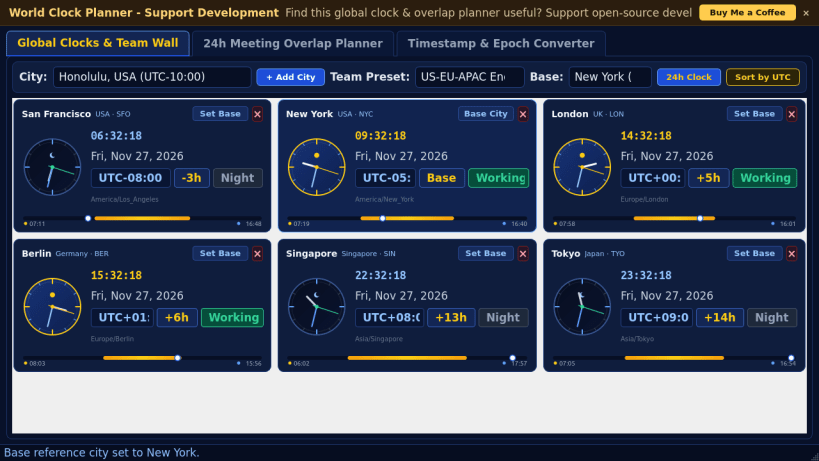
Global Clocks & Team Wall: Monitor 38+ major global IANA cities with
custom analog and digital clock cards, automatic daylight vs. night dials,
UTC offset and DST badges, relative hour offsets, sunrise/sunset arcs,
and one-click team presets.
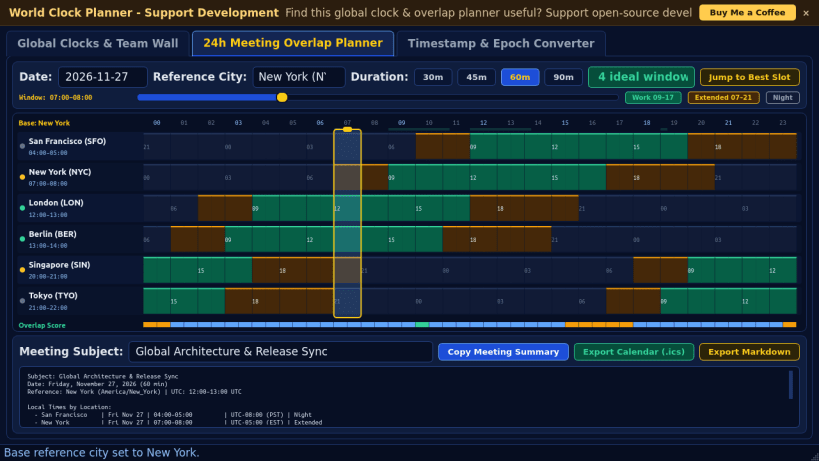
24h Meeting Overlap Planner: Drag a live meeting window across a
color-coded 24-hour multi-city working hours matrix, discover ideal team
overlap windows automatically, preview multi-timezone invites, and export
calendar (.ics) or Markdown summaries.
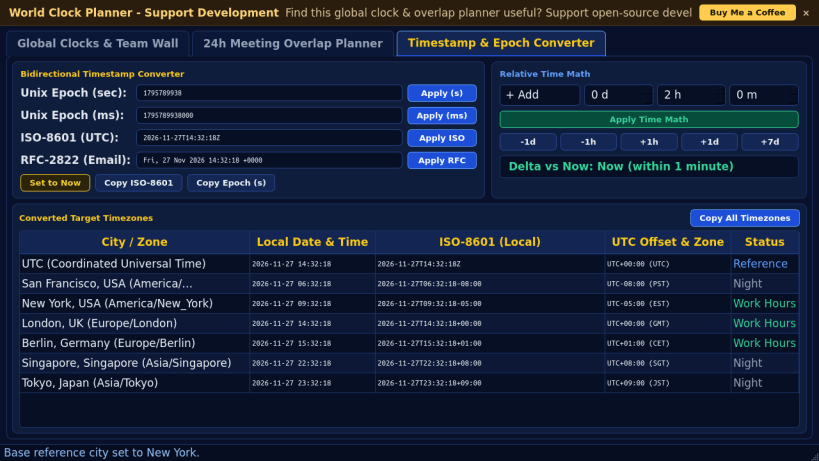
Timestamp & Epoch Converter: Convert bidirectionally between Unix Epoch
(seconds and milliseconds), ISO-8601, RFC-2822, and active team timezones
with relative time math.
(Ownership verified)
The publisher has verified that they own this domain.
It does not guarantee the Snap is an official upload
from the upstream project.
Enable snaps on KDE Neon and install World Clock Planner
Snaps are applications packaged with all their dependencies to run on all popular Linux distributions from a single build. They update automatically and roll back gracefully.
Snaps are discoverable and installable from the Snap Store, an app store with an audience of millions.
Enable snapd
Snap can be installed from the command line. Open the Konsole terminal and enter the following:
sudo apt update
sudo apt install snapd
Install World Clock Planner
To install World Clock Planner, simply use the following command: