
jsBudbrainEqualizer
Install latest/stable of jsBudbrainEqualizer
Ubuntu 16.04 or later?
Make sure snap support is enabled in your Desktop store.
Install using the command line
sudo snap install jsbudbrainequalizerDon't have snapd? Get set up for snaps.
Details for jsBudbrainEqualizer
Package name
- jsbudbrainequalizer
License
- Proprietary
Last updated
- 20 October 2026 - latest/stable
Websites
Contact
External link warning
You are about to open
Do you wish to proceed?
Report a Snap Store violation
Report jsBudbrainEqualizer for a Snap Store violation
Snap Store Violation Report submitted successfully
Thank you for your report. Information you provided will help us investigate further.
Error submitting report
There was an error while sending your report. Please try again later.
Share this snap
Generate an embeddable card to be shared on external websites.
An equalizer for everything your computer plays, with a live spectrum
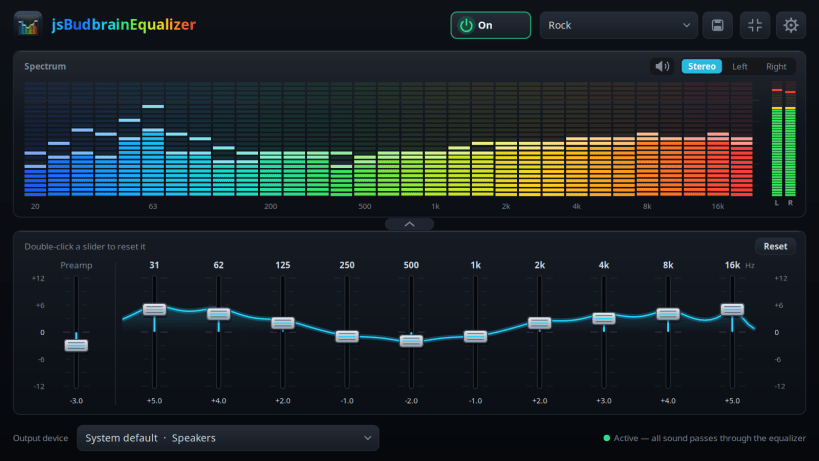
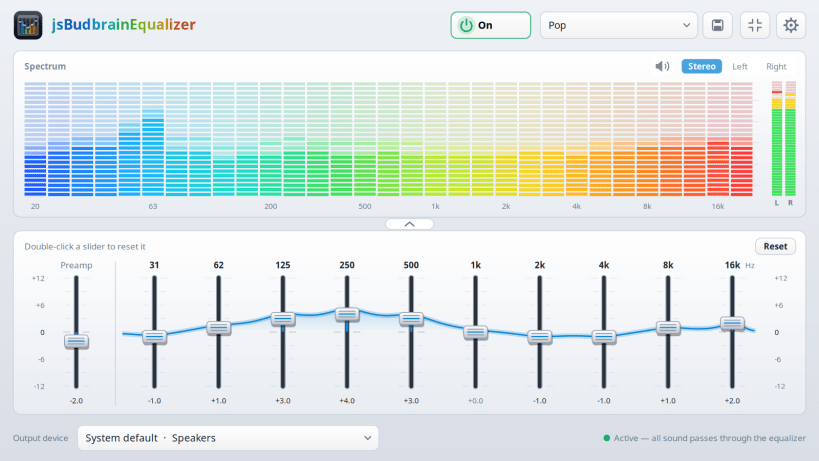
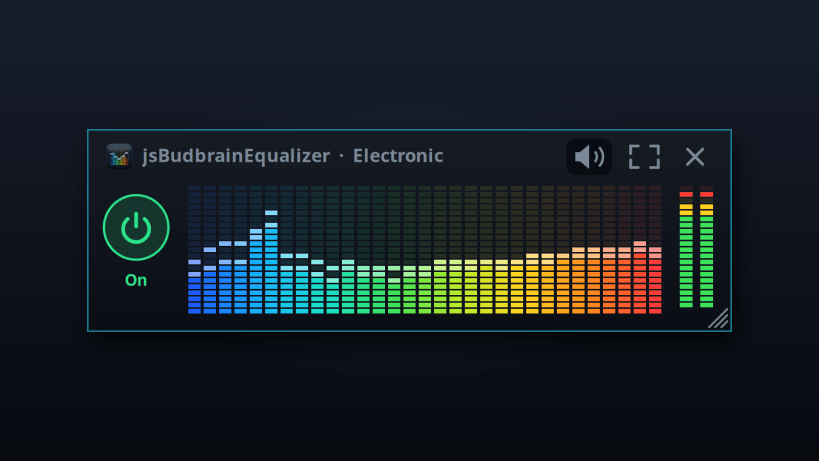
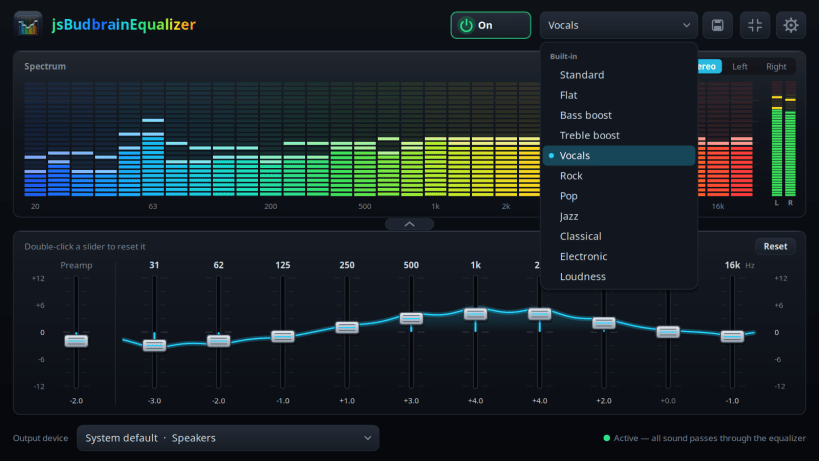
Music, videos, games, calls in the browser — everything your computer plays goes through ten sliders, and above them a colourful display shows what you are hearing right now.
Pick one of the ready-made sound settings or shape your own and save it under a name. One click switches the equalizer off, and the sound goes straight to your speakers again.
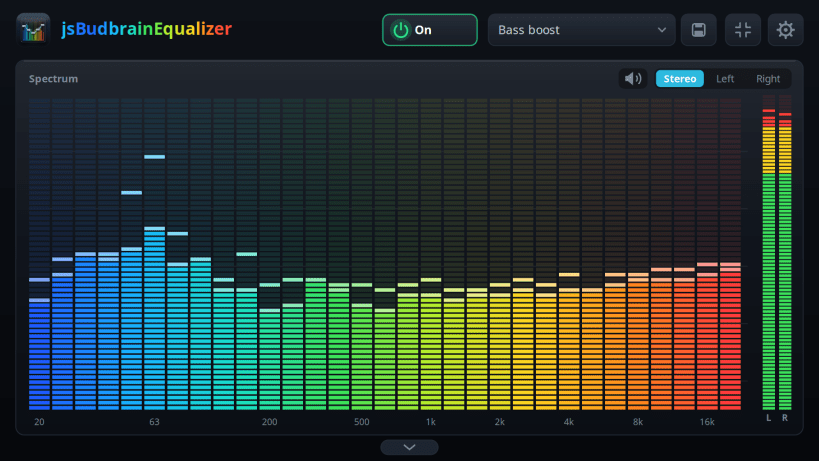
Make it as big as you like, fold the sliders away, or keep a small window on top while you work.
- Ten sliders from deep bass to bright treble
- Live display of what is playing, left, right or both
- Ready-made sound settings and your own, saved under a name
- Sliders glide smoothly into place when you switch
- Mute button for when the phone rings
- Choose which speakers or headphones to use
- Fold the sliders away and keep only the display
- Small window that stays on top
- Starts when you log in, if you like
- Light and dark design
Available in 44 languages.
Keywords: equalizer, sound equalizer, audio equalizer, bass boost, spectrum, music, speakers, headphones, sound settings
Also available as .deb, RPM, Flatpak, AppImage and for Arch at www.budbrain.de
Developed by Josef Sejrek / Budbrain Software Contact: jsbudbrainequalizer@budbrain.de
| Revision | Channel | Version | Build | Commit | Download SBOM |
|---|
The build and commit information is derived from build infrastructure records.
Install jsBudbrainEqualizer on your Linux distribution
Choose your Linux distribution to get detailed installation instructions. If yours is not shown, get more details on the installing snapd documentation.











