
jsBudbrainFindDblsOrRenameIt
Install latest/stable of jsBudbrainFindDblsOrRenameIt
Ubuntu 16.04 or later?
Make sure snap support is enabled in your Desktop store.
Install using the command line
sudo snap install jsbudbrainfinddblsorrenameitDon't have snapd? Get set up for snaps.
Details for jsBudbrainFindDblsOrRenameIt
Package name
- jsbudbrainfinddblsorrenameit
License
- Proprietary
Last updated
- 17 October 2026 - latest/stable
Websites
Contact
External link warning
You are about to open
Do you wish to proceed?
Report a Snap Store violation
Report jsBudbrainFindDblsOrRenameIt for a Snap Store violation
Snap Store Violation Report submitted successfully
Thank you for your report. Information you provided will help us investigate further.
Error submitting report
There was an error while sending your report. Please try again later.
Share this snap
Generate an embeddable card to be shared on external websites.
Find duplicate files and rename many files by your rules
Two tools in one: find files that exist more than once and tidy them up, and rename many files at once by your own rules. You see every change before it happens.
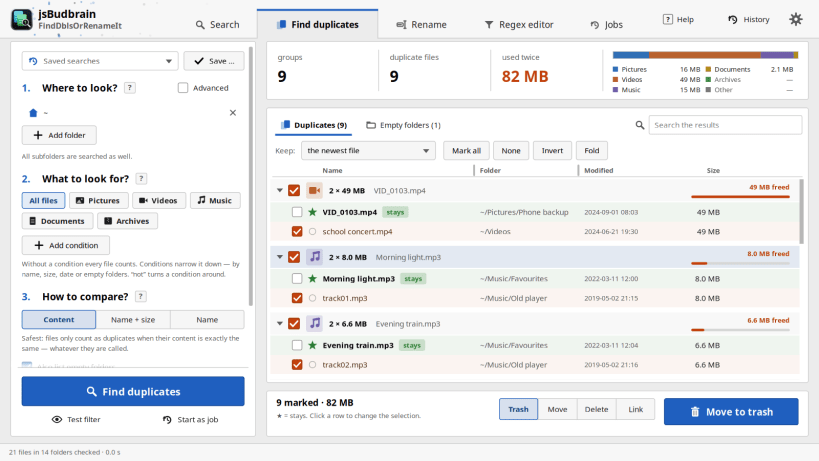
Choose your folders, narrow the search by type, name, size or date if you like, and the app shows every file that is there more than once. The newest copy stays, the others are marked — move them to the trash, into a folder of your choice, or delete them. Empty folders are found as well.
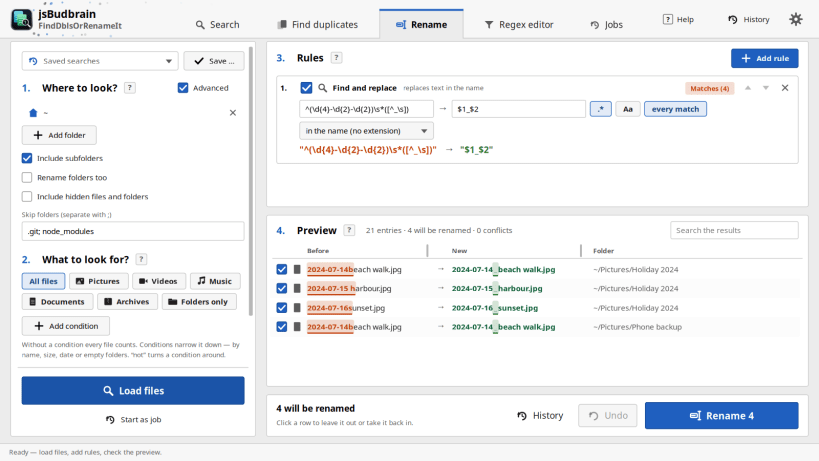
Renaming works the same way: add simple rules like "replace", "number" or "date taken", watch the new names appear in the preview, and rename with one click. Moving and renaming can be undone.
- Finds real duplicates by their content, whatever they are called
- Searches all subfolders, finds empty folders too
- You decide what stays — the newest copy is kept by default
- Trash, move, delete or replace by links
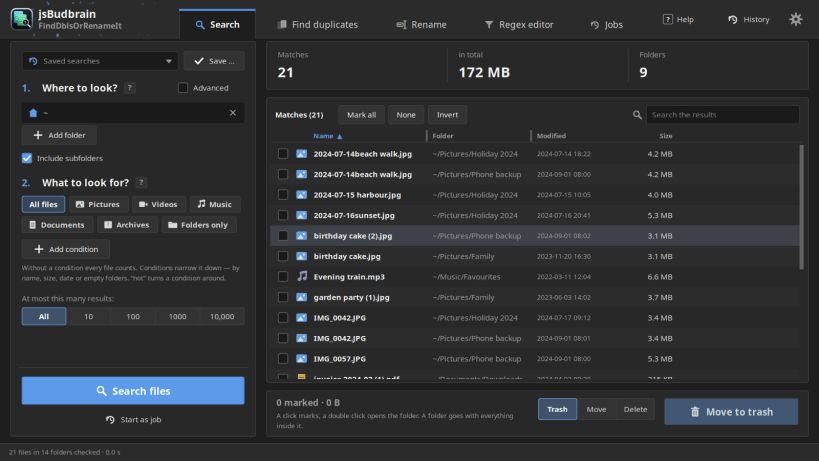
- Find any file by name, type, size or date and see where it is
- Rename by rules with a live preview and undo
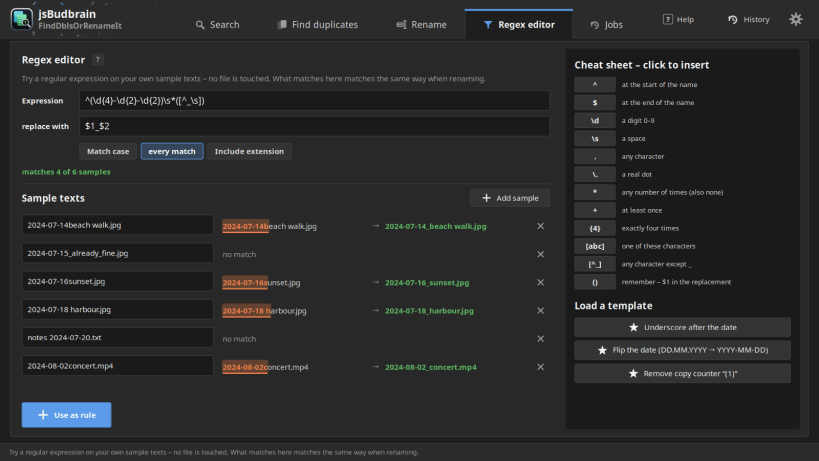
- Try name patterns on sample names before you rename anything
- Save your searches and use them again with one click
- Pause a long search and carry on later
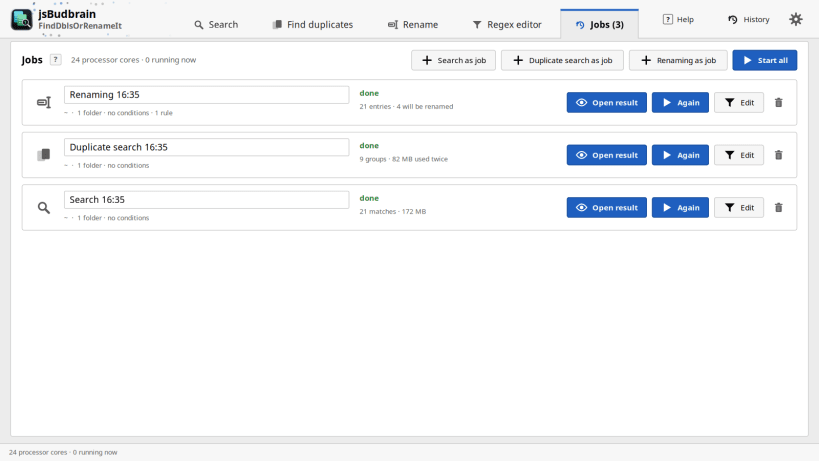
- Run several searches at once as jobs and keep them for later
- Light and dark design
Available in 47 languages.
As a snap the app works in your home folder. For USB drives and memory cards it shows you once how to allow access, with a command ready to copy.
Keywords: duplicate files, duplicate finder, clean up, free space, empty folders, rename files, batch rename, photos, music
Also available as .deb, RPM, Flatpak, AppImage and for Arch at www.budbrain.de
| Revision | Channel | Version | Build | Commit | Download SBOM |
|---|
The build and commit information is derived from build infrastructure records.
Install jsBudbrainFindDblsOrRenameIt on your Linux distribution
Choose your Linux distribution to get detailed installation instructions. If yours is not shown, get more details on the installing snapd documentation.











