
jsBudbrainLaufwerksTest
Contact us about Snaps and IoT ›
Install latest/stable of jsBudbrainLaufwerksTest
Ubuntu 16.04 or later?
Make sure snap support is enabled in your Desktop store.
Install using the command line
sudo snap install jsbudbrainlaufwerkstestDon't have snapd? Get set up for snaps.
Details for jsBudbrainLaufwerksTest
Package name
- jsbudbrainlaufwerkstest
License
- Proprietary
Last updated
- 14 October 2026 - latest/stable
Websites
Contact
External link warning
You are about to open
Do you wish to proceed?
Report a Snap Store violation
Report jsBudbrainLaufwerksTest for a Snap Store violation
Snap Store Violation Report submitted successfully
Thank you for your report. Information you provided will help us investigate further.
Error submitting report
There was an error while sending your report. Please try again later.
Share this snap
Generate an embeddable card to be shared on external websites.
Measure how fast a drive writes and reads
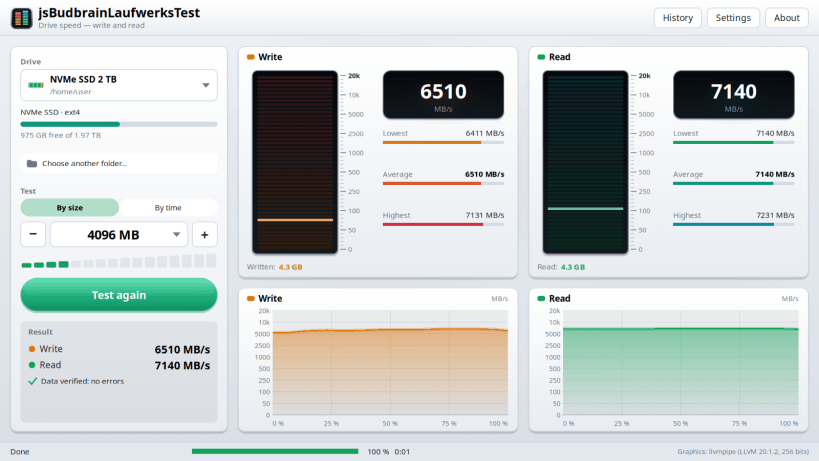
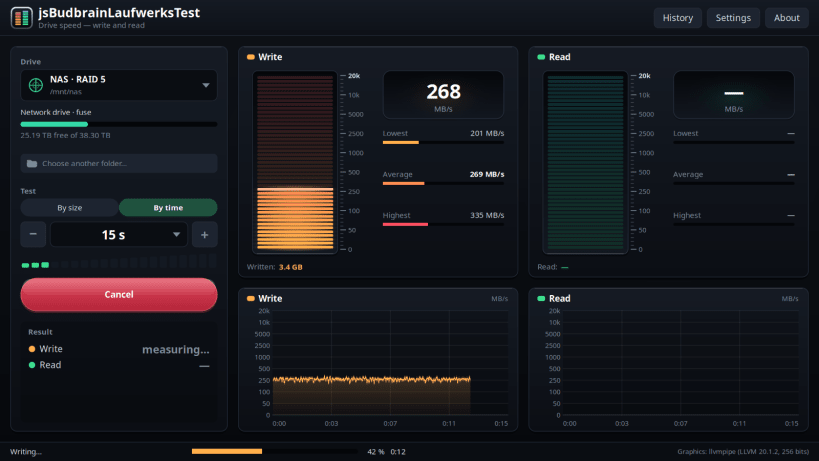
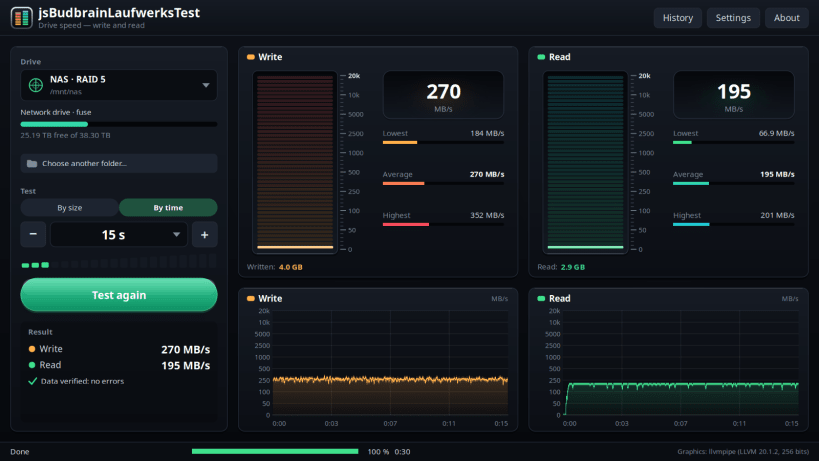
Find out how fast your drive really is: the app writes a test file, reads it back, checks every part of it and deletes it again. Two level meters show the current speed while it runs, and two charts record the whole test.
Test by size, from 1024 MB up to 16 GB, or by time, from 5 seconds up to 16 minutes. A longer test shows when a fast drive runs out of breath and the speed drops — and how much was written until then.
Every part of the test file is checked when it is read back, which helps to uncover drives that claim more capacity than they really have. The app never fills a drive: it leaves enough free space for your system.
- Write and read speed with worst, average and best value
- Live level meters and charts for both directions
- Test by size or by time
- Checks the data that was written
- Works with internal drives, USB drives, memory cards and network drives
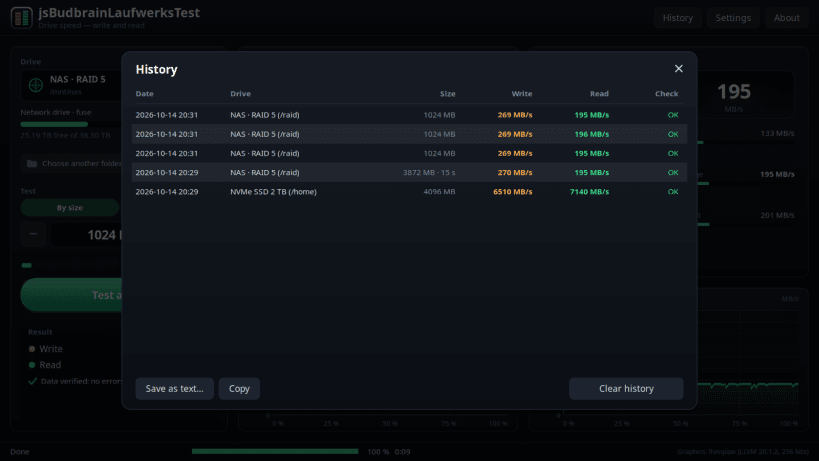
- History of all tests, save it as text or copy it
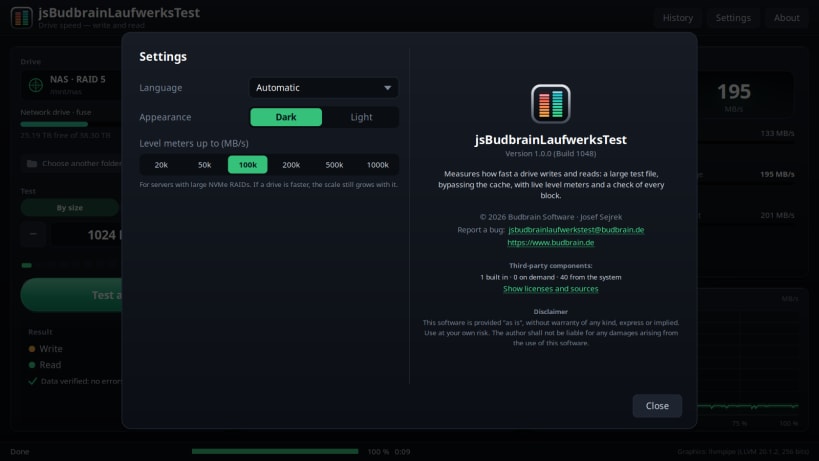
- Level meters up to 1,000,000 MB/s for fast server storage
- Light and dark design
- Available in 47 languages
As a snap, the app measures in your home folder and on removable drives.
For USB drives and memory cards, allow access once:
sudo snap connect jsbudbrainlaufwerkstest:removable-media
To show the drive names and types:
sudo snap connect jsbudbrainlaufwerkstest:mount-observe
sudo snap connect jsbudbrainlaufwerkstest:hardware-observe
Keywords: drive speed, disk test, SSD, NVMe, hard drive, USB stick, memory card, benchmark, read speed, write speed
Also available as .deb, RPM, Flatpak, AppImage and for Arch at www.budbrain.de
| Revision | Channel | Version | Build | Commit | Download SBOM |
|---|
The build and commit information is derived from build infrastructure records.
Install jsBudbrainLaufwerksTest on your Linux distribution
Choose your Linux distribution to get detailed installation instructions. If yours is not shown, get more details on the installing snapd documentation.











