

jsBudbrainsRaidCalculator
Install latest/stable of jsBudbrainsRaidCalculator
Ubuntu 16.04 or later?
Make sure snap support is enabled in your Desktop store.
Install using the command line
sudo snap install jsbudbrainsraidcalculatorDon't have snapd? Get set up for snaps.
Details for jsBudbrainsRaidCalculator
Package name
- jsbudbrainsraidcalculator
License
- Proprietary
Last updated
- Yesterday - latest/stable
Websites
Contact
External link warning
You are about to open
Do you wish to proceed?
Report a Snap Store violation
Report jsBudbrainsRaidCalculator for a Snap Store violation
Snap Store Violation Report submitted successfully
Thank you for your report. Information you provided will help us investigate further.
Error submitting report
There was an error while sending your report. Please try again later.
Share this snap
Generate an embeddable card to be shared on external websites.
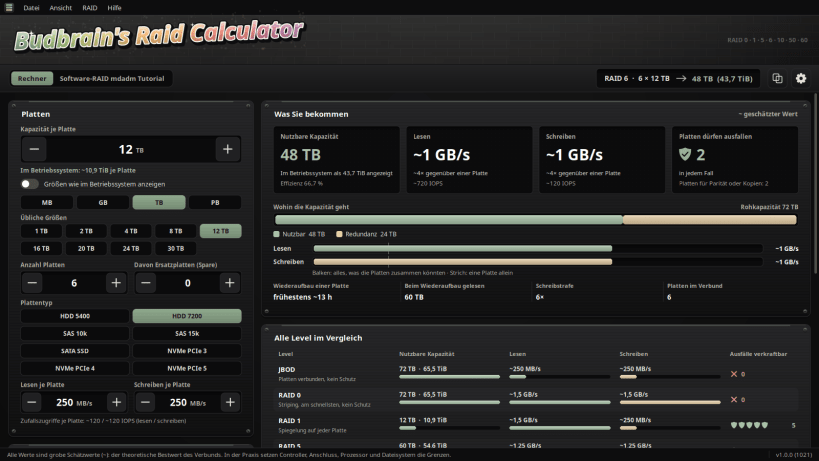
Plan your disk array — space, speed and safety of every RAID level
How much space do your disks really give you, how fast will the array be, and how many disks may fail? jsBudbrainsRaidCalculator answers the moment you change a value.
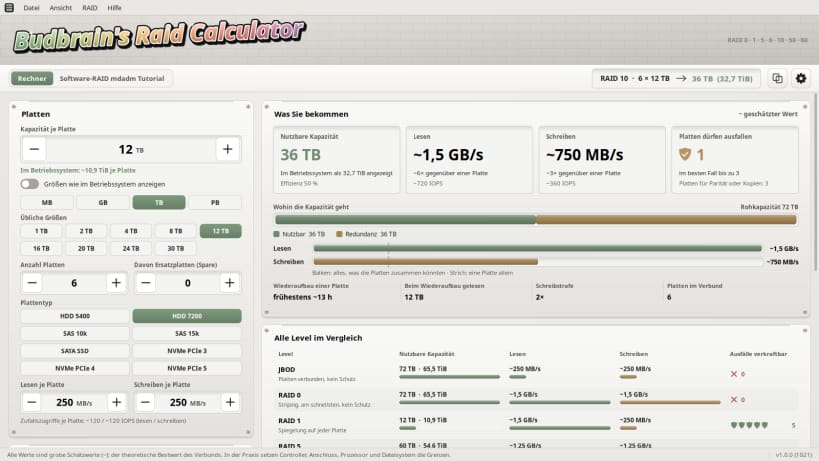
Enter the size and number of your disks, pick a RAID level and see what you get — and how the same disks would do with every other level, side by side.
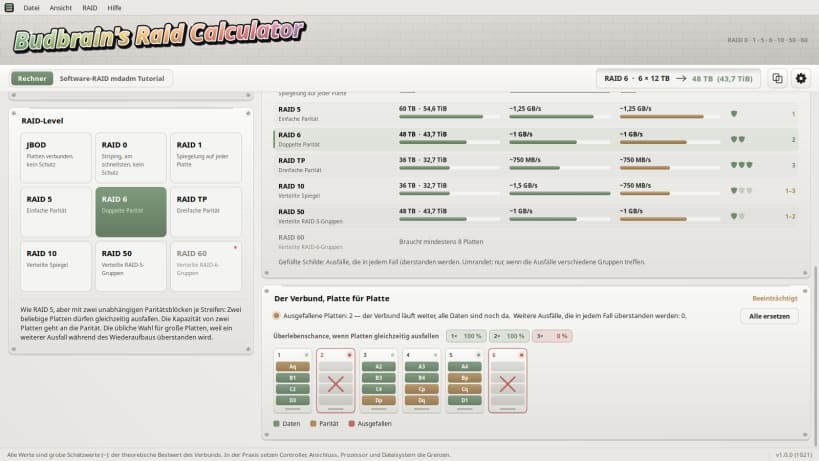
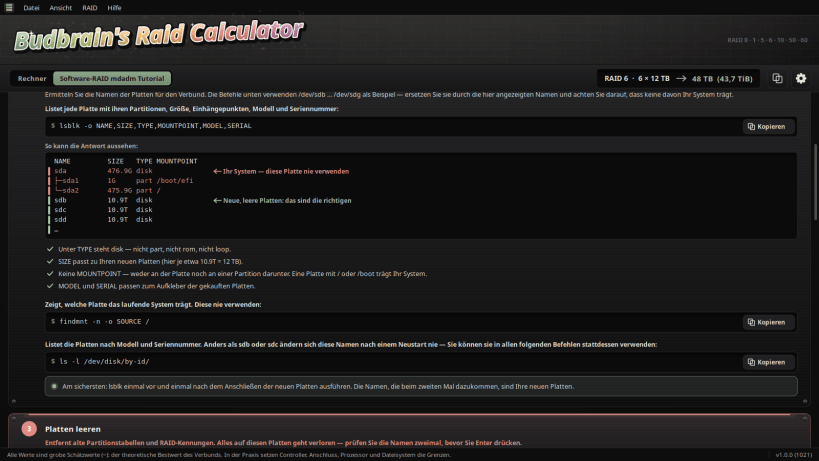
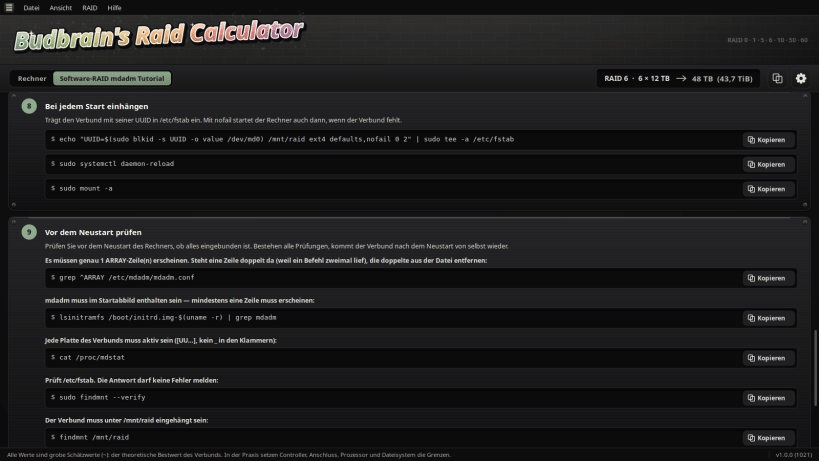
Let a disk fail with one click and see whether your data survives. Once you have decided, a step-by-step guide builds exactly that array on Linux, with every command ready to copy and a check before the restart.
- Usable space, also as your system will show it
- Reading and writing speed, estimated for your disks
- How many disks may fail — in any case and at best
- JBOD, RAID 0, 1, 5, 6, 10, 50, 60 and triple parity
- Hot spares and how long a rebuild takes
- All levels compared at a glance
- Light and dark
- Software RAID guide for Linux: step by step, every command ready to copy
Available in 83 languages. All figures are rough estimates.
Keywords: raid calculator, raid, nas, disk array, storage, hard drive, ssd, mdadm, software raid, hot spare
Also available as .deb, RPM, Flatpak, AppImage and for Arch at www.budbrain.de
| Revision | Channel | Version | Build | Commit | Download SBOM |
|---|
The build and commit information is derived from build infrastructure records.
Install jsBudbrainsRaidCalculator on your Linux distribution
Choose your Linux distribution to get detailed installation instructions. If yours is not shown, get more details on the installing snapd documentation.


