

jsBudbrainsVisualizerEQ
Install latest/stable of jsBudbrainsVisualizerEQ
Ubuntu 16.04 or later?
Make sure snap support is enabled in your Desktop store.
Install using the command line
sudo snap install jsbudbrainsvisualizereqDon't have snapd? Get set up for snaps.
Details for jsBudbrainsVisualizerEQ
Package name
- jsbudbrainsvisualizereq
License
- Proprietary
Last updated
- Yesterday - latest/stable
Websites
Contact
External link warning
You are about to open
Do you wish to proceed?
Report a Snap Store violation
Report jsBudbrainsVisualizerEQ for a Snap Store violation
Snap Store Violation Report submitted successfully
Thank you for your report. Information you provided will help us investigate further.
Error submitting report
There was an error while sending your report. Please try again later.
Share this snap
Generate an embeddable card to be shared on external websites.
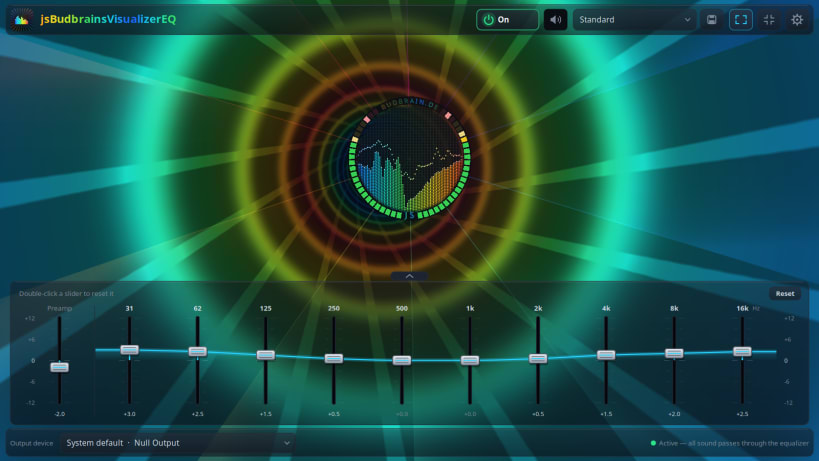
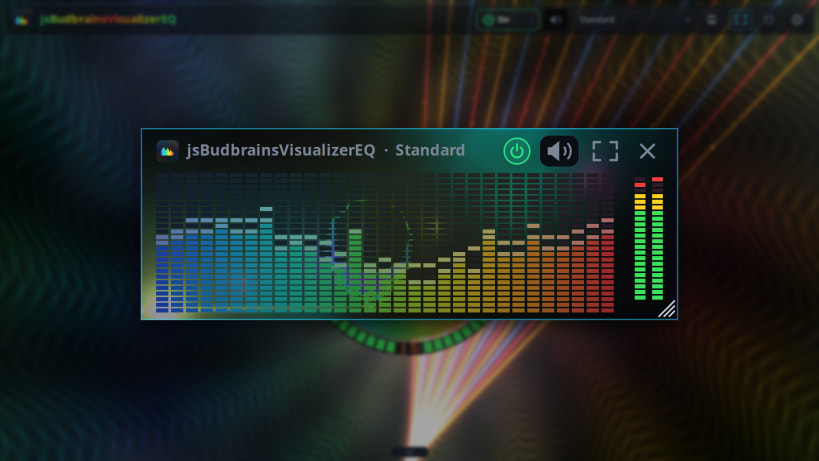
An equalizer for all your sound, with pictures that move to the music
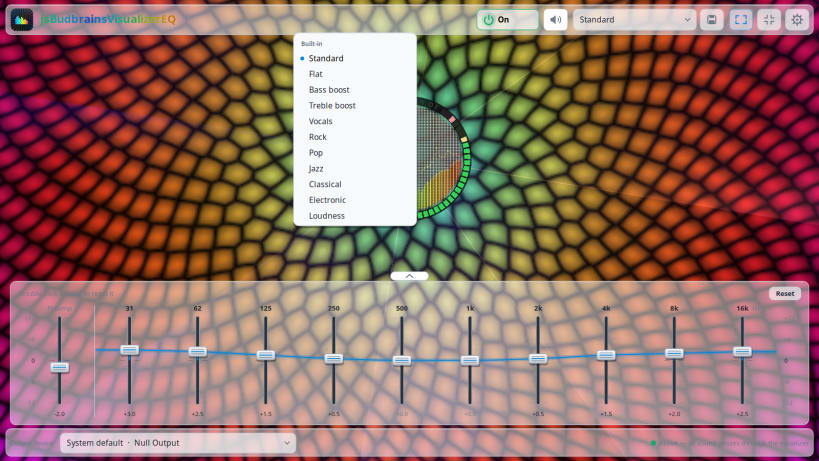
Make everything you hear sound just the way you like it – music, films, games and calls – and watch your music come alive on the screen.
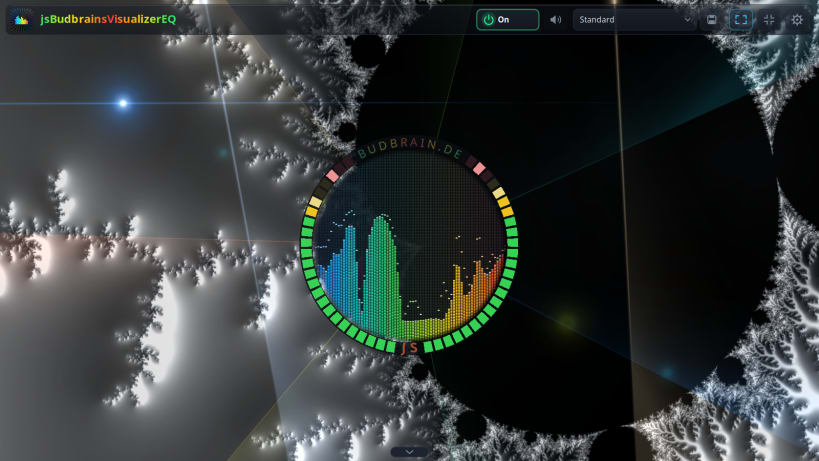
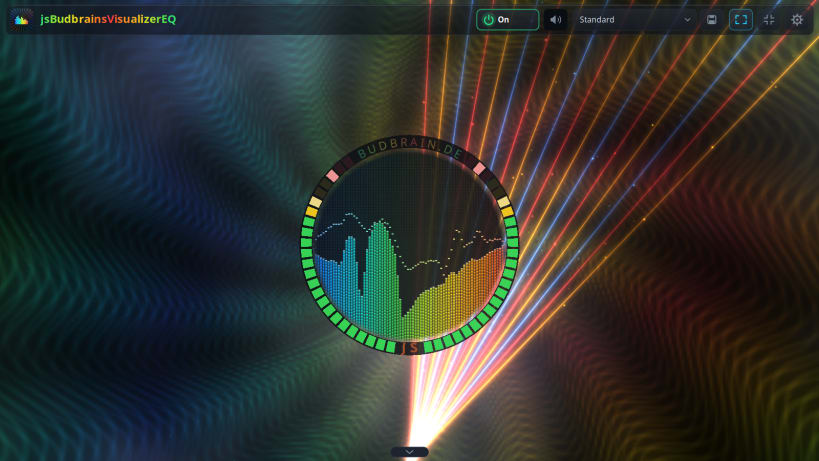
The animations follow the beat and keep changing, so there is always something new to see. Turn them into a light show on the whole screen, or let them play quietly beside your work.
Find your sound in a moment and keep your favourites. One click brings back the original sound whenever you want it.
- Fuller bass, clearer voices, brighter highs
- Animations that dance to your music
- A light show for the whole screen
- Your favourite sound, ready whenever you need it
- For your speakers and your headphones
- Quiet in a second when the phone rings
- Keeps you company in a small window while you work
Available in 83 languages.
Keywords: equalizer, music visualizer, visualizer, sound equalizer, bass boost, fractals, music, speakers, headphones
Also available as .deb, RPM, Flatpak, AppImage and for Arch at www.budbrain.de
Developed by Josef Sejrek / Budbrain Software
| Revision | Channel | Version | Build | Commit | Download SBOM |
|---|
The build and commit information is derived from build infrastructure records.
Install jsBudbrainsVisualizerEQ on your Linux distribution
Choose your Linux distribution to get detailed installation instructions. If yours is not shown, get more details on the installing snapd documentation.


