

jsCpuMonitor
Install latest/stable of jsCpuMonitor
Ubuntu 16.04 or later?
Make sure snap support is enabled in your Desktop store.
Install using the command line
sudo snap install jscpumonitorDon't have snapd? Get set up for snaps.
Details for jsCpuMonitor
Package name
- jscpumonitor
License
- Proprietary
Last updated
- 18 October 2026 - latest/stable
Websites
Contact
External link warning
You are about to open
Do you wish to proceed?
Report a Snap Store violation
Report jsCpuMonitor for a Snap Store violation
Snap Store Violation Report submitted successfully
Thank you for your report. Information you provided will help us investigate further.
Error submitting report
There was an error while sending your report. Please try again later.
Share this snap
Generate an embeddable card to be shared on external websites.
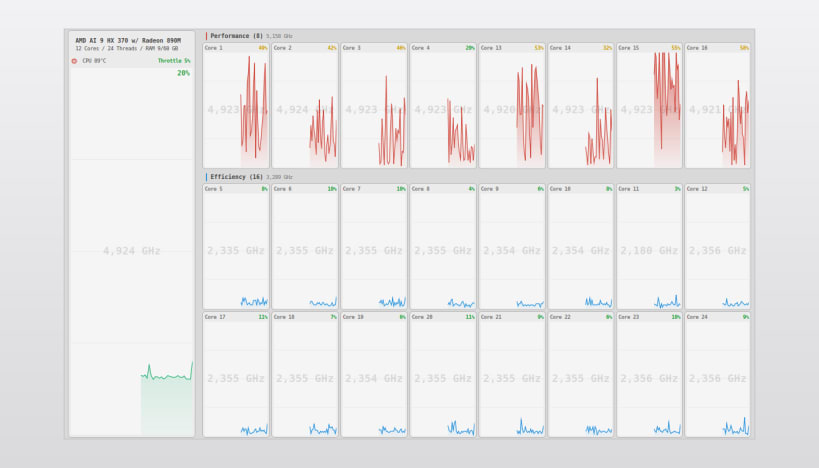
Per-core CPU monitor for the Linux desktop
„What's new"
- Settings/icon to big fix.
Appinfo:
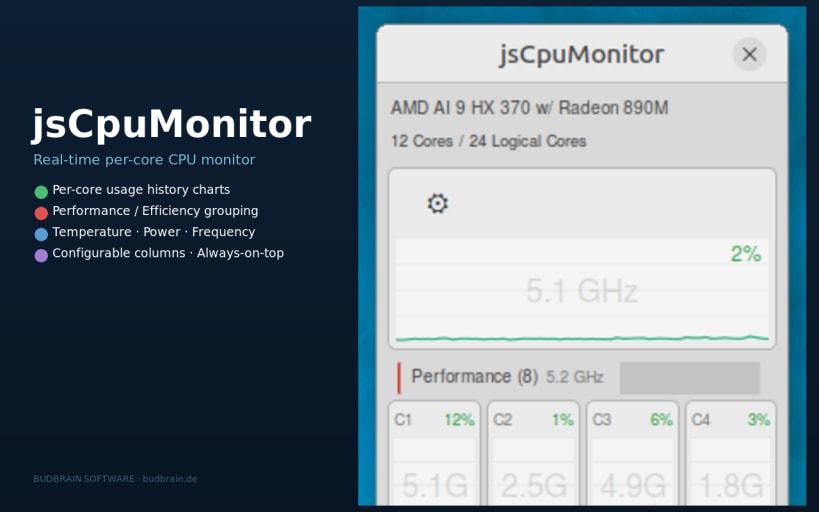
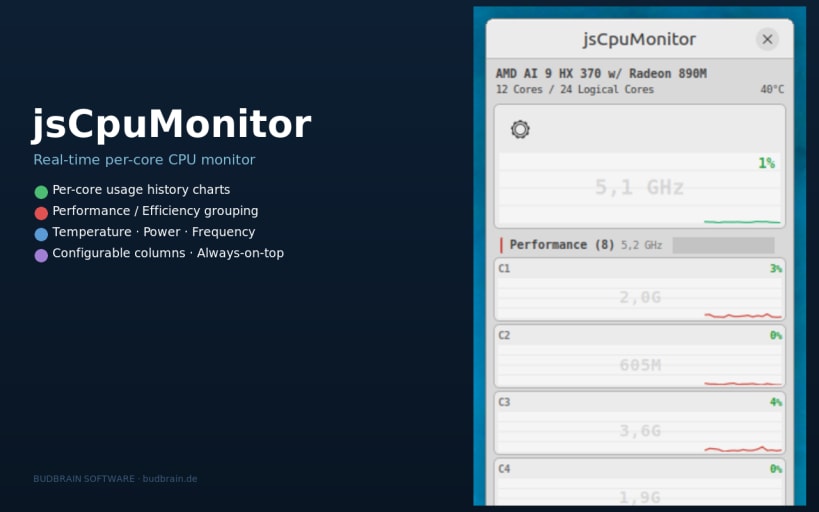
Floating always-on-top window showing real-time CPU utilisation for every logical core. Displays usage history charts, per-core frequency,1) „What's new"
CPU temperature, RAM usage and power consumption (Intel RAPL).
Features:
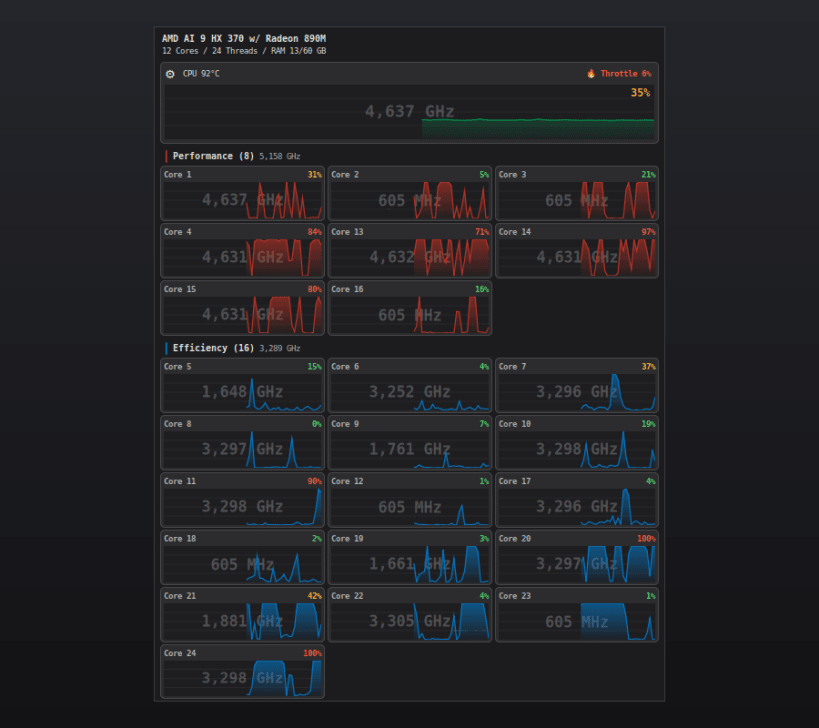
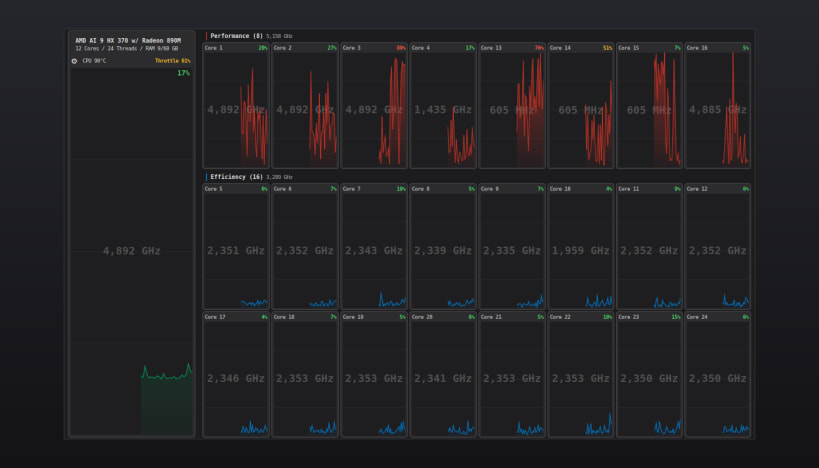
- Per-core area chart with 60-second history
- Total CPU aggregate chart
- Per-core frequency (via cpufreq)
- CPU temperature (x86_pkg_temp / coretemp / k10temp)
- Intel RAPL package power in watts
- RAM usage
- Throttle indicator (turns red when the CPU throttles due to heat)
- Available in 44 languages (Automatic follows the system language)
- Upright strip or wide bar — put it where it fits
- Light and dark theme (Automatic follows the desktop)
- All colours configurable
- Window position and size are remembered across sessions
- Crash reporter with optional e-mail support
▶ TEMPERATURE, POWER & FREQUENCY READINGS
sudo snap connect jscpumonitor:hardware-observe
The app works without it — those fields are simply hidden until connected. No reboot or restart required.
Supported systems:
- Ubuntu 24.04+, Fedora 40+, Arch Linux, openSUSE Tumbleweed
- Any Linux desktop with X11 or Wayland
- x86_64 (64-bit)
Also available as .deb and .rpm, flatpack, AppImage at www.budbrain.de
Developed by Josef Sejrek / Budbrain Software Contact: jsCPUMonitor@budbrain.de | www.budbrain.de
| Revision | Channel | Version | Build | Commit | Download SBOM |
|---|
The build and commit information is derived from build infrastructure records.
Install jsCpuMonitor on your Linux distribution
Choose your Linux distribution to get detailed installation instructions. If yours is not shown, get more details on the installing snapd documentation.











