
jsNetMonitor
Contact us about Snaps and IoT ›
Install latest/stable of jsNetMonitor
Ubuntu 16.04 or later?
Make sure snap support is enabled in your Desktop store.
Install using the command line
sudo snap install jsnetmonitorDon't have snapd? Get set up for snaps.
Details for jsNetMonitor
Package name
- jsnetmonitor
License
- Proprietary
Last updated
- Today - latest/stable
Websites
Contact
External link warning
You are about to open
Do you wish to proceed?
Report a Snap Store violation
Report jsNetMonitor for a Snap Store violation
Snap Store Violation Report submitted successfully
Thank you for your report. Information you provided will help us investigate further.
Error submitting report
There was an error while sending your report. Please try again later.
Share this snap
Generate an embeddable card to be shared on external websites.
Network monitor — every device, every connection, every program
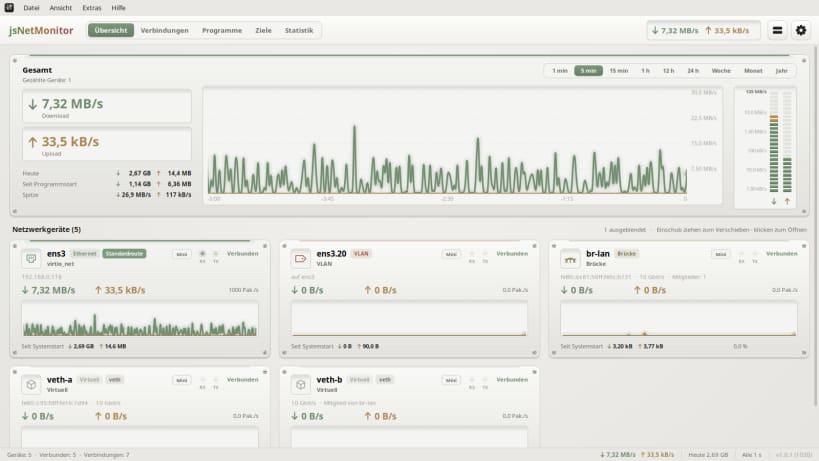
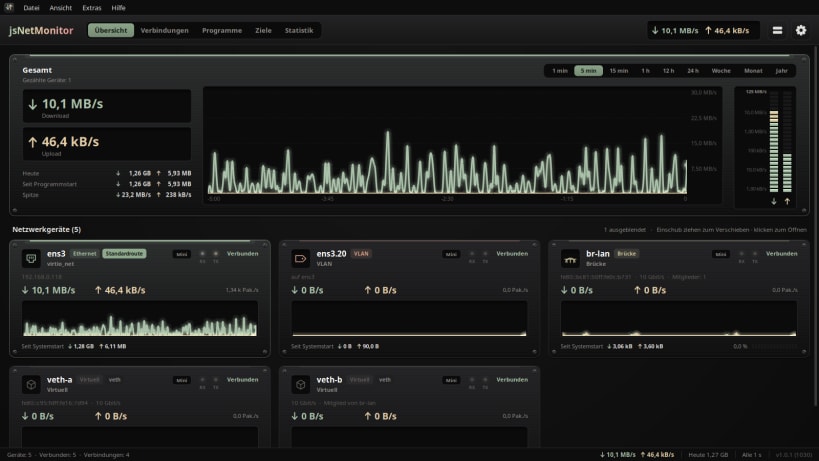
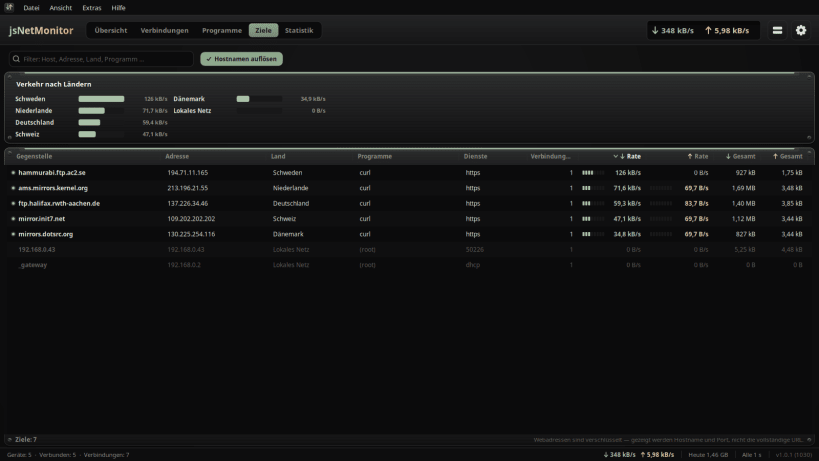
jsNetMonitor shows the traffic of every network connection of your computer live — cable, Wi-Fi, mobile, bundled connections, bridges, VLANs and VPN tunnels — in the look of a studio rack.
- Download and upload of each device, as smooth curves and level meters
- Which program uses the network, and how much
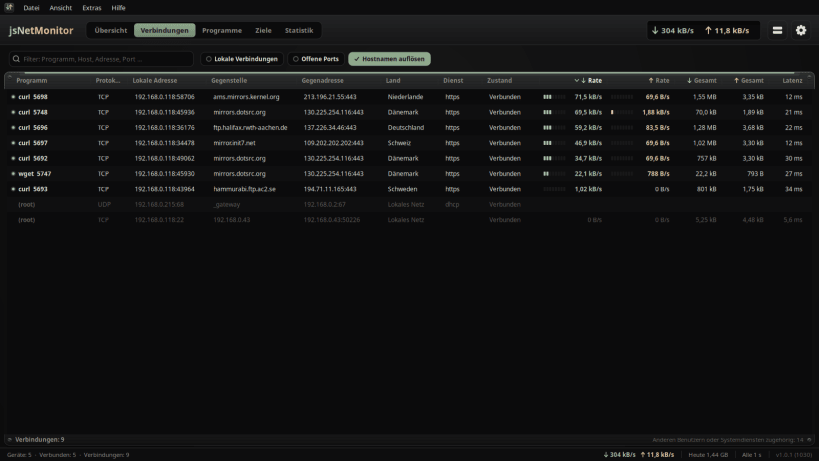
- Every connection with remote host, country, service, state, speed and latency
- Where your traffic goes: destinations and countries at a glance
- Your total traffic over minutes, hours, a week, a month or a whole year
- Traffic per day and month, kept across restarts
- The network chip, its driver, firmware and link details
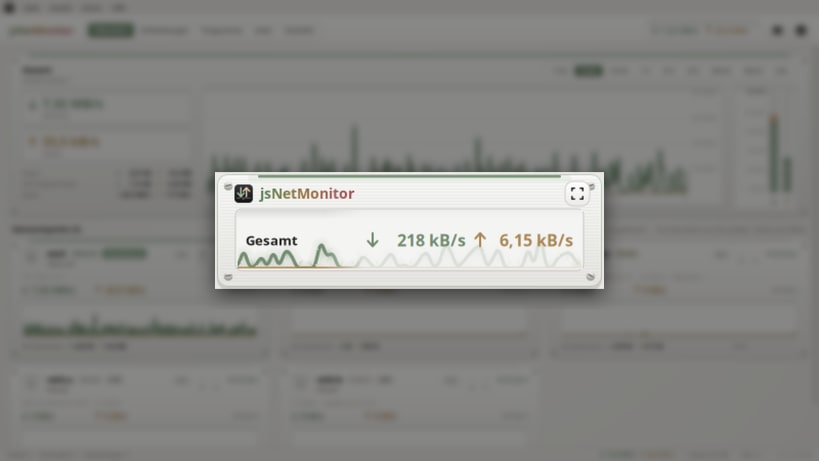
- A small minimal view that stays on top
- Arrange the device units as you like — the layout is remembered
- Lists you can sort, widen and trim to the columns you need
- Light and dark, in 83 languages
To see connections, programs and hardware details, paste this one line into a terminal and press Enter, then restart jsNetMonitor:
sudo sh -c 'for i in network-observe system-observe hardware-observe; do snap connect jsnetmonitor:$i; done'
Keywords: network monitor, bandwidth, traffic, connections, netstat, network speed, ethernet, wifi, vpn, data usage
Also available as .deb, RPM, Flatpak, AppImage and for Arch at www.budbrain.de
| Revision | Channel | Version | Build | Commit | Download SBOM |
|---|
The build and commit information is derived from build infrastructure records.
Install jsNetMonitor on your Linux distribution
Choose your Linux distribution to get detailed installation instructions. If yours is not shown, get more details on the installing snapd documentation.











