

jssysinfo
Install latest/stable of jssysinfo
Ubuntu 16.04 or later?
Make sure snap support is enabled in your Desktop store.
Details for jssysinfo
Package name
- jssysinfo
License
- Proprietary
Last updated
- 20 October 2026 - latest/stable
Websites
External link warning
You are about to open
Do you wish to proceed?
Report a Snap Store violation
Report jssysinfo for a Snap Store violation
Snap Store Violation Report submitted successfully
Thank you for your report. Information you provided will help us investigate further.
Error submitting report
There was an error while sending your report. Please try again later.
Share this snap
Generate an embeddable card to be shared on external websites.
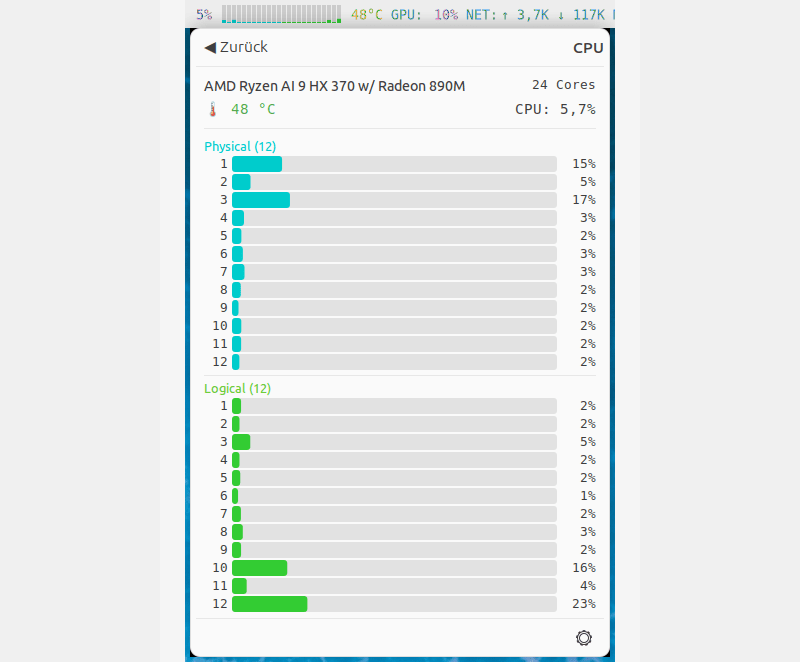
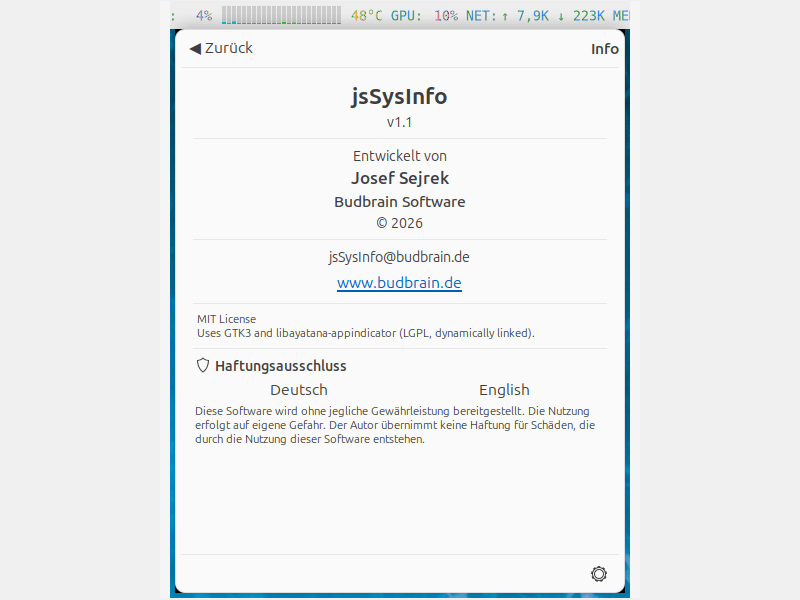
Shows CPU, GPU, temperature, network speed, memory and swap in the system tray with colored text and mini CPU core bars.
Shows CPU, GPU, temperature, network speed, memory and swap in the system tray with colored text and mini CPU core bars.
After this, jsSysInfo starts automatically.
What's new in 1.14
 • now in 83 languages
 • Optional background box and Celsius/Fahrenheit
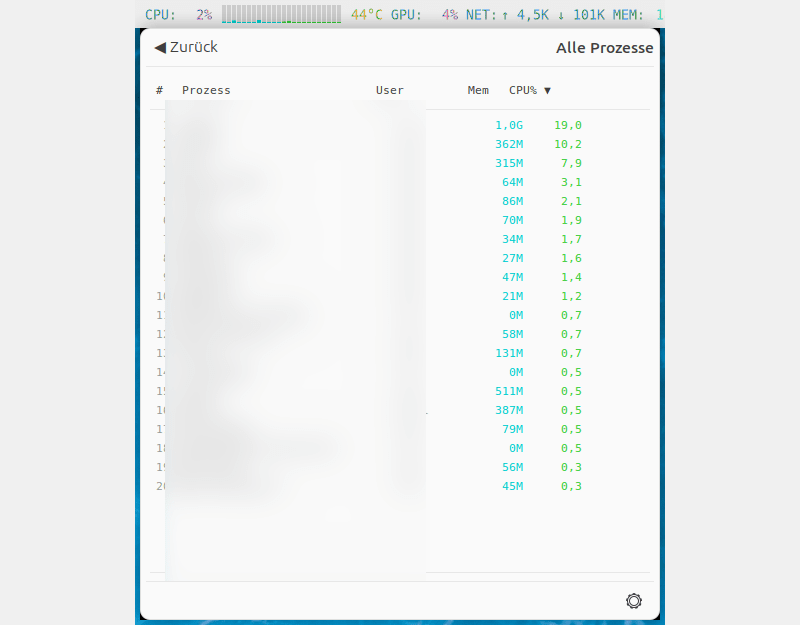
 • Process names are no longer cut short
Features:
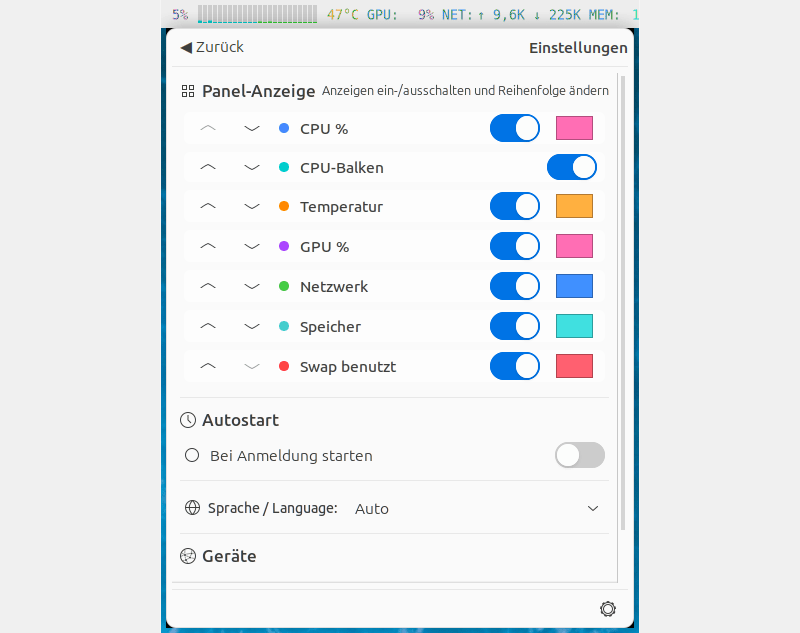
- Colored panel display: CPU%, GPU%, temperature, network, memory, swap
- Per-core CPU bars with physical/logical core distinction
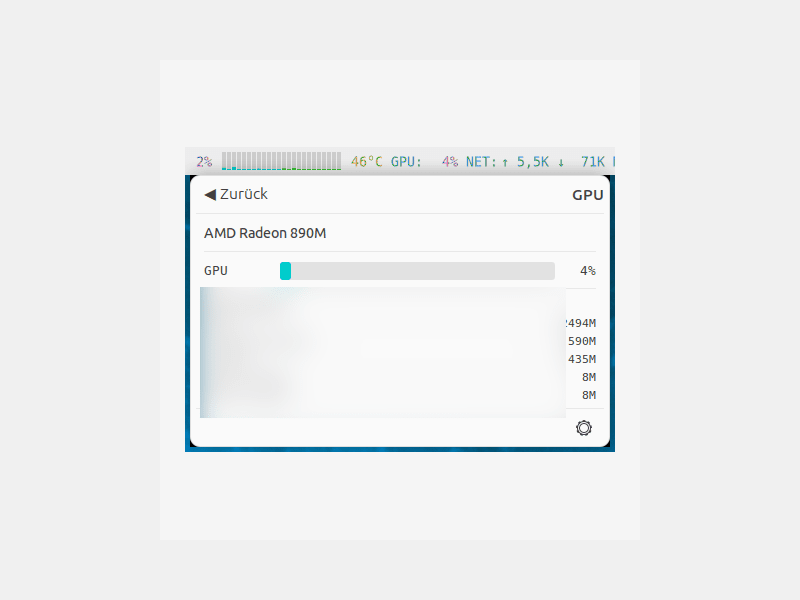
- GPU utilization and per-process VRAM usage (AMD, Intel, NVIDIA)
- Sortable process list with terminate/kill
- Configurable display order, colors, device selection
- Light and dark theme (automatic or manual)
- Available in 83 languages
Supported systems:
- Ubuntu 24.04+, Fedora 40+, Arch Linux, openSUSE Tumbleweed
- Any Linux desktop with GNOME, KDE, XFCE, MATE or Cinnamon
- x86_64 (64-bit)
Also available as .deb and .rpm, flatpack, AppImage at www.budbrain.de
Developed by Josef Sejrek / Budbrain Software Contact: jssysinfo@budbrain.de | www.budbrain.de
─────────────────────────────────────────── system tray · system monitor · cpu monitor · gpu monitor · memory monitor network monitor · temperature monitor · swap monitor · taskbar monitor · panel indicator cpu usage · gpu usage · ram usage · process manager · hardware monitor linux system monitor · tray applet · appindicator · resource monitor · top
| Revision | Channel | Version | Build | Commit | Download SBOM |
|---|
The build and commit information is derived from build infrastructure records.
Install jssysinfo on your Linux distribution
Choose your Linux distribution to get detailed installation instructions. If yours is not shown, get more details on the installing snapd documentation.











