

Kingfisher
Install latest/stable of Kingfisher
Ubuntu 16.04 or later?
Make sure snap support is enabled in your Desktop store.

Details for Kingfisher
Package name
- kingfisher
License
- GPL-3.0-or-later
Last updated
- Today - latest/stable
- Today - latest/candidate
Report a bug
External link warning
You are about to open
Do you wish to proceed?
Report a Snap Store violation
Report Kingfisher for a Snap Store violation
Snap Store Violation Report submitted successfully
Thank you for your report. Information you provided will help us investigate further.
Error submitting report
There was an error while sending your report. Please try again later.
Share this snap
Generate an embeddable card to be shared on external websites.
Copy text from anything on your screen
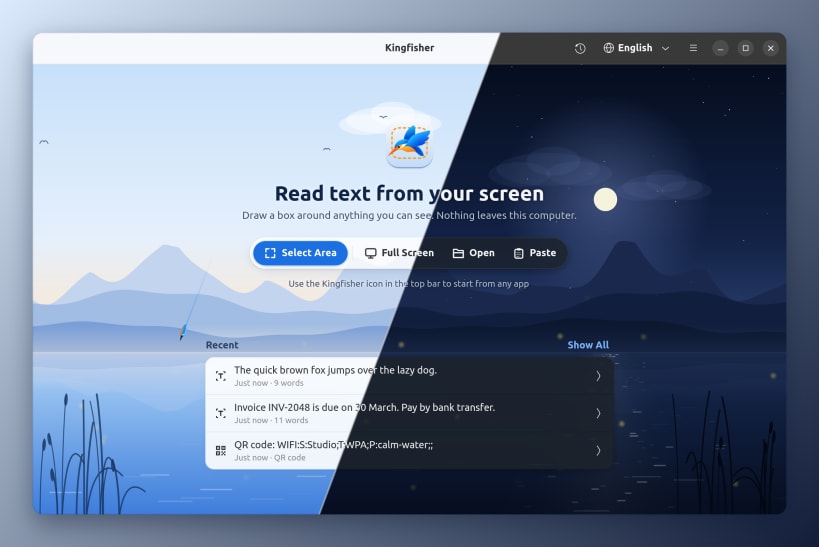
Kingfisher reads the text in anything you can see: a video, a photo, a scanned PDF, an error message. Select an area of the screen and the text is on your clipboard, ready to paste.
The text is read on your computer, without an internet connection, so private documents never leave it. Kingfisher is free and open source.
- Precise area selection on any monitor
- Read the whole screen, image files and images on the clipboard
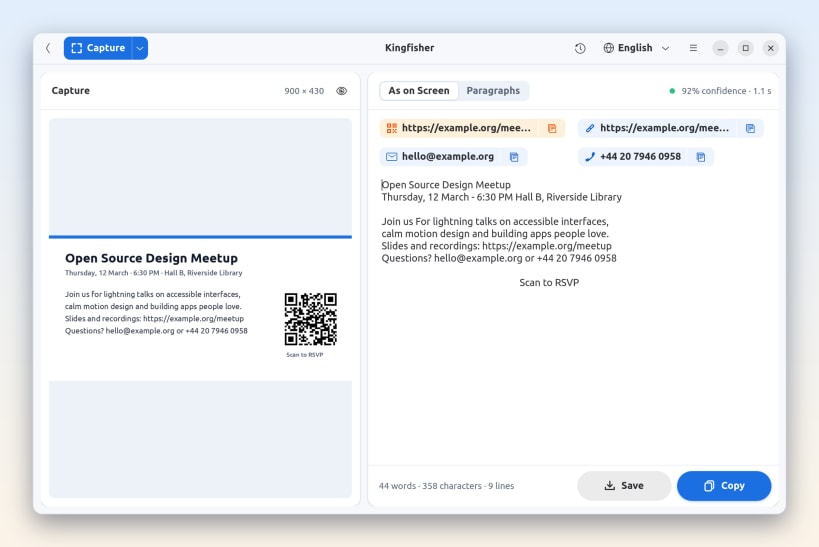
- QR codes and barcodes
- Open links, email addresses and phone numbers with one click
- Keep the original layout or join wrapped lines into paragraphs
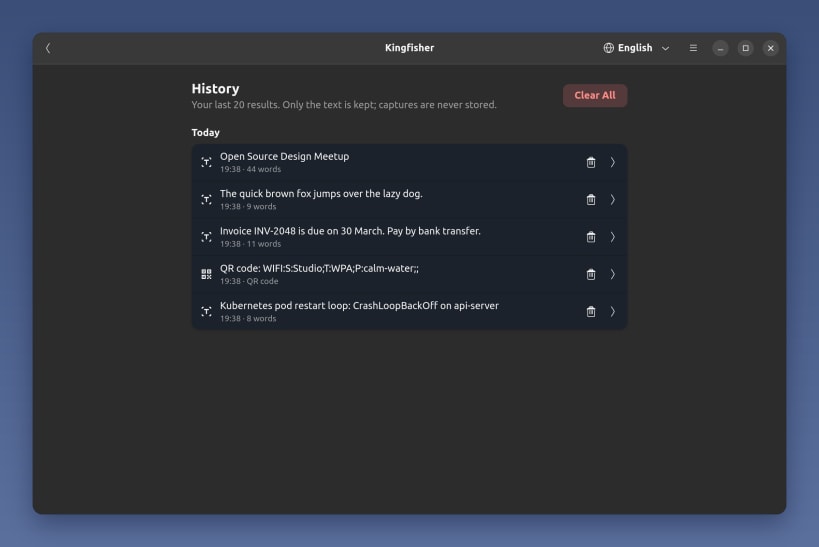
- History of your last 20 results, saved as text only
- Top-bar icon, and a keyboard shortcut you can add in Settings
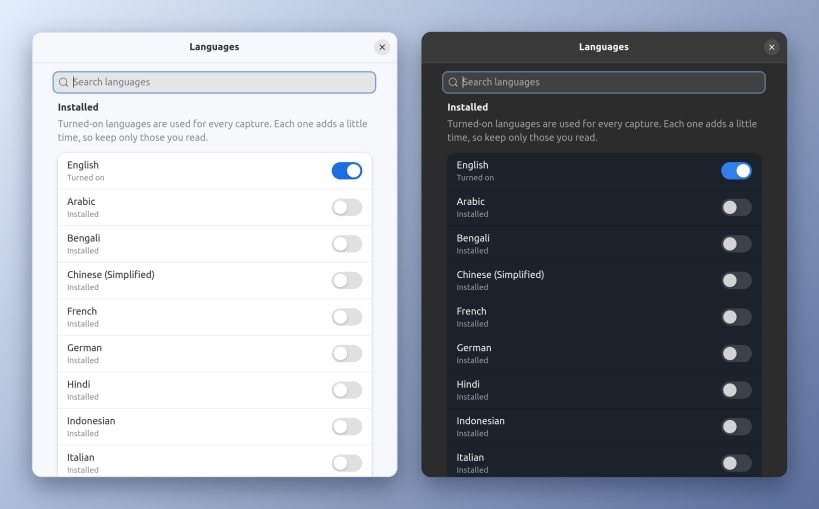
- English and 20 other languages included, among them Arabic, Chinese, Hindi, Japanese, Russian and Spanish
- Light and dark styles
| Revision | Channel | Version | Build | Commit | Download SBOM |
|---|
The build and commit information is derived from build infrastructure records.
Install Kingfisher on your Linux distribution
Choose your Linux distribution to get detailed installation instructions. If yours is not shown, get more details on the installing snapd documentation.


