

Kiosc
Contact us about Snaps and IoT ›
Install latest/stable of Kiosc
Ubuntu 16.04 or later?
Make sure snap support is enabled in your Desktop store.
Details for Kiosc
Package name
- kiosc
License
- Proprietary
Last updated
- 13 May 2024 - latest/stable
- 13 May 2024 - latest/beta
Websites
Contact
External link warning
You are about to open
Do you wish to proceed?
Report a Snap Store violation
Report Kiosc for a Snap Store violation
Snap Store Violation Report submitted successfully
Thank you for your report. Information you provided will help us investigate further.
Error submitting report
There was an error while sending your report. Please try again later.
Share this snap
Generate an embeddable card to be shared on external websites.
Customise your touch screen user-interface
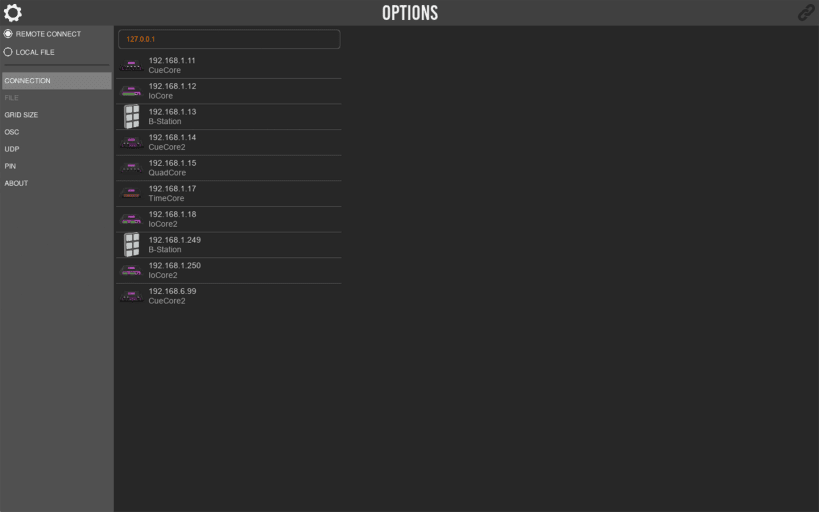
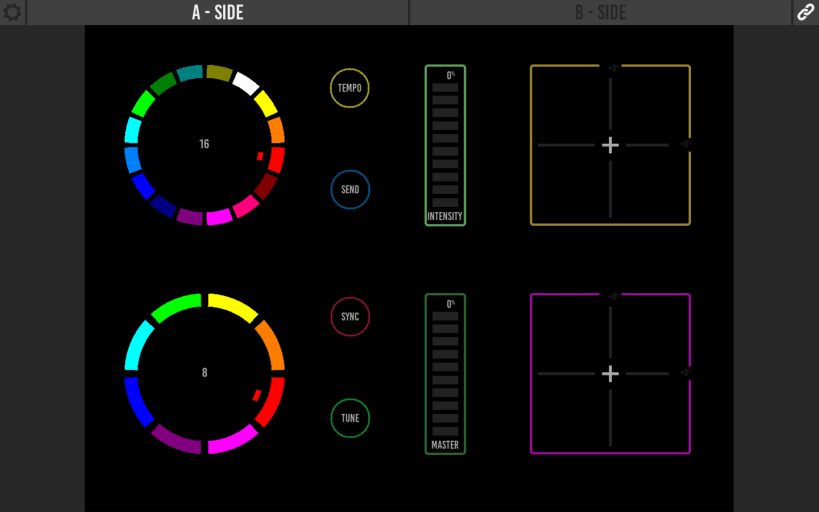
Kiosc is an app for creating custom touch screen user-interfaces for the Visual Productions’ range of lighting controllers. Kiosc is designed to have no editing capability, making it a fool-proof interface that can safely be presented to non-technical operators.
Remote control our lighting controllers Kiosc is the ideal way to remote control our solid-state lighting controllers like CueCore2, QuadCore and B-Station. You can also use it control our CueluxPro software. Kiosc enables you to choose scenes or presets, set intensity levels or choose RGB colours.
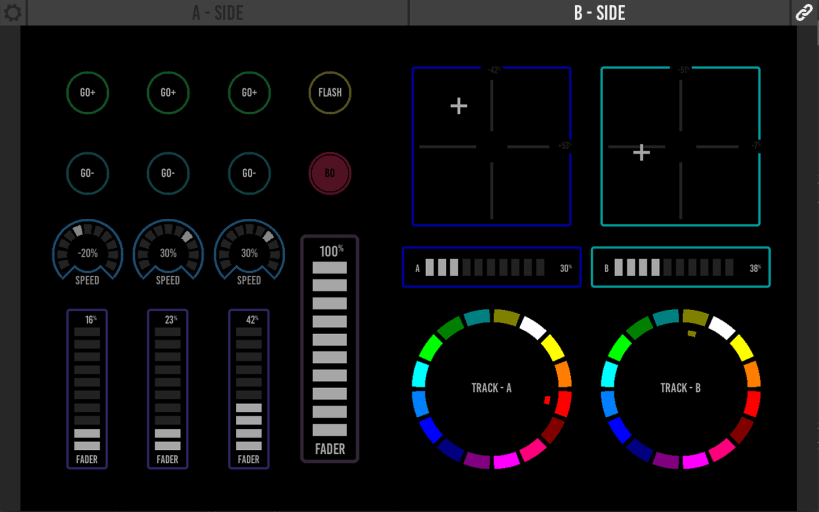
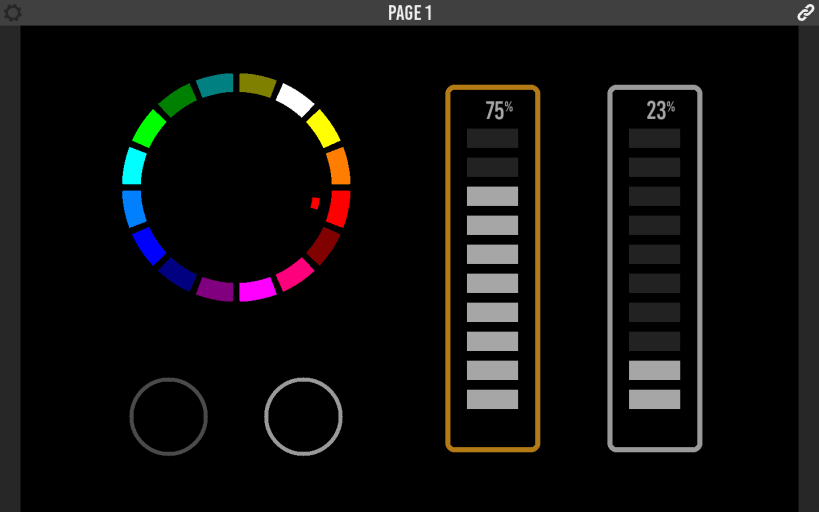
Design your own dashboard Kiosc gives you the freedom to design your own control interface. You can make as simple or extensive as you like. Control elements like buttons, sliders, colour pickers, xy-control and labels are at your disposal.
Run on any platform Kiosc is available on desktop and mobile operating systems. You can download Kiosc for Windows, MacOS, Ubuntu Linux, iOS and Android via the corresponding App stores.
| Revision | Channel | Version | Build | Commit | Download SBOM |
|---|
The build and commit information is derived from build infrastructure records.
Install Kiosc on your Linux distribution
Choose your Linux distribution to get detailed installation instructions. If yours is not shown, get more details on the installing snapd documentation.











