

Koodo Reader
Install latest/stable of Koodo Reader
Ubuntu 16.04 or later?
Make sure snap support is enabled in your Desktop store.
Install using the command line
sudo snap install koodo-readerDon't have snapd? Get set up for snaps.
Details for Koodo Reader
Package name
- koodo-reader
License
- AGPL-1.0-or-later
Last updated
- 15 October 2026 - latest/stable
- 15 October 2026 - latest/edge
Websites
Contact
External link warning
You are about to open
Do you wish to proceed?
Report a Snap Store violation
Report Koodo Reader for a Snap Store violation
Snap Store Violation Report submitted successfully
Thank you for your report. Information you provided will help us investigate further.
Error submitting report
There was an error while sending your report. Please try again later.
Share this snap
Generate an embeddable card to be shared on external websites.
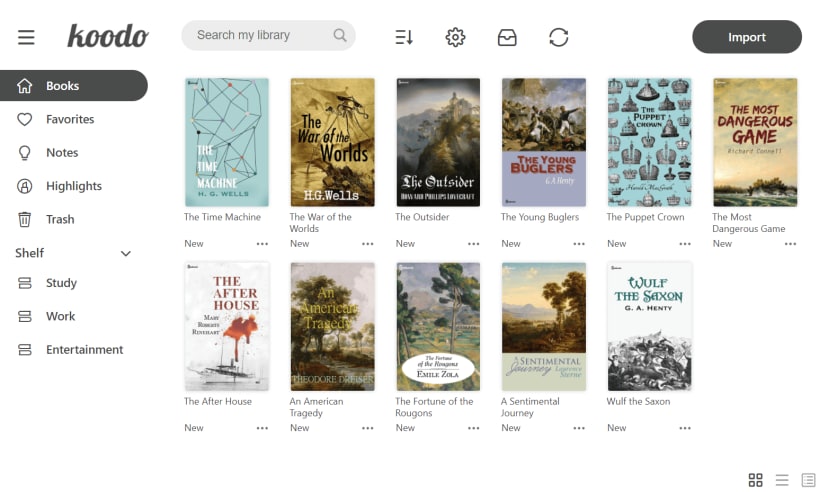
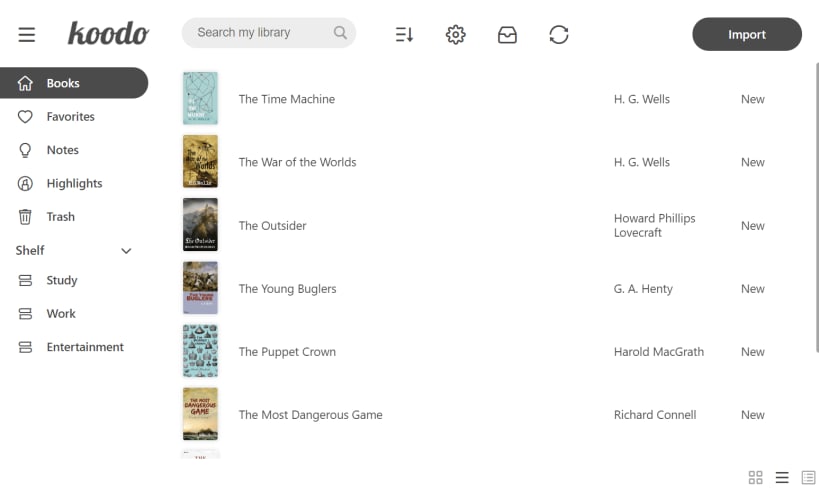
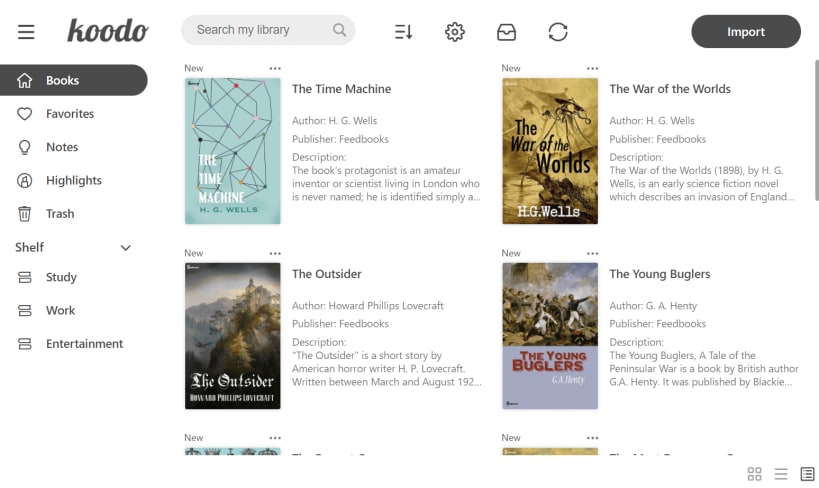
Koodo Reader is a full-featured ebook manager and reader
Koodo Reader is a powerful ebook reader designed to provide a simple and easy-to-use reading experience.
Format support:
• EPUB (.epub)
• PDF (.pdf)
• DRM-free Mobipocket (.mobi) and Kindle (.azw3, .azw)
• Plain text (.txt)
• FictionBook (.fb2)
• Comic book archive (.cbr, .cbz, .cbt, .cb7)
• Rich text (.md, .docx)
• Hyper Text (.html, .xml, .xhtml, .mhtml, .htm)
Platform support: Windows, macOS, Linux, Android, iOS, and Web
Utilize OneDrive, Google Drive, Dropbox, MEGA, pCloud, Aliyun Drive, Box, FTP, SFTP, WebDAV, Object Storage to sync and backup your data.
Easily import books from OneDrive, Google Drive, MEGA, Aliyun Drive, Box, FTP, SFTP, WebDAV, Object Storage
AI Translation, AI Dictionary, AI Summarization
Single-column, two-column, or continuous scrolling layouts
Text-to-speech, translation, dictionary, touch screen support, batch import
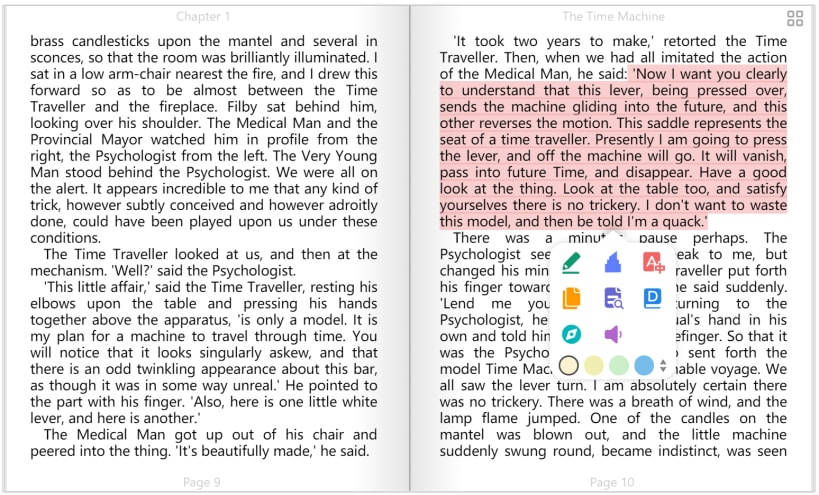
Add bookmarks, notes, highlights to your books
Adjust font size, font family, line-spacing, paragraph spacing, background color, text color, margins, and brightness
Night mode and theme color
Text highlight, underline, boldness, italics, and shadow
| Revision | Channel | Version | Build | Commit | Download SBOM |
|---|
The build and commit information is derived from build infrastructure records.
Install Koodo Reader on your Linux distribution
Choose your Linux distribution to get detailed installation instructions. If yours is not shown, get more details on the installing snapd documentation.











