

Lahza
Install latest/stable of Lahza
Ubuntu 16.04 or later?
Make sure snap support is enabled in your Desktop store.

Details for Lahza
Package name
- lahza
License
- MIT
Last updated
- 31 October 2026 - latest/stable
Report a Snap Store violation
Report Lahza for a Snap Store violation
Snap Store Violation Report submitted successfully
Thank you for your report. Information you provided will help us investigate further.
Error submitting report
There was an error while sending your report. Please try again later.
Share this snap
Generate an embeddable card to be shared on external websites.
Screenshot and recording studio for Linux
Capture screenshots and screen recordings, then turn them into polished visuals with backgrounds, annotations, motion presets, and scene templates. Edit locally and export images or videos.
- Capture screens, windows, or areas. Record with system and microphone audio, pause and resume, and save editable projects with autosave.
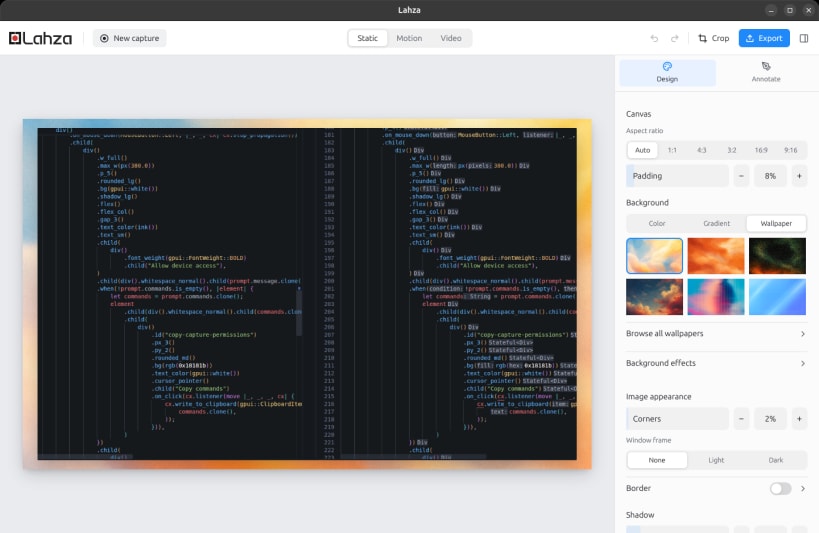
- Style captures with backgrounds, rounded corners, shadows, window frames, watermarks, and 3D perspective. Save reusable presets.
- Add arrows, shapes, text, numbered steps, and highlights. Blur sensitive details and animate annotations with custom timing.
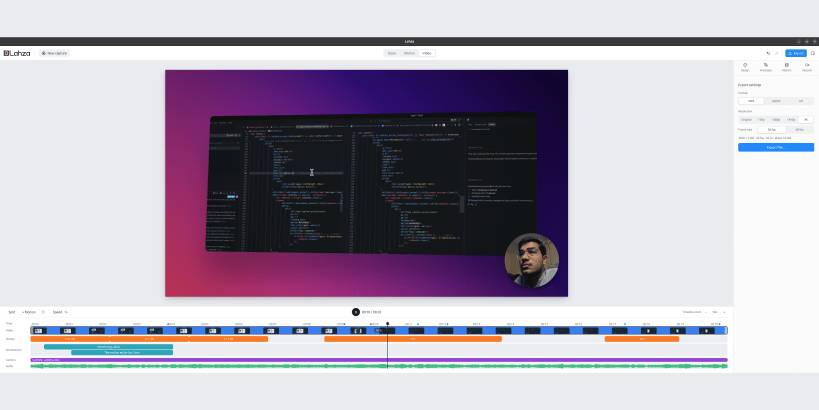
- Trim, split, and change clip speed. Add zooms, pans, 3D motion, and camera overlays. Cursor effects and click-based zooms require input metadata.
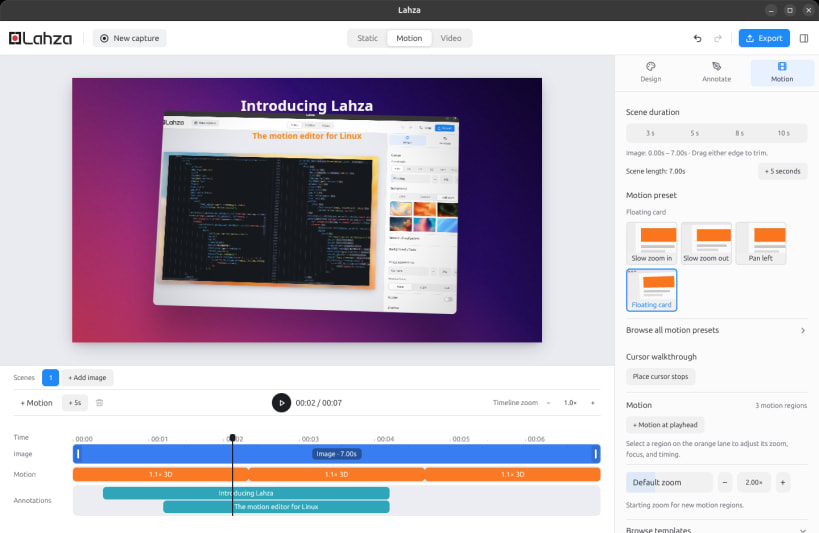
- Animate screenshots with motion presets, timed captions, and cursor walkthroughs. Start with templates for launches, tutorials, and more.
- Export PNG, MP4, WebM, or GIF, with video output up to 4K at 30 or 60 fps.
Camera and audio recording may require Snap interface connections. Follow the app's Allow device access prompt when needed.
| Revision | Channel | Version | Build | Commit | Download SBOM |
|---|
The build and commit information is derived from build infrastructure records.
Install Lahza on your Linux distribution
Choose your Linux distribution to get detailed installation instructions. If yours is not shown, get more details on the installing snapd documentation.











