

Laser Range Sharpshooter (laser-range-shooter)
Install latest/stable of Laser Range Sharpshooter
Ubuntu 16.04 or later?
Make sure snap support is enabled in your Desktop store.
Install using the command line
sudo snap install laser-range-shooterDon't have snapd? Get set up for snaps.

Details for Laser Range Sharpshooter
Package name
- laser-range-shooter
License
- MIT
Last updated
- Today - latest/stable
Websites
Contact
External link warning
You are about to open
Do you wish to proceed?
Report a Snap Store violation
Report Laser Range Sharpshooter for a Snap Store violation
Snap Store Violation Report submitted successfully
Thank you for your report. Information you provided will help us investigate further.
Error submitting report
There was an error while sending your report. Please try again later.
Share this snap
Generate an embeddable card to be shared on external websites.
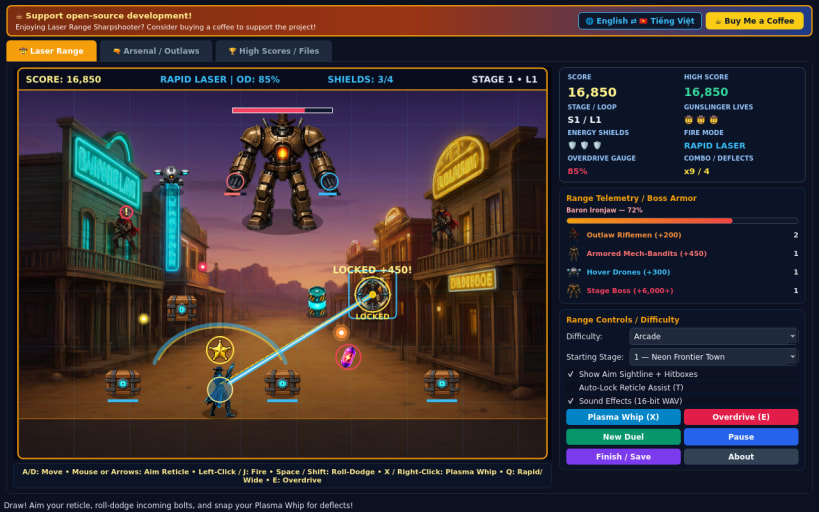
60 FPS sci-fi Wild West laser gallery shooter with roll-dodge and bosses
A fast-paced 60 FPS sci-fi Wild West gallery rail shooter for Linux featuring 2D cel-shaded sprites, independent cursor and directional reticle aiming, dive roll-dodges, melee plasma whip deflection, and 16-bit PCM WAV audio.
FEATURES
- Frontier Gallery Action: Strafe behind destructible foreground cover while sweeping an independent targeting reticle across depth lanes in Neon Frontier Town, Armored Canyon Express, and Mech Sheriff Citadel.
- Roll-Dodge & Plasma Whip Deflect: Dive roll with brief invincibility to evade incoming crossfire, or snap your plasma whip to deflect close-range bolts straight back toward your reticle for overdrive bonus charge.
- Rapid Laser, Wide Pulse & Overdrive: Toggle Rapid Laser and Wide Pulse modes, shatter crates for shield packs and gems, and blast plasma fuel casks to trigger chain shockwaves against multi-turret stage bosses.
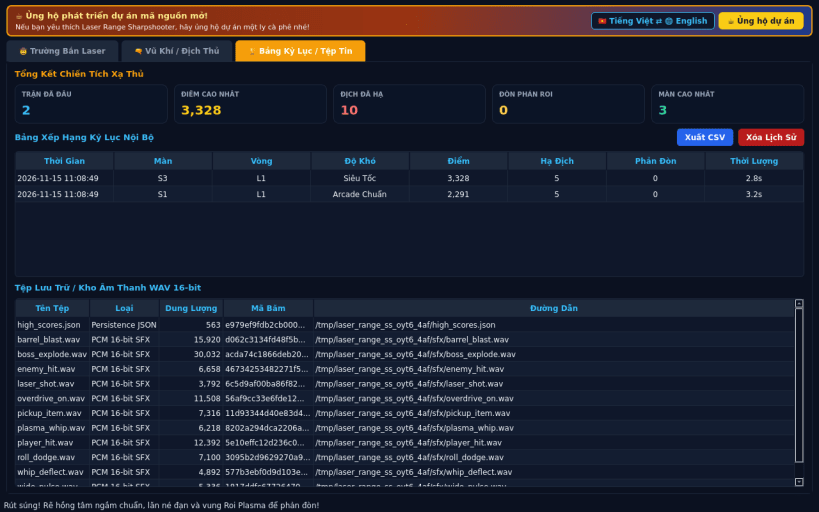
- Three Difficulties & Bilingual UI: Battle across Casual, Arcade, and Turbo difficulties, save local JSON high scores, export CSV, and switch EN/VI.
SUPPORT & DONATE
- Open-source development support: https://buymeacoffee.com/thanhnv128b
| Revision | Channel | Version | Build | Commit | Download SBOM |
|---|
The build and commit information is derived from build infrastructure records.
Install Laser Range Sharpshooter on your Linux distribution
Choose your Linux distribution to get detailed installation instructions. If yours is not shown, get more details on the installing snapd documentation.


