
Lava Lamp (lava-lamp-monkeys)
Install latest/stable of Lava Lamp
Ubuntu 16.04 or later?
Make sure snap support is enabled in your Desktop store.
Install using the command line
sudo snap install lava-lamp-monkeysDon't have snapd? Get set up for snaps.
Details for Lava Lamp
Package name
- lava-lamp-monkeys
License
- Proprietary
Last updated
- 13 October 2026 - latest/stable
Websites
Contact
External link warning
You are about to open
Do you wish to proceed?
Report a Snap Store violation
Report Lava Lamp for a Snap Store violation
Snap Store Violation Report submitted successfully
Thank you for your report. Information you provided will help us investigate further.
Error submitting report
There was an error while sending your report. Please try again later.
Share this snap
Generate an embeddable card to be shared on external websites.
Cyberpunk lava lamp hourglass clock and break timer by Team of Monkeys
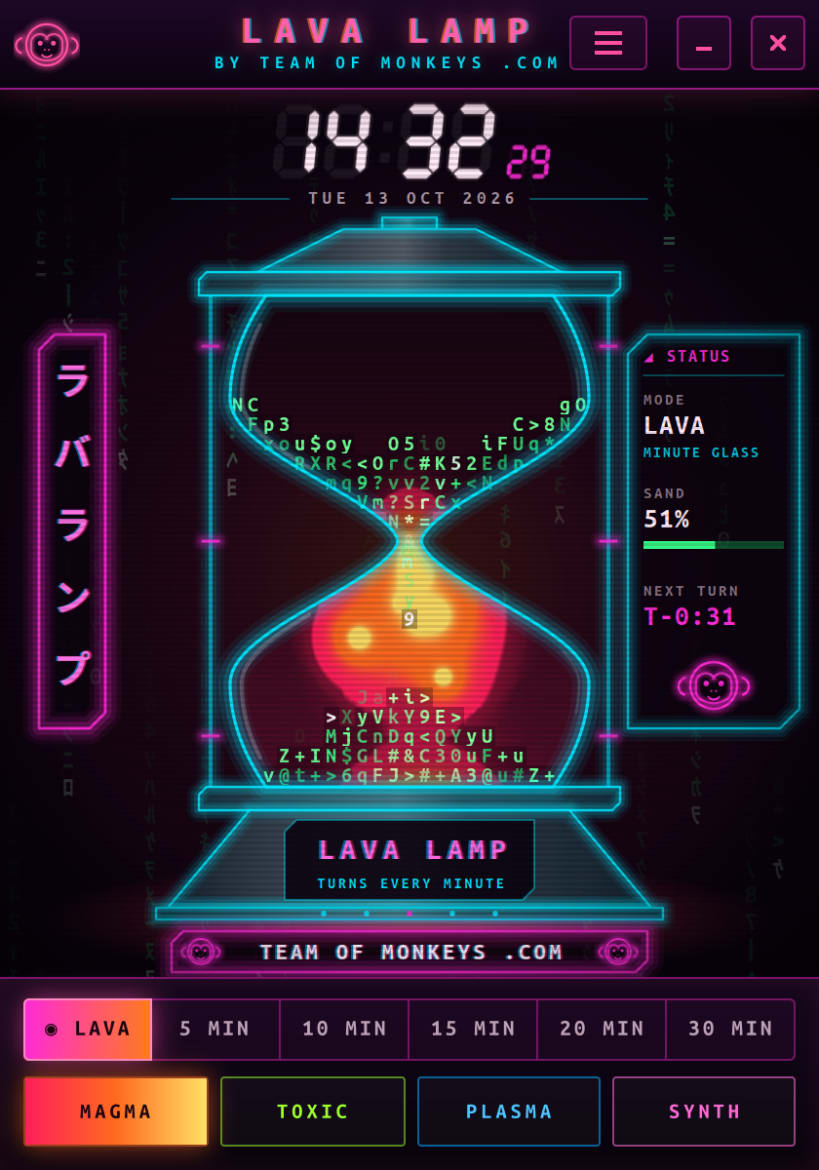
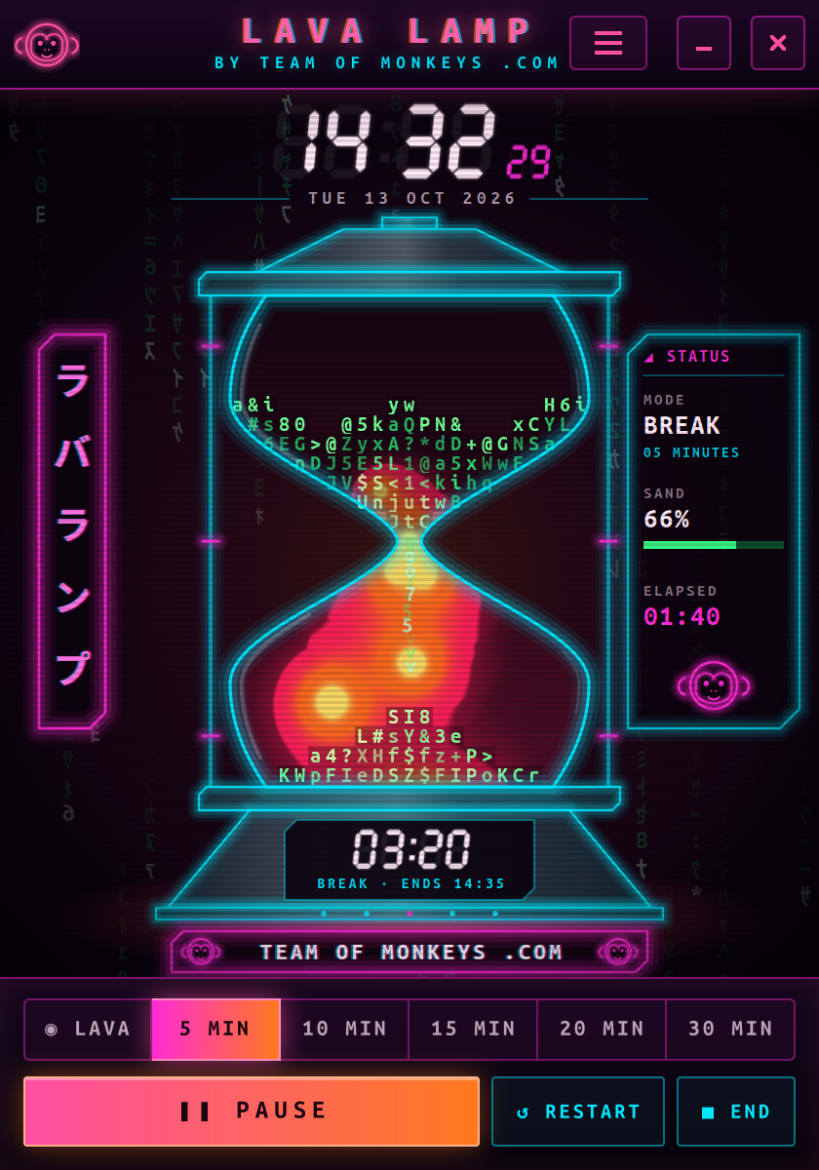
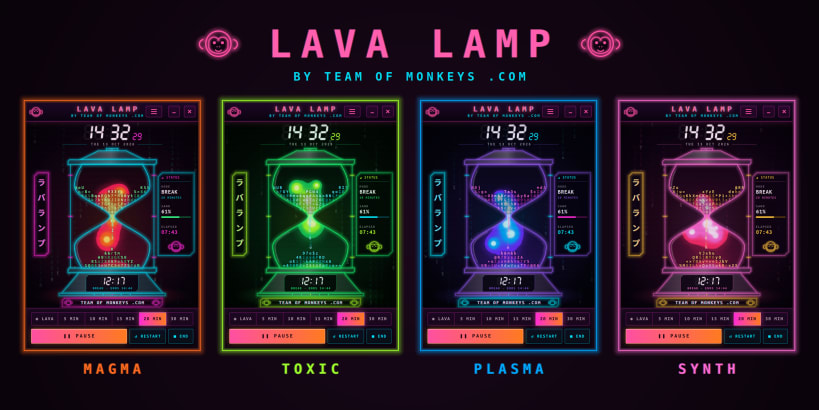
Lava Lamp by Team of Monkeys .com is a clock and break timer in the shape of a cyberpunk lava lamp. ASCII letters fall like sand through an hourglass of glowing wax, in a room of Matrix-style digital rain.
The sand is a real falling-sand simulation: the letters pile up with proper slopes and only pass the neck when the timer lets one through, so the glass always shows exactly how much time is left. The wax is heated from below like a real lamp: blobs rise, cool at the top, sink, and squeeze through the neck on the way.
★ What you get
- A big neon clock with the date, in 12- or 24-hour time
- Lava mode: a minute glass that turns over at the top of every minute
- 5, 10, 15, 20 and 30-minute breaks you can pause, restart or end
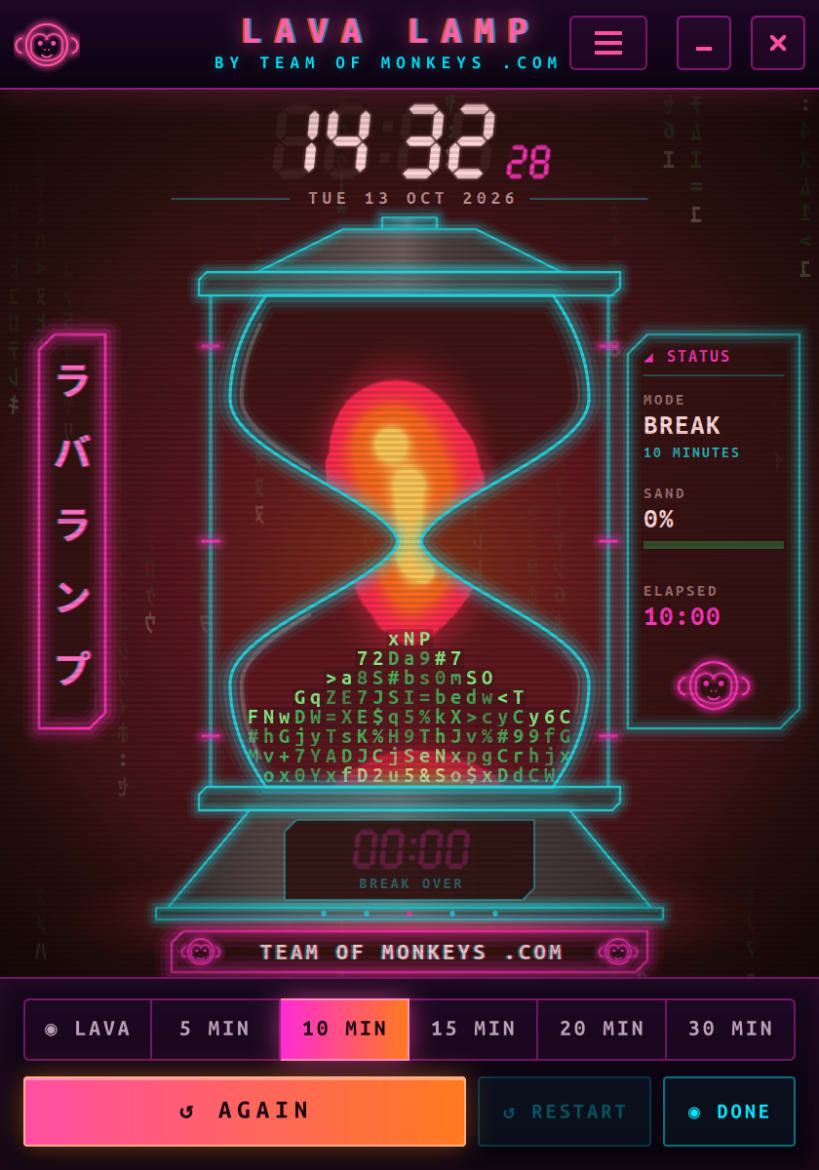
- When a break ends, the lamp erupts, a chime plays and a desktop notification appears
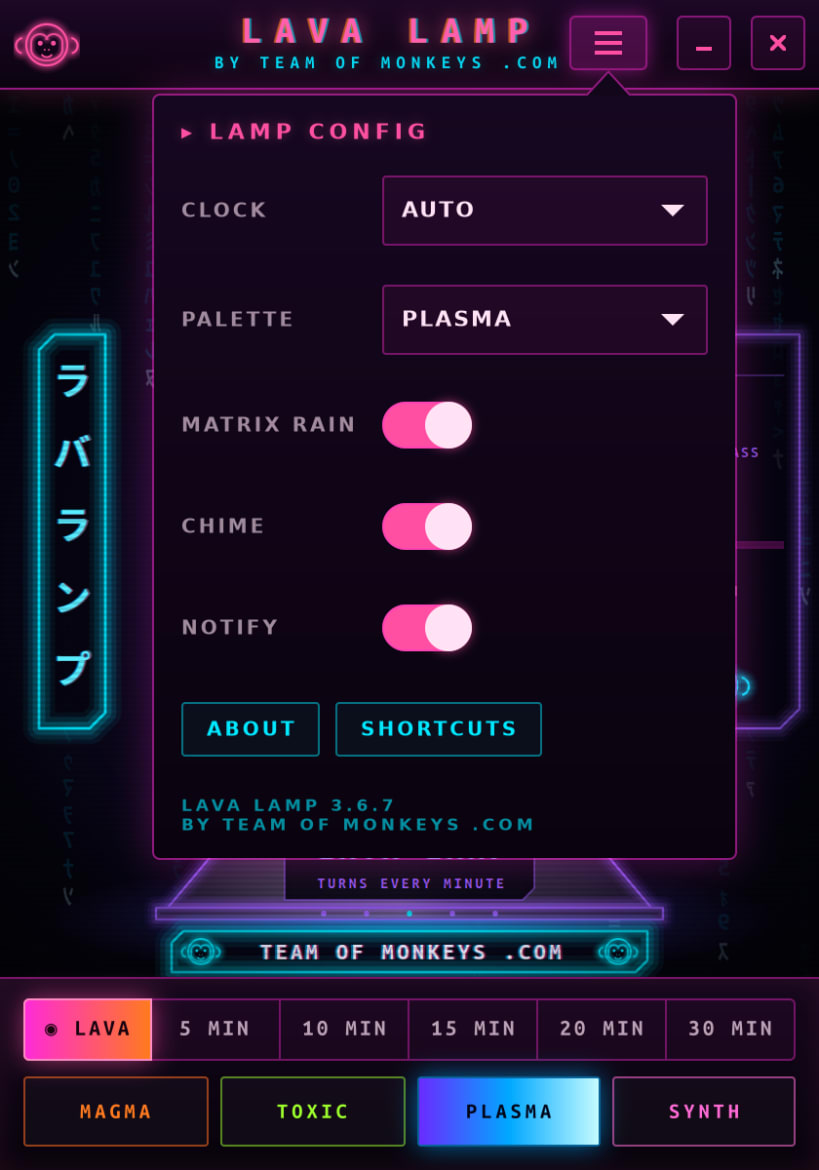
- Four palettes: Magma, Toxic, Plasma and Synth
- A compact 420 × 600 window that sits happily beside your work
★ Private by design
No network access at all, no telemetry, no accounts. Your settings never leave your computer.
★ Light on your machine
Native C and GTK 4. The whole snap is about 600 KB, it is strictly confined and needs no extra permissions. Most of the lamp redraws only when something changes, so it can stay on screen all day.
Keys: Ctrl+1 picks lava mode, Ctrl+2 to Ctrl+6 start a 5, 10, 15, 20 or 30-minute break, Ctrl+P pauses a break and Ctrl+R restarts it.
| Revision | Channel | Version | Build | Commit | Download SBOM |
|---|
The build and commit information is derived from build infrastructure records.
Install Lava Lamp on your Linux distribution
Choose your Linux distribution to get detailed installation instructions. If yours is not shown, get more details on the installing snapd documentation.











