
LibertyX Player
Install latest/stable of LibertyX Player
Ubuntu 16.04 or later?
Make sure snap support is enabled in your Desktop store.
Install using the command line
sudo snap install libertyx-playerDon't have snapd? Get set up for snaps.
Details for LibertyX Player
Package name
- libertyx-player
License
- Proprietary
Last updated
- Today - latest/stable
Websites
Contact
Source code
Report a bug
External link warning
You are about to open
Do you wish to proceed?
Report a Snap Store violation
Report LibertyX Player for a Snap Store violation
Snap Store Violation Report submitted successfully
Thank you for your report. Information you provided will help us investigate further.
Error submitting report
There was an error while sending your report. Please try again later.
Share this snap
Generate an embeddable card to be shared on external websites.
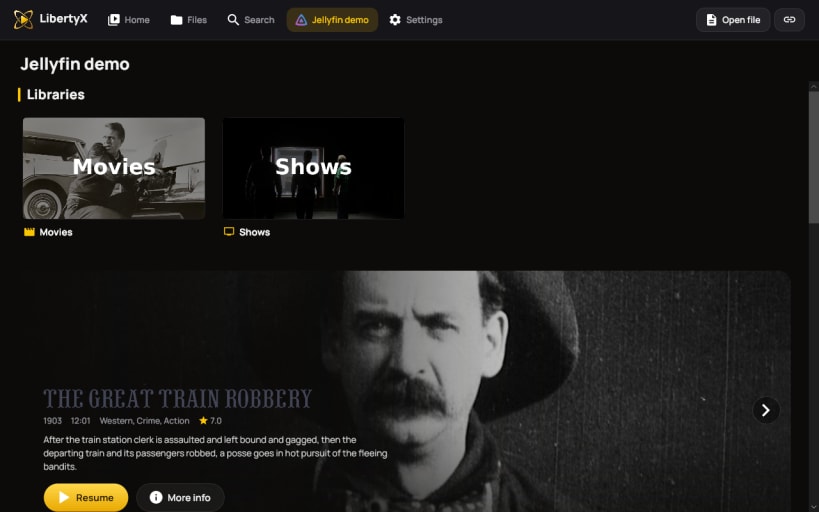
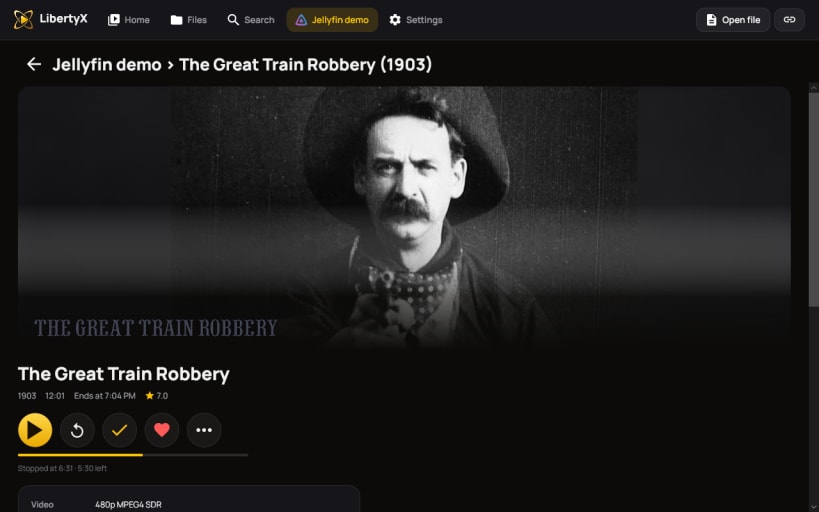
Your videos and your home server, with frame-accurate seeking
The LibertyX Player from Android and iPhone, on the desktop.
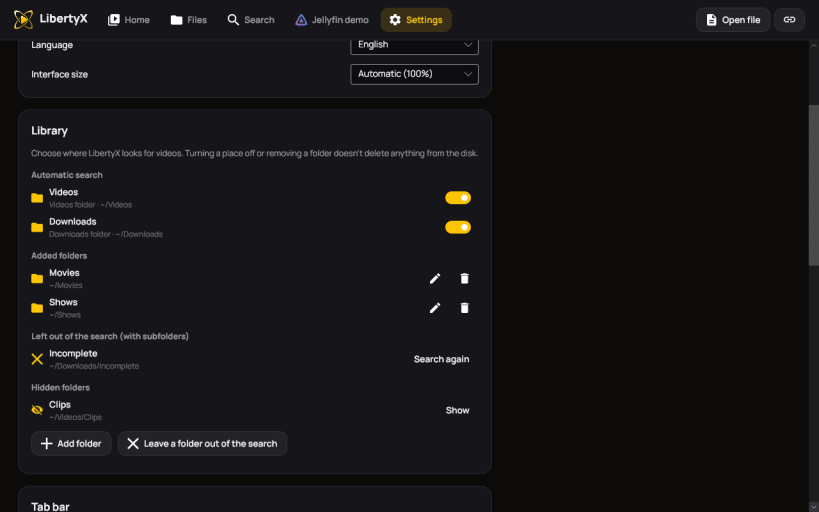
- A library of your video folders, with covers and "continue watching"
- Frame-accurate seeking: drag the video to scrub through it
- Subtitles and audio tracks, with downloaded subtitles side by side
- Network folders (SMB) played straight from your PC or NAS, without copying
- Jellyfin and Emby servers, with series, seasons and "next up"
O LibertyX Player do Android e do iPhone, no desktop: biblioteca das pastas de vídeo com capas e "continuar assistindo", rolagem quadro a quadro arrastando o vídeo, legendas e faixas de áudio, pastas da rede (SMB) e servidores Jellyfin e Emby.
To reach videos on USB drives and other disks, allow it once: snap connect libertyx-player:removable-media
| Revision | Channel | Version | Build | Commit | Download SBOM |
|---|
The build and commit information is derived from build infrastructure records.
Install LibertyX Player on your Linux distribution
Choose your Linux distribution to get detailed installation instructions. If yours is not shown, get more details on the installing snapd documentation.