

LightTable
Install latest/beta of LightTable
Ubuntu 16.04 or later?
Make sure snap support is enabled in your Desktop store.
Install using the command line
sudo snap install lighttable --betaDon't have snapd? Get set up for snaps.

Details for LightTable
Package name
- lighttable
License
- GPL-3.0-only
Last updated
- 18 September 2026 - latest/beta
Websites
Contact
Source code
Report a bug
External link warning
You are about to open
Do you wish to proceed?
Report a Snap Store violation
Report LightTable for a Snap Store violation
Snap Store Violation Report submitted successfully
Thank you for your report. Information you provided will help us investigate further.
Error submitting report
There was an error while sending your report. Please try again later.
Share this snap
Generate an embeddable card to be shared on external websites.
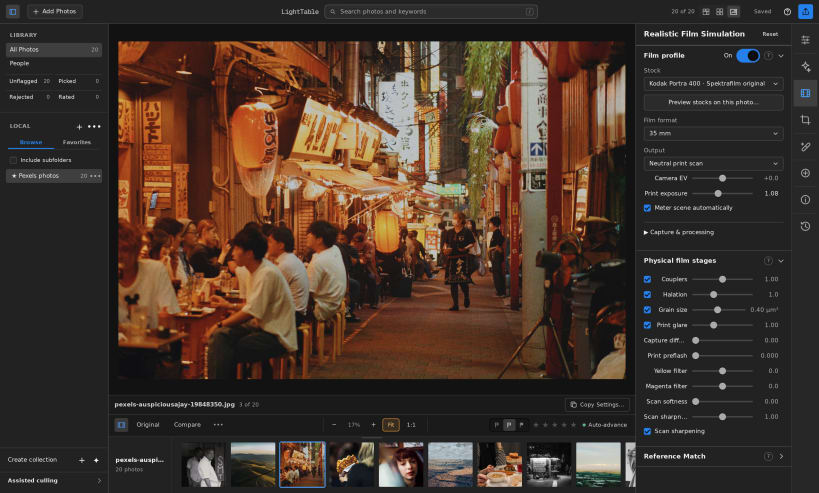
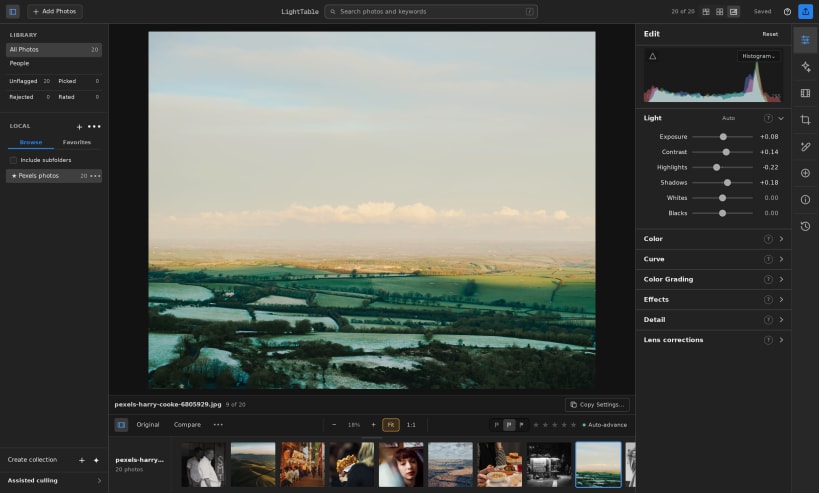
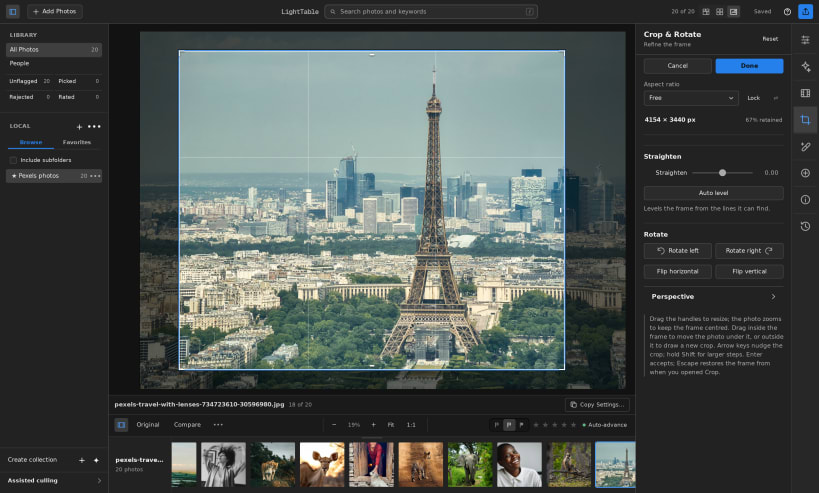
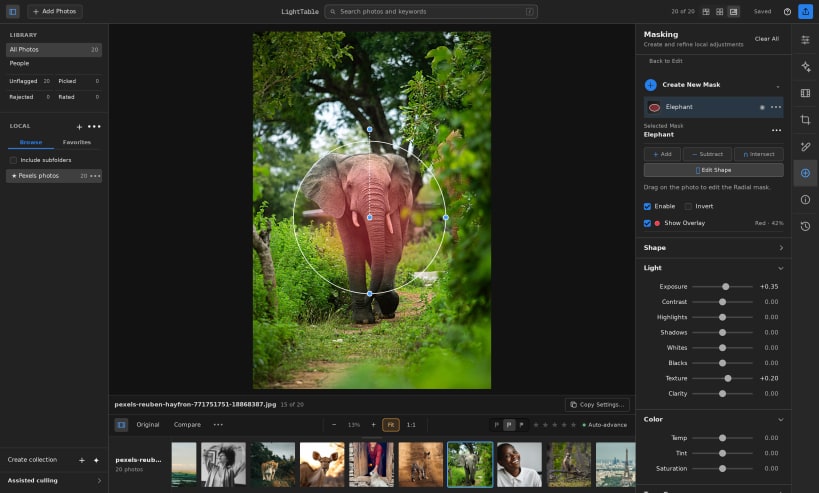
RAW photo editing and film simulation
LightTable is a digital darkroom for RAW photography. Edit exposure and color, simulate photographic film, organize your library, and export finished photographs while preserving your originals. Processing happens locally on your computer.
Features include non-destructive editing, film simulation, ratings and collections, RAW development, and full-resolution 16-bit TIFF export with embedded color profiles.
This is the LightTable 0.5 beta for 64-bit Intel and AMD Linux systems. The strict Snap package has been exercised on Ubuntu 24.04 using software graphics. Physical AMD, Intel, and NVIDIA GPU testing is still pending.
Choose photo folders through the desktop folder picker. Direct access to removable drives is optional and can be enabled with: sudo snap connect lighttable:removable-media
Snap manages application updates. Keep a catalog backup before uninstalling or switching package formats. A catalog backup contains catalog data and edits; retain your original photo files separately.
| Revision | Channel | Version | Build | Commit | Download SBOM |
|---|
The build and commit information is derived from build infrastructure records.
Install LightTable on your Linux distribution
Choose your Linux distribution to get detailed installation instructions. If yours is not shown, get more details on the installing snapd documentation.











