

LinceCAD
Install latest/stable of LinceCAD
Ubuntu 16.04 or later?
Make sure snap support is enabled in your Desktop store.

Details for LinceCAD
Package name
- lincecad
License
- Proprietary
Last updated
- 24 November 2026 - latest/stable
- 24 November 2026 - latest/edge
Websites
Contact
Report a bug
External link warning
You are about to open
Do you wish to proceed?
Report a Snap Store violation
Report LinceCAD for a Snap Store violation
Snap Store Violation Report submitted successfully
Thank you for your report. Information you provided will help us investigate further.
Error submitting report
There was an error while sending your report. Please try again later.
Share this snap
Generate an embeddable card to be shared on external websites.
2D/3D CAD for native DWG and DXF on Linux, with a perpetual license
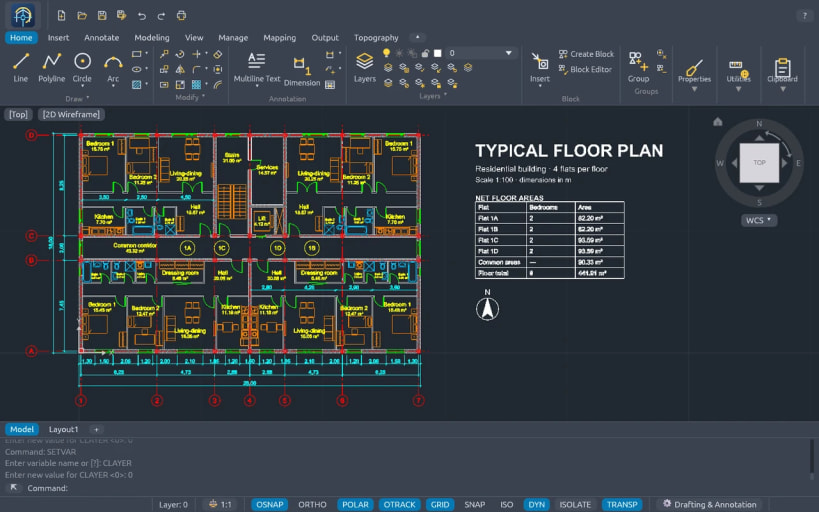
LinceCAD is 2D and 3D CAD software that opens, edits and saves DWG and DXF files natively on Linux, with the command line, ribbon, aliases and menus that people coming from other DWG programs expect. It is the same program as on Windows, not an emulator, and a lower-cost alternative to subscription CAD.
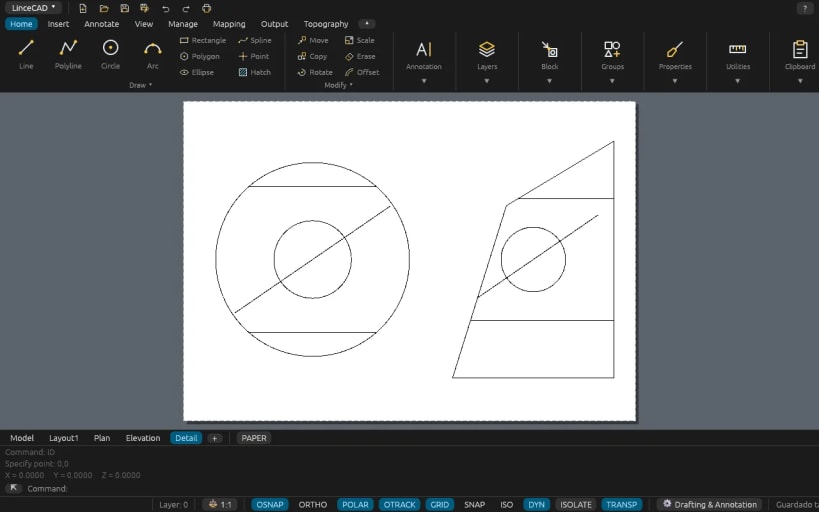
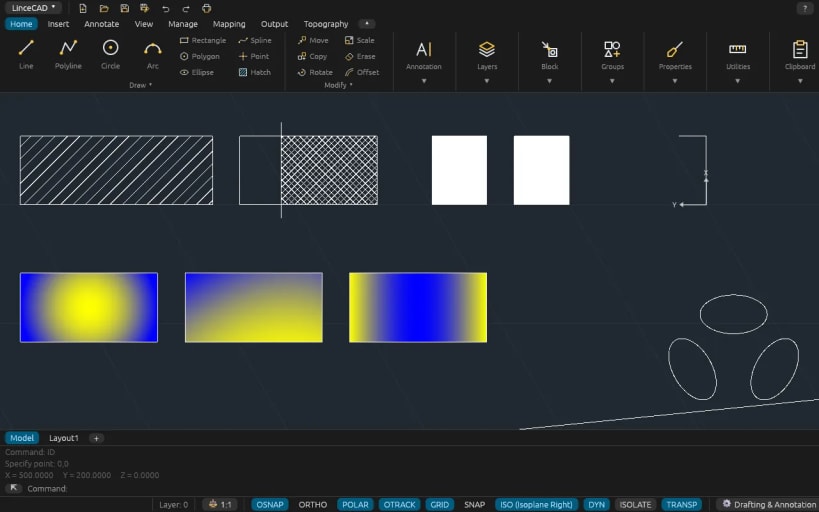
- Complete 2D drafting: layers, dimensions, blocks and attributes, hatches, tables, external references, layouts and PDF
- Saves DWG R14 to 2018 and DXF
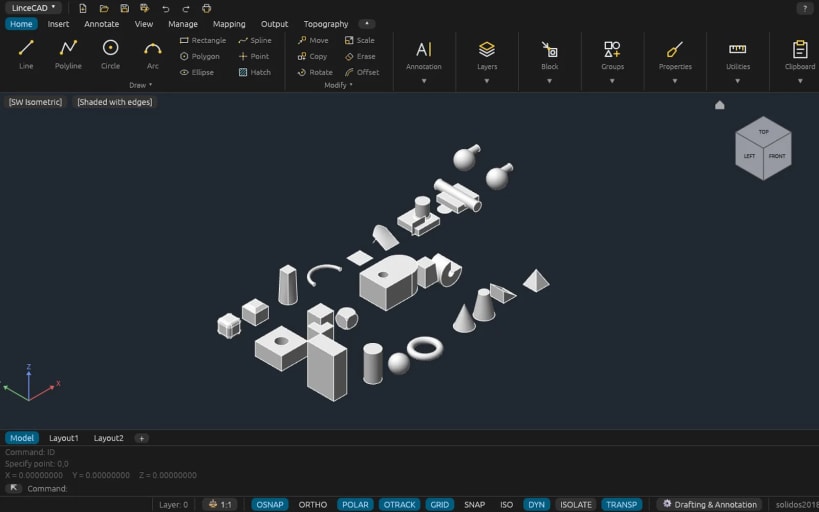
- 3D solids, rendering and STEP export
- Land surveying: points, DTM with breaklines, contours, profiles, earthwork volumes, LandXML and LAS/LAZ point clouds
- Mapping: cadastral parcels, orthophotos and web map services (WMS, WMTS, WFS), SHP, KML and GeoJSON
- LISP routines, a Python API and an MCP server for AI assistants
Perpetual license: pay once, no subscription. Every feature is free for 30 days.
To open drawings on USB drives and mounted disks, run once in a terminal: sudo snap connect lincecad:removable-media
| Revision | Channel | Version | Build | Commit | Download SBOM |
|---|
The build and commit information is derived from build infrastructure records.
Install LinceCAD on your Linux distribution
Choose your Linux distribution to get detailed installation instructions. If yours is not shown, get more details on the installing snapd documentation.











