

LinSticky
Install latest/stable of LinSticky
Ubuntu 16.04 or later?
Make sure snap support is enabled in your Desktop store.



Details for LinSticky
Package name
- linsticky
License
- MIT
Last updated
- 26 February 2026 - latest/stable
- 26 February 2026 - latest/edge
Source code
Report a bug
External link warning
You are about to open
Do you wish to proceed?
Report a Snap Store violation
Report LinSticky for a Snap Store violation
Snap Store Violation Report submitted successfully
Thank you for your report. Information you provided will help us investigate further.
Error submitting report
There was an error while sending your report. Please try again later.
Share this snap
Generate an embeddable card to be shared on external websites.
Lightweight and elegant sticky notes for your Linux desktop.
✨ Key Features
 📝 Smart Notes: A sleek, minimalist interface built with Python and GTK4 for maximum focus.
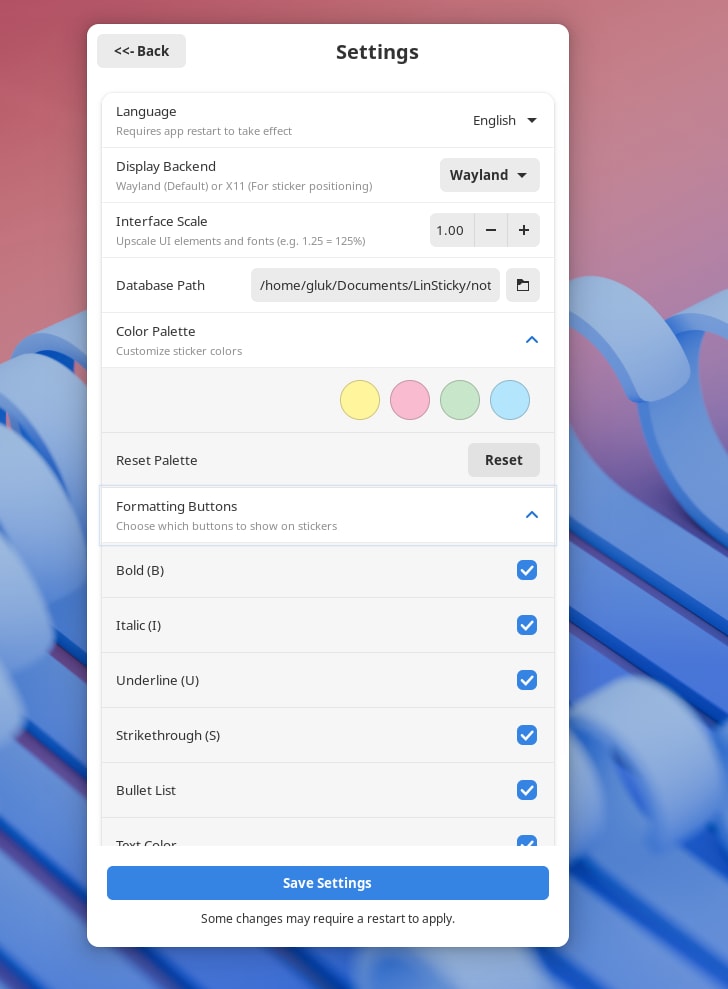
 🎨 Personalization: Organize your thoughts with a custom color palette.
 🌙 Night Theme: Full support for dark mode.
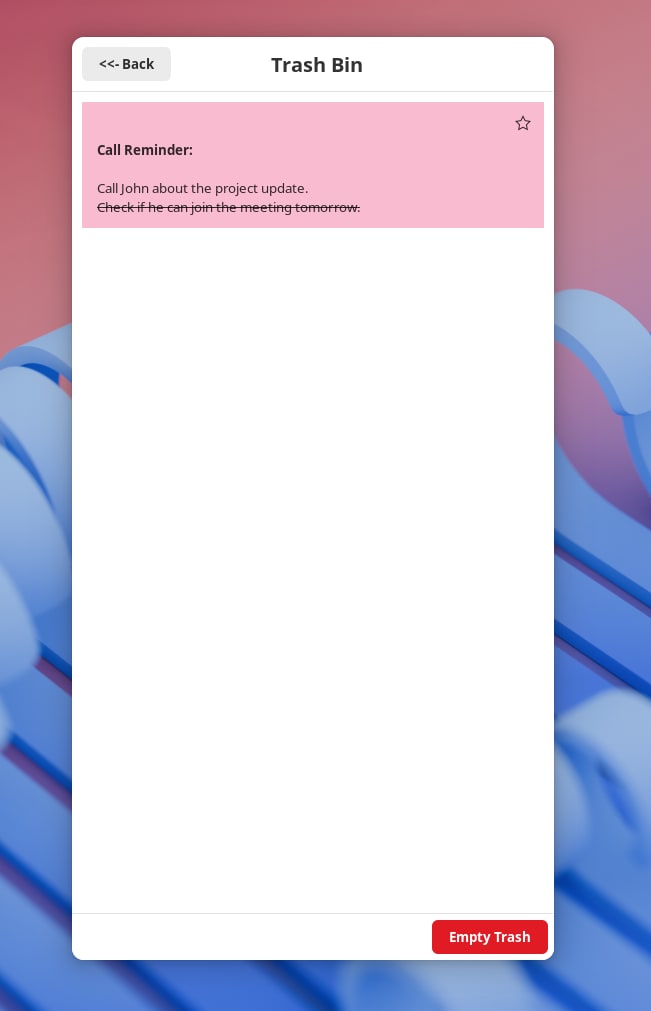
 ✍️ Formatting: Full support for rich text preservation (bold, italics, lists, change color and font size).
 🐧 Native Experience: Built with Libadwaita to look perfect on GNOME and other modern desktops.
 🌍 Multilingual: Fully localized in English, Español, Deutsch, Français, Русский, Қазақша, and more.
| Revision | Channel | Version | Build | Commit | Download SBOM |
|---|
The build and commit information is derived from build infrastructure records.
Install LinSticky on your Linux distribution
Choose your Linux distribution to get detailed installation instructions. If yours is not shown, get more details on the installing snapd documentation.












Where people are using LinSticky
Users by distribution (log)
Ubuntu 24.04
Ubuntu 26.04
Ubuntu 22.04
Ubuntu 20.04
Fedora 44
Zorin OS 18
Ubuntu 25.10