

LinuxPlayer
Install latest/stable of LinuxPlayer
Ubuntu 16.04 or later?
Make sure snap support is enabled in your Desktop store.
Install using the command line
sudo snap install linuxplayerDon't have snapd? Get set up for snaps.
Details for LinuxPlayer
Package name
- linuxplayer
License
- GPL-3.0-or-later
Last updated
- Today - latest/stable
Websites
Source code
Report a bug
External link warning
You are about to open
Do you wish to proceed?
Report a Snap Store violation
Report LinuxPlayer for a Snap Store violation
Snap Store Violation Report submitted successfully
Thank you for your report. Information you provided will help us investigate further.
Error submitting report
There was an error while sending your report. Please try again later.
Share this snap
Generate an embeddable card to be shared on external websites.
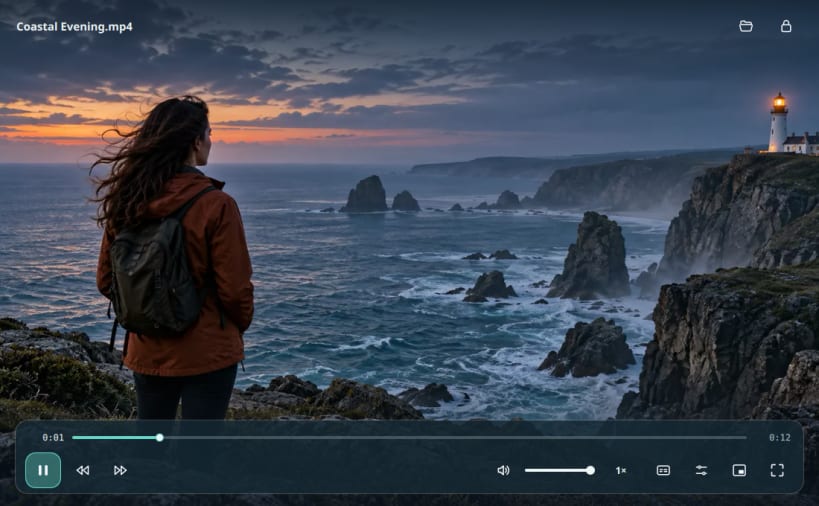
A focused video player with subtitles, resume and canvas previews
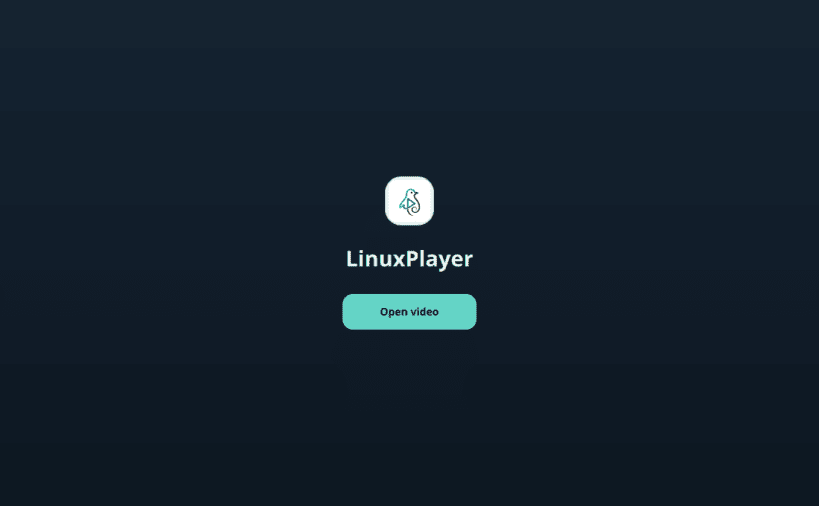
LinuxPlayer is an open-source video player for Linux, powered by libmpv. Play local video files in a clean window with controls that hide during playback. Open a file from the app or drag it into the window.
Playback
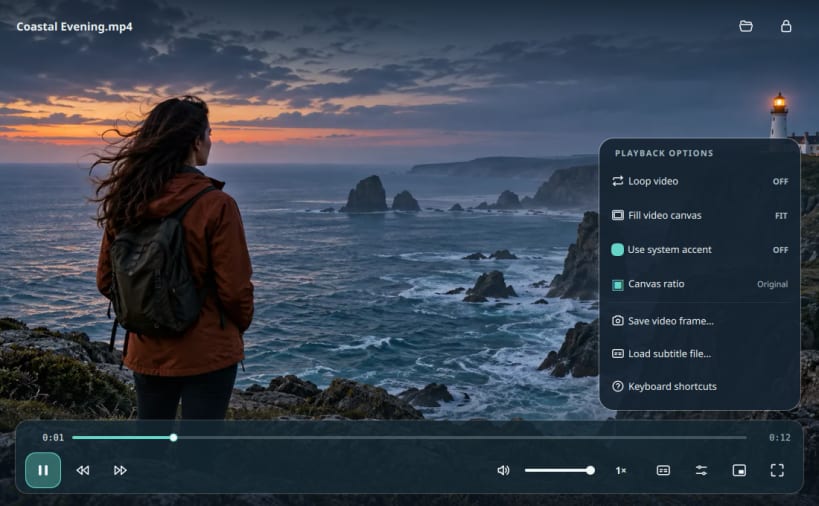
- Seek, change playback speed, and choose audio or subtitle tracks.
- Resume a video, switch to fullscreen, or use the compact mini-player.
- Use keyboard shortcuts; press F1 in the app to see them.
Canvas previews
Preview common or custom aspect ratios, then choose Fit or Fill. This changes only the playback view; it does not edit or export the video file.
Install
On an amd64 Linux system with snapd, run:
sudo snap install linuxplayer
Open LinuxPlayer from the app menu or run snap run linuxplayer.
To play videos from a removable drive, connect the optional interface:
sudo snap connect linuxplayer:removable-media
| Revision | Channel | Version | Build | Commit | Download SBOM |
|---|
The build and commit information is derived from build infrastructure records.
Install LinuxPlayer on your Linux distribution
Choose your Linux distribution to get detailed installation instructions. If yours is not shown, get more details on the installing snapd documentation.











