

Lossless Audio Splitter
Install latest/stable of Lossless Audio Splitter
Ubuntu 16.04 or later?
Make sure snap support is enabled in your Desktop store.
Install using the command line
sudo snap install lossless-audio-splitterDon't have snapd? Get set up for snaps.
Details for Lossless Audio Splitter
Package name
- lossless-audio-splitter
License
- MIT
Last updated
- Yesterday - latest/stable
Report a Snap Store violation
Report Lossless Audio Splitter for a Snap Store violation
Snap Store Violation Report submitted successfully
Thank you for your report. Information you provided will help us investigate further.
Error submitting report
There was an error while sending your report. Please try again later.
Share this snap
Generate an embeddable card to be shared on external websites.
Lossless stream-copy audio splitter with silence detection & CUE support
A zero-reencode lossless audio splitter for Linux supporting MP3, Ogg Vorbis, Opus, FLAC, M4A, AAC, and WAV via direct packet stream copying (-c:a copy). A lightweight Linux alternative to Mp3splt-gtk for splitting albums, podcasts, and live recordings without generation loss.
Key features powered by bundled FFmpeg:
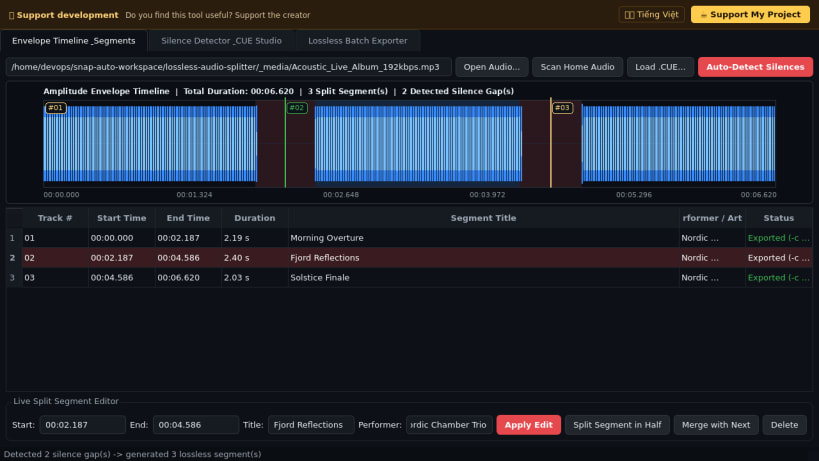
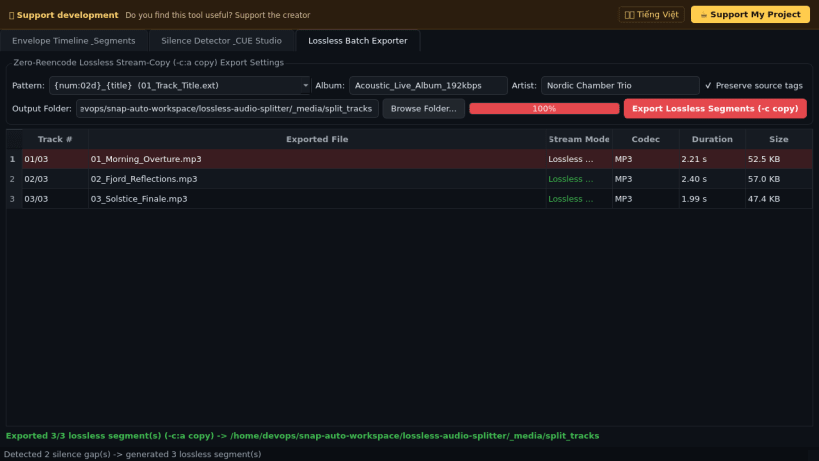
- True lossless stream-copy splitting (-c:a copy) with zero re-encoding quality degradation, preserving original packets and writing sequential track/title/artist/album tags.
- Visual PCM amplitude envelope timeline highlighting detected silence intervals and interactive split cut markers.
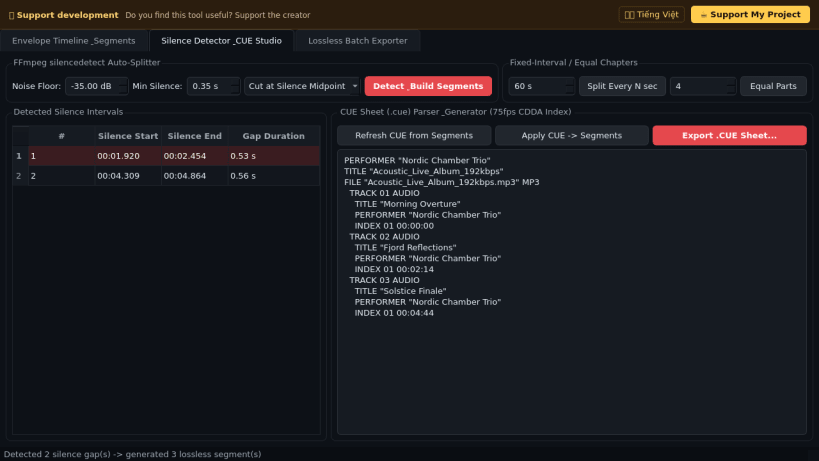
- Automatic silence detection (FFmpeg silencedetect) with configurable dB noise floor, minimum gap duration, and midpoint cut or gap-trimming modes.
- Standard CUE sheet (.cue) parser and 75-fps CDDA index generator for importing or exporting album chapter sheets, plus fixed-interval and equal-parts chapter generators.
Disclaimer: This project is an independent open-source tool and is not affiliated with, sponsored by, or endorsed by the mp3splt or mp3splt-gtk project.
| Revision | Channel | Version | Build | Commit | Download SBOM |
|---|
The build and commit information is derived from build infrastructure records.
Install Lossless Audio Splitter on your Linux distribution
Choose your Linux distribution to get detailed installation instructions. If yours is not shown, get more details on the installing snapd documentation.


