

Lumenview
Install latest/stable of Lumenview
Ubuntu 16.04 or later?
Make sure snap support is enabled in your Desktop store.
Details for Lumenview
Package name
- lumenview
License
- Proprietary
Last updated
- Today - latest/stable
Websites
Contact
Report a bug
External link warning
You are about to open
Do you wish to proceed?
Report a Snap Store violation
Report Lumenview for a Snap Store violation
Snap Store Violation Report submitted successfully
Thank you for your report. Information you provided will help us investigate further.
Error submitting report
There was an error while sending your report. Please try again later.
Share this snap
Generate an embeddable card to be shared on external websites.
Fast, private photo viewer for any folder
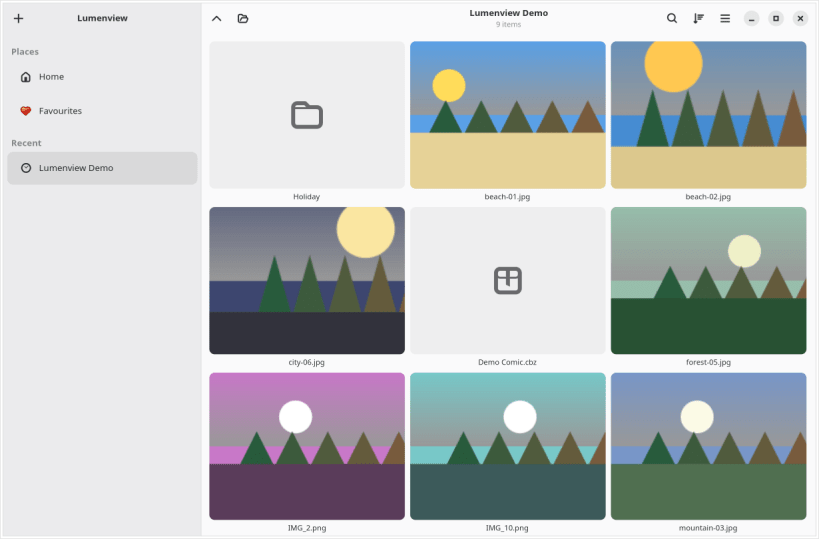
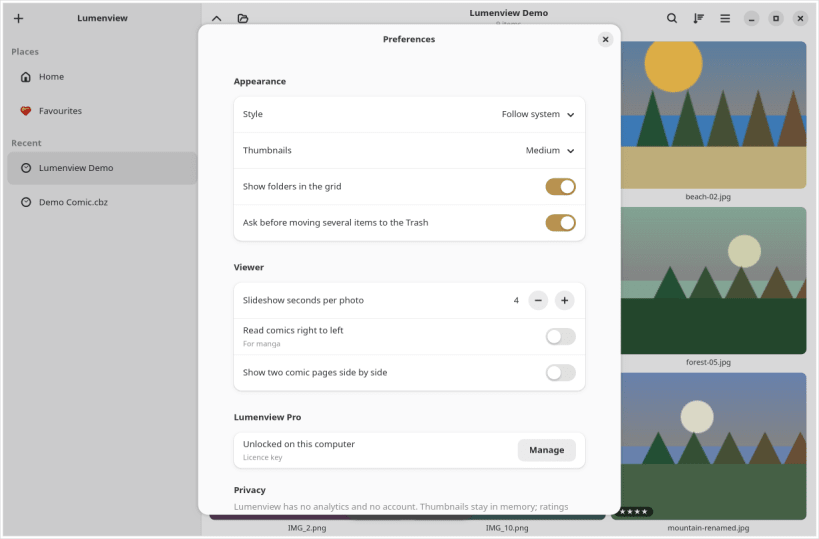
Lumenview opens any folder of photos, wherever it lives: your Pictures folder, a USB stick or SD card, a server or a ZIP archive. It is quick on huge folders and keeps your photos on your computer. No account, no analytics, no ads.
- A fast grid with natural sorting, search and filters
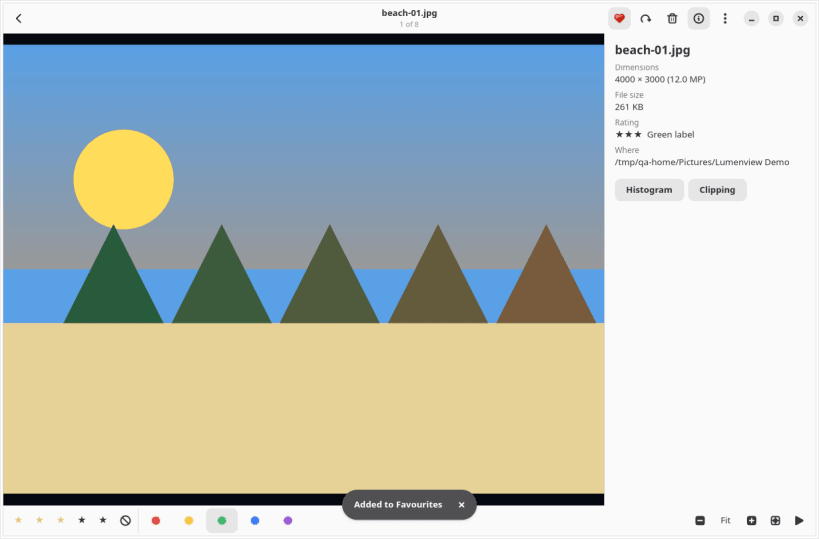
- Star ratings, colour labels and rejects saved in standard XMP sidecars that darktable, digiKam and Lightroom read
- A viewer with zoom, full metadata and a slideshow
- RAW previews, JPEG XL, WebP, animated GIFs and videos
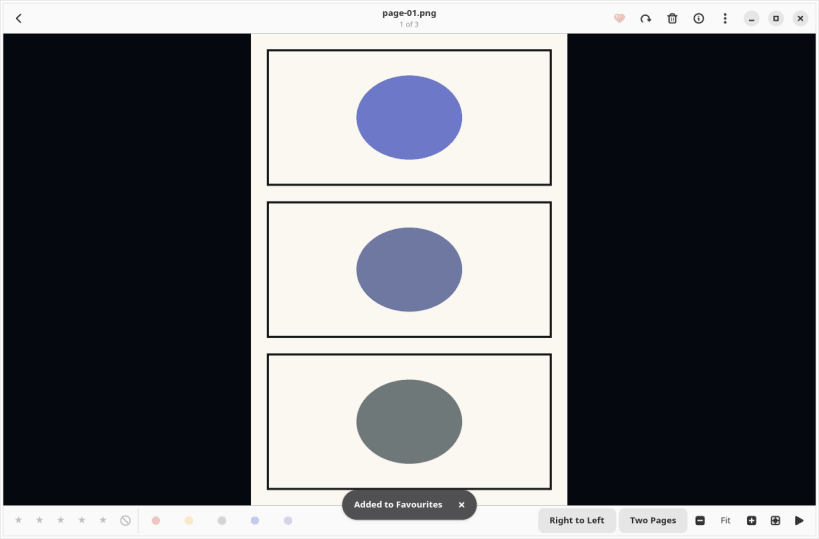
- Comics in CBZ, CBR and 7z, right to left or two pages at a time
Lumenview Pro is a one-time purchase, never a subscription. It adds SFTP and WebDAV network folders, archives opened in place, compare, a duplicate finder, batch rename and convert, and a histogram with clipping warnings. Buy it from the Pro button in the app.
USB drives and SD cards: run "sudo snap connect lumenview:removable-media" once.
| Revision | Channel | Version | Build | Commit | Download SBOM |
|---|
The build and commit information is derived from build infrastructure records.
Install Lumenview on your Linux distribution
Choose your Linux distribution to get detailed installation instructions. If yours is not shown, get more details on the installing snapd documentation.


