

Luna Media Player
Install latest/stable of Luna Media Player
Ubuntu 16.04 or later?
Make sure snap support is enabled in your Desktop store.
Install using the command line
sudo snap install luna-media-playerDon't have snapd? Get set up for snaps.
Details for Luna Media Player
Package name
- luna-media-player
License
- MIT
Last updated
- 11 October 2026 - latest/stable
Websites
Contact
Source code
Report a bug
External link warning
You are about to open
Do you wish to proceed?
Report a Snap Store violation
Report Luna Media Player for a Snap Store violation
Snap Store Violation Report submitted successfully
Thank you for your report. Information you provided will help us investigate further.
Error submitting report
There was an error while sending your report. Please try again later.
Share this snap
Generate an embeddable card to be shared on external websites.
XP-era music and video player for the Linux desktop
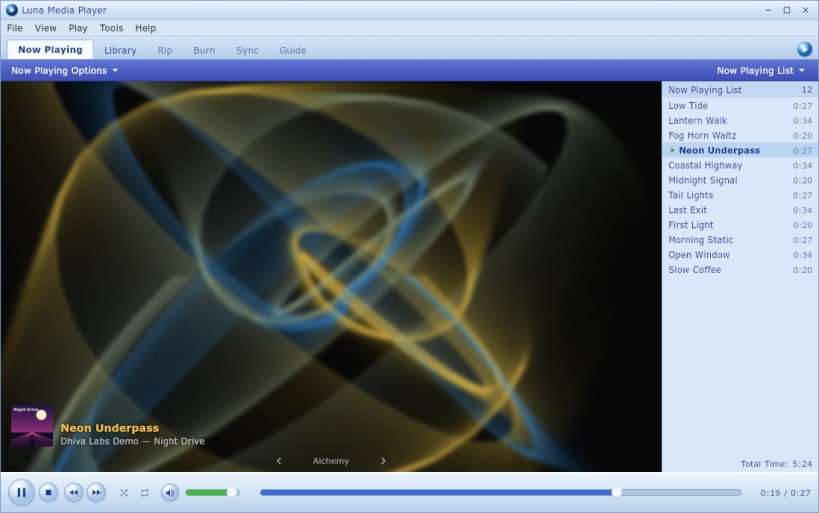
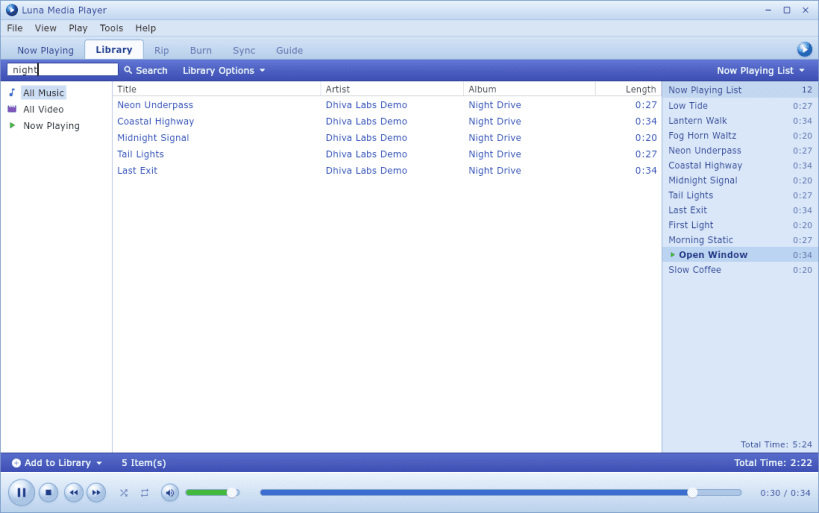
Luna Media Player plays the music and video already on your computer, wrapped in the look of the desktop media players of 2004. It is for people who keep their own files and want a familiar player with no accounts and no streaming.
Features
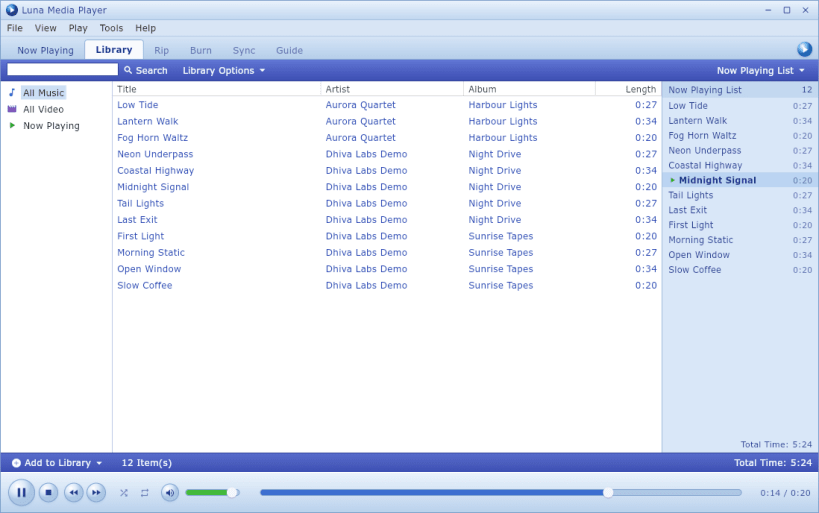
- A library that scans your folders (
~/Musicby default), reads tags and sorts by artist, album and track, with a search box that filters as you type - A Now Playing list beside the stage, with album art and the track caption
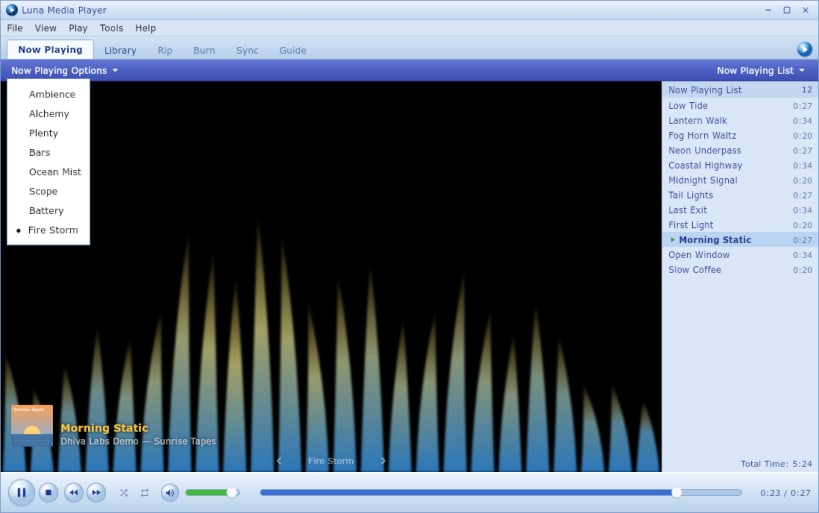
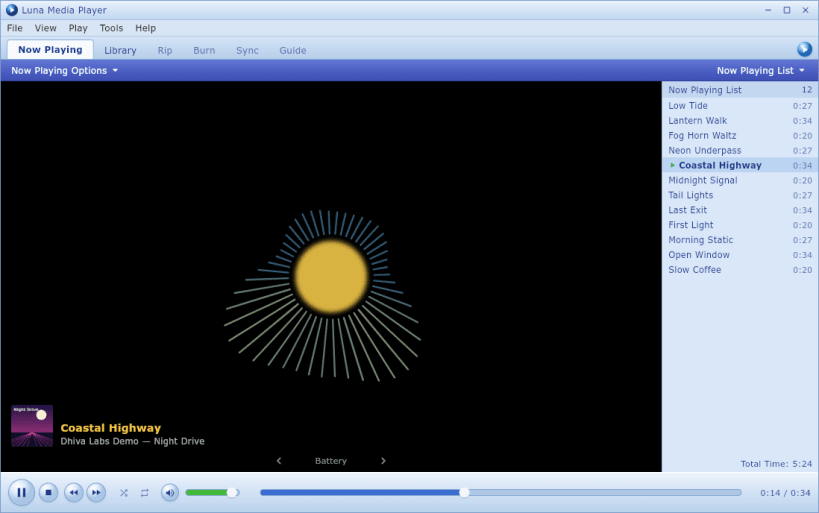
- Eight visualisations to choose from: Ambience, Alchemy, Plenty, Bars, Ocean Mist, Scope, Battery and Fire Storm
- Video plays on the Now Playing stage
- Playback by libmpv: MP3, FLAC, WAV, OGG, Opus, AAC, M4A and WMA, plus MP4, MKV, AVI, WebM, MOV and WMV
- Play, pause, stop, previous, next, seek, volume, mute, shuffle and repeat (off, all or one), with Space, Ctrl+Left/Right and the media keys
- Opens audio and video files from the file manager's Open With, or from the terminal:
luna-media-player ~/Music/album - Your folders, volume, shuffle, repeat and visualisation are remembered between launches
Snap notes
- Luna reads media from your home folder. To play files from USB drives or other removable media, run:
sudo snap connect luna-media-player:removable-media
Released under the MIT licence. Source code: https://github.com/Dhiva-Labs/Luna-Media-Player
A Dhiva Labs project.
| Revision | Channel | Version | Build | Commit | Download SBOM |
|---|
The build and commit information is derived from build infrastructure records.
Install Luna Media Player on your Linux distribution
Choose your Linux distribution to get detailed installation instructions. If yours is not shown, get more details on the installing snapd documentation.


