

Macadress Scanner
Install latest/stable of Macadress Scanner
Ubuntu 16.04 or later?
Make sure snap support is enabled in your Desktop store.
Install using the command line
sudo snap install macadress-scannerDon't have snapd? Get set up for snaps.
Details for Macadress Scanner
Package name
- macadress-scanner
License
- Proprietary
Last updated
- 5 September 2026 - latest/stable
Websites
Contact
Report a bug
External link warning
You are about to open
Do you wish to proceed?
Report a Snap Store violation
Report Macadress Scanner for a Snap Store violation
Snap Store Violation Report submitted successfully
Thank you for your report. Information you provided will help us investigate further.
Error submitting report
There was an error while sending your report. Please try again later.
Share this snap
Generate an embeddable card to be shared on external websites.
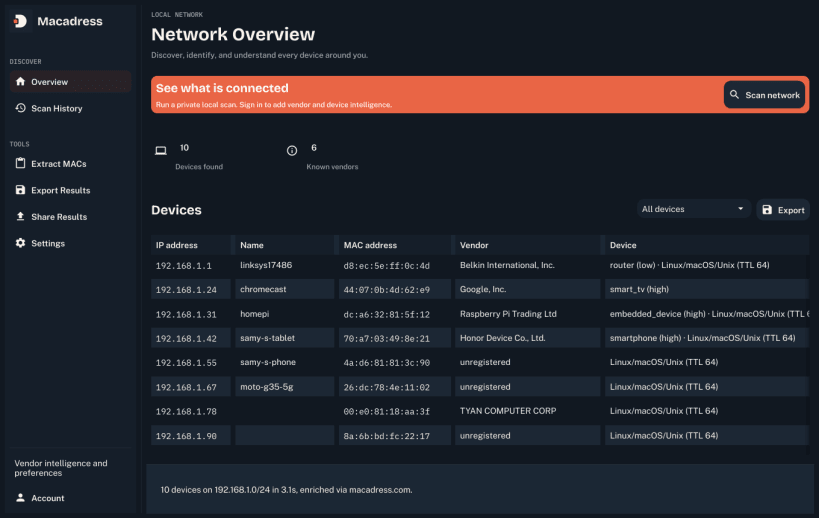
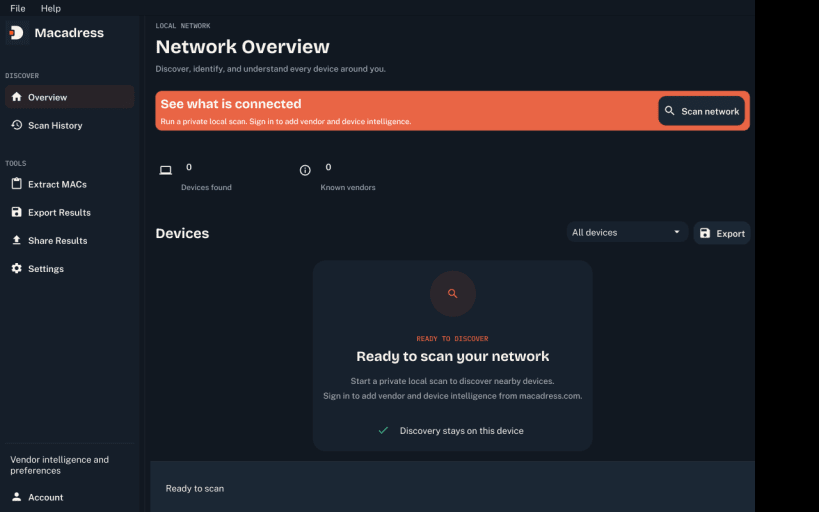
See what is connected to your network
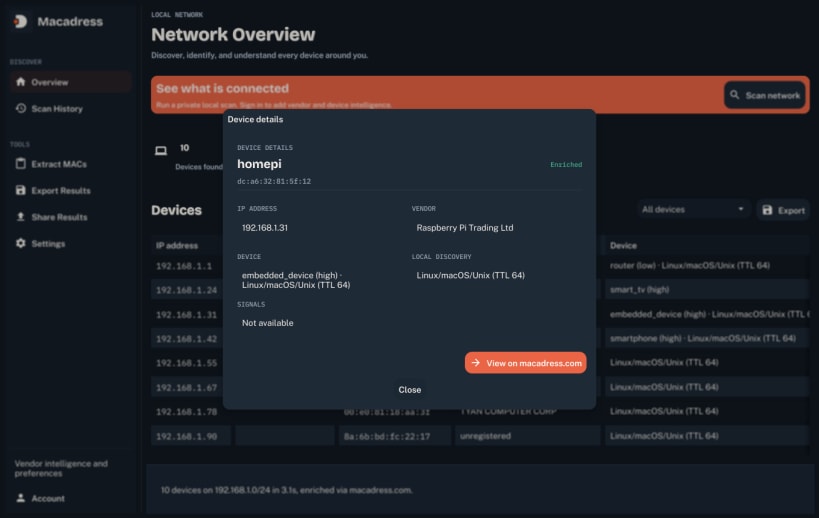
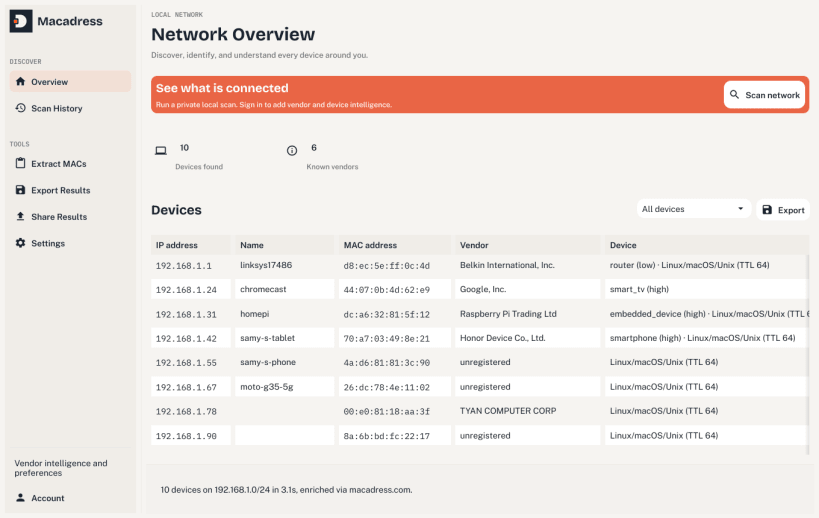
Macadress Scanner finds every device on your local network and tells you what each one is. Discovery runs entirely on your own machine: it sweeps the local subnet and reads mDNS, SSDP and NetBIOS responses, then shows each device with its address, hostname and whatever the network could say about it.
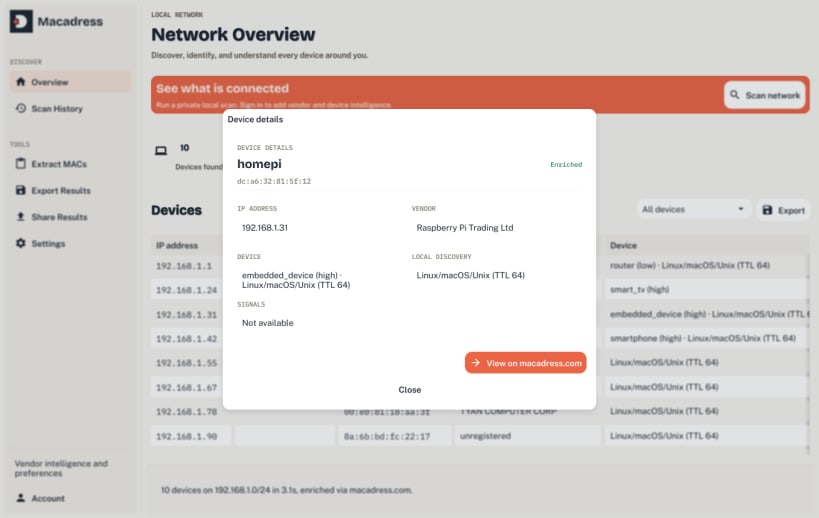
Sign in with a free macadress.com API key to add vendor and device-type intelligence to each result: the manufacturer behind a MAC address and a best guess at the kind of device. Sign-in is optional; the local scan works without an account.
This snap runs the unprivileged discovery pass only. The deeper raw-ARP pass offered by the standalone builds needs a privilege strict confinement does not grant and is not available here. The .deb and tarball on macadress.com ship the full build.
| Revision | Channel | Version | Build | Commit | Download SBOM |
|---|
The build and commit information is derived from build infrastructure records.
Install Macadress Scanner on your Linux distribution
Choose your Linux distribution to get detailed installation instructions. If yours is not shown, get more details on the installing snapd documentation.












