

MarkView (markdownviewer)
Install latest/stable of MarkView
Ubuntu 16.04 or later?
Make sure snap support is enabled in your Desktop store.
Install using the command line
sudo snap install markdownviewerDon't have snapd? Get set up for snaps.
Details for MarkView
Package name
- markdownviewer
License
- MIT
Last updated
- 14 August 2026 - latest/stable
- 14 August 2026 - latest/edge
Websites
Contact
Source code
Report a bug
External link warning
You are about to open
Do you wish to proceed?
Report a Snap Store violation
Report MarkView for a Snap Store violation
Snap Store Violation Report submitted successfully
Thank you for your report. Information you provided will help us investigate further.
Error submitting report
There was an error while sending your report. Please try again later.
Share this snap
Generate an embeddable card to be shared on external websites.
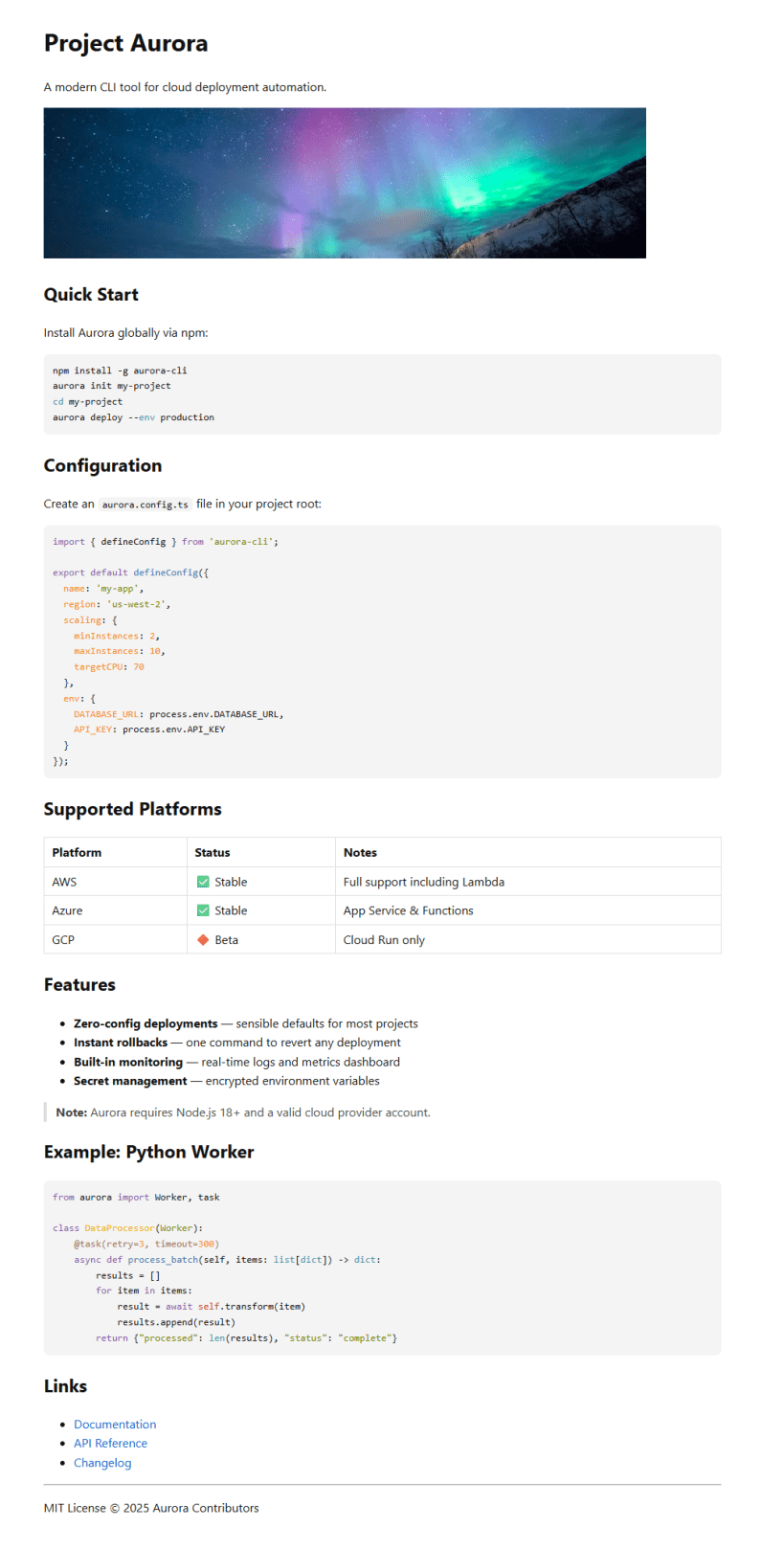
View Markdown files rendered in your browser
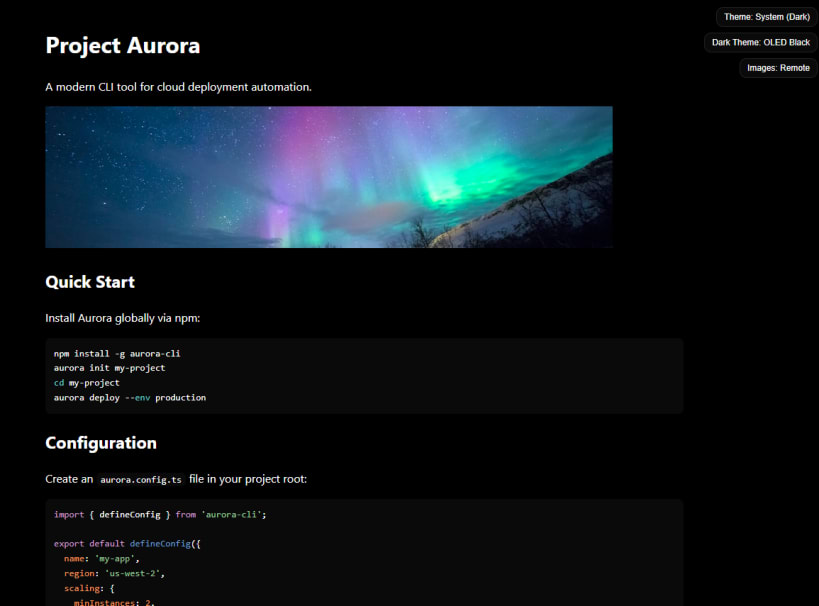
MarkView renders Markdown files in your browser with a clean reading experience.
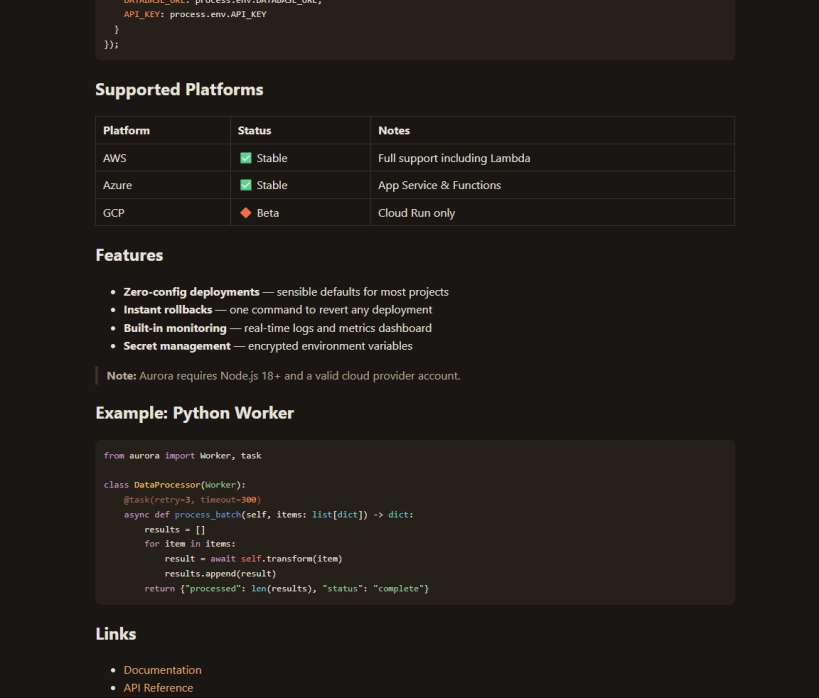
Open .md or .markdown files and instantly see them rendered with proper formatting, syntax-highlighted code blocks, and your choice of light or dark themes. It is built for reading README files, documentation, notes, and technical specs without opening a full editor.
Highlights:
- Renders Markdown to HTML using PowerShell's built-in converter
- Opens in your default browser with no separate app window to manage
- Highlights code blocks with bundled highlight.js support for 190+ languages
- Typesets inline and display math offline with bundled KaTeX
- Includes 10 theme variations across light and dark modes
- Opens links to other local Markdown files in the viewer
- Works offline with no data collection
- Blocks remote images by default until you opt in per document
| Revision | Channel | Version | Build | Commit | Download SBOM |
|---|
The build and commit information is derived from build infrastructure records.
Install MarkView on your Linux distribution
Choose your Linux distribution to get detailed installation instructions. If yours is not shown, get more details on the installing snapd documentation.












