

Markpad
Install latest/stable of Markpad
Ubuntu 16.04 or later?
Make sure snap support is enabled in your Desktop store.
Details for Markpad
Package name
- markpad
License
- BSD-3-Clause
Last updated
- 7 October 2026 - latest/stable
Websites
Donations
Source code
Report a bug
External link warning
You are about to open
Do you wish to proceed?
Report a Snap Store violation
Report Markpad for a Snap Store violation
Snap Store Violation Report submitted successfully
Thank you for your report. Information you provided will help us investigate further.
Error submitting report
There was an error while sending your report. Please try again later.
Share this snap
Generate an embeddable card to be shared on external websites.
The Notepad equivalent for Markdown
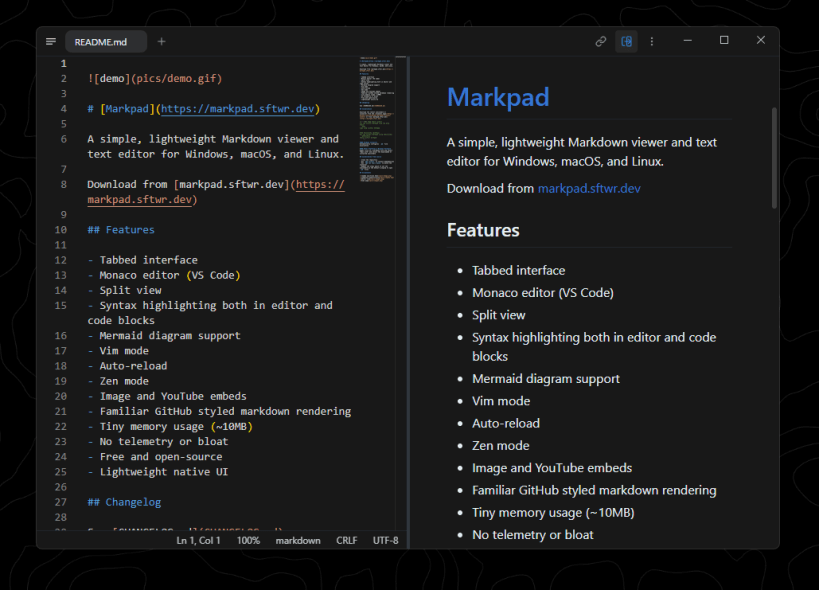
A lightweight, minimalist Markdown viewer and text editor built for productivity across Windows, macOS, and Linux.
Reading
- GitHub-styled rendering, with syntax highlighting in code blocks
- Maths (KaTeX) and diagrams (Mermaid)
- Table of contents that follows wherever you scroll
- Folding by heading, and a Zen mode with everything else out of the way
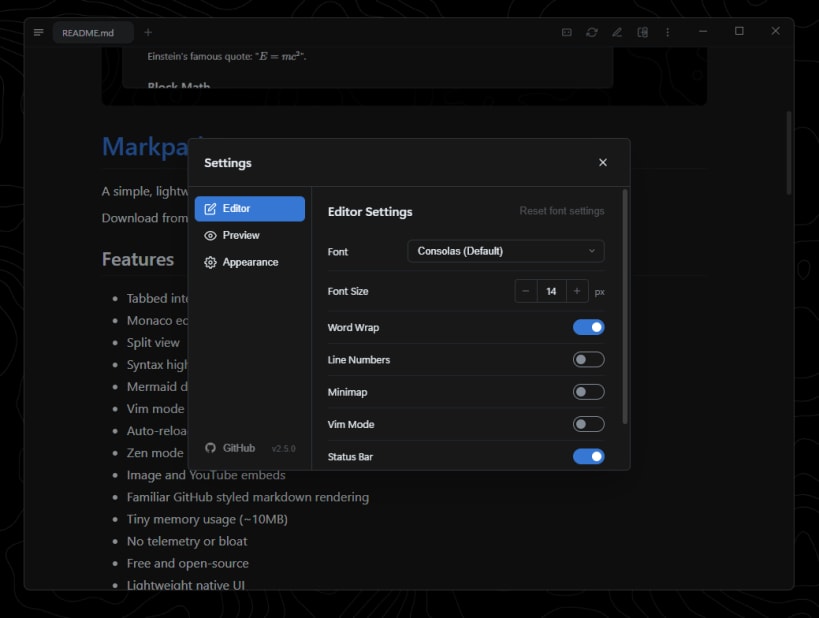
- Content zoom, custom typography, custom themes (VS Code themes import)
Editing
- Monaco (the editor from VS Code) with Vim mode
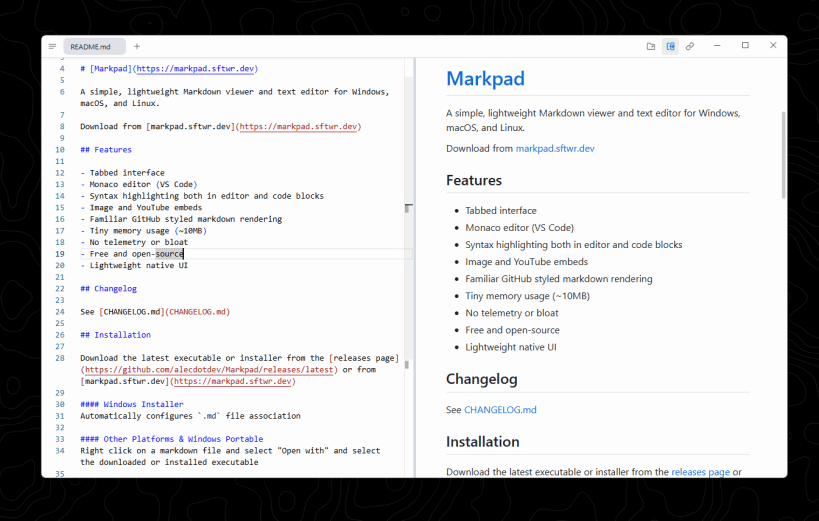
- Split view, kept in sync line for line
- Heading completion for links, and a customisable formatting toolbar
- Paste an image straight into the document; drag files in to open them
Documents
- Tabs, multiple windows, window tags, and a session that comes back
- Auto-reload when a file changes on disk
- Export to HTML, print to PDF
- Wikilinks, embeds and callouts alongside standard Markdown. See supported markdown syntax: https://raw.githubusercontent.com/sftwrdotdev/Markpad/master/samples/markdown-syntax.md
More
- Windows, macOS and Linux
- No telemetry, free and open source
- 26 interface languages
| Revision | Channel | Version | Build | Commit | Download SBOM |
|---|
The build and commit information is derived from build infrastructure records.
Install Markpad on your Linux distribution
Choose your Linux distribution to get detailed installation instructions. If yours is not shown, get more details on the installing snapd documentation.












Where people are using Markpad
Users by distribution (log)
Ubuntu 26.04
Ubuntu 24.04
Ubuntu 22.04
Zorin OS 18
Ubuntu 20.04