

md-viewer
Install latest/stable of md-viewer
Ubuntu 16.04 or later?
Make sure snap support is enabled in your Desktop store.
Details for md-viewer
Package name
- md-viewer
License
- unset
Last updated
- 13 September 2026 - latest/stable
Source code
Report a bug
External link warning
You are about to open
Do you wish to proceed?
Report a Snap Store violation
Report md-viewer for a Snap Store violation
Snap Store Violation Report submitted successfully
Thank you for your report. Information you provided will help us investigate further.
Error submitting report
There was an error while sending your report. Please try again later.
Share this snap
Generate an embeddable card to be shared on external websites.
Fast, lightweight markdown viewer for Linux
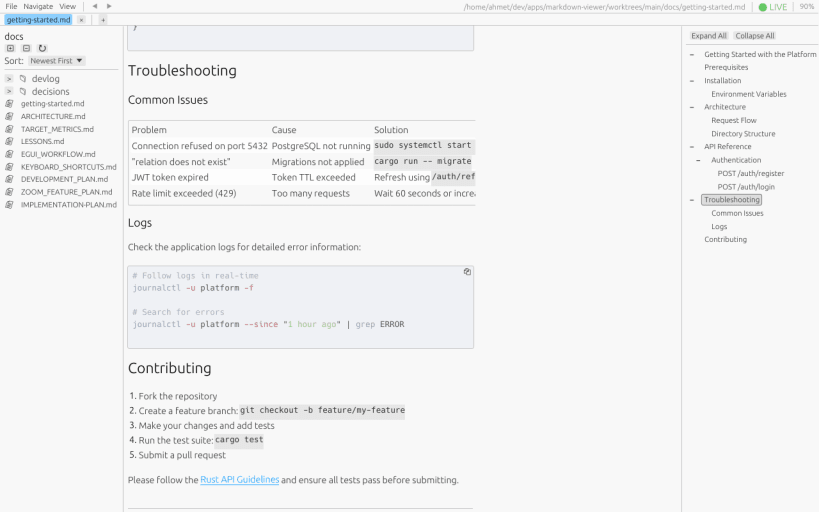
A fast, lightweight markdown viewer for Linux built with Rust and egui. Designed for distraction-free reading with excellent typography and syntax highlighting.
Rendering:
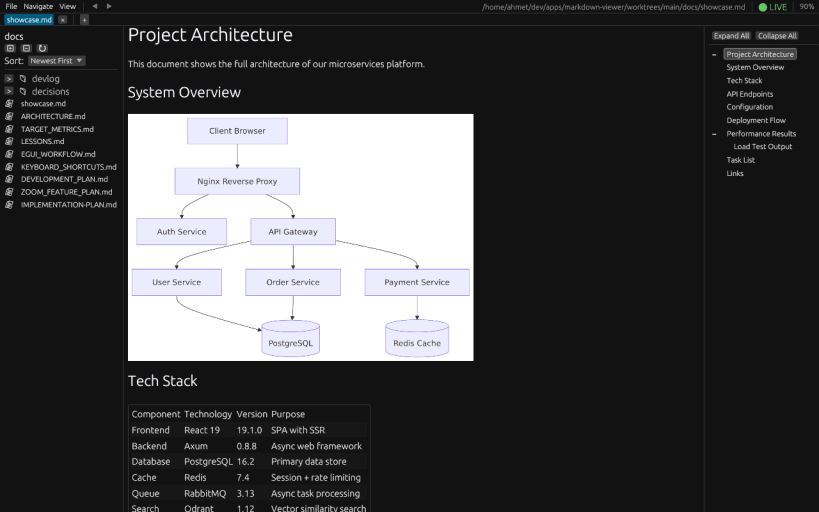
- GitHub Flavored Markdown (tables, task lists, footnotes)
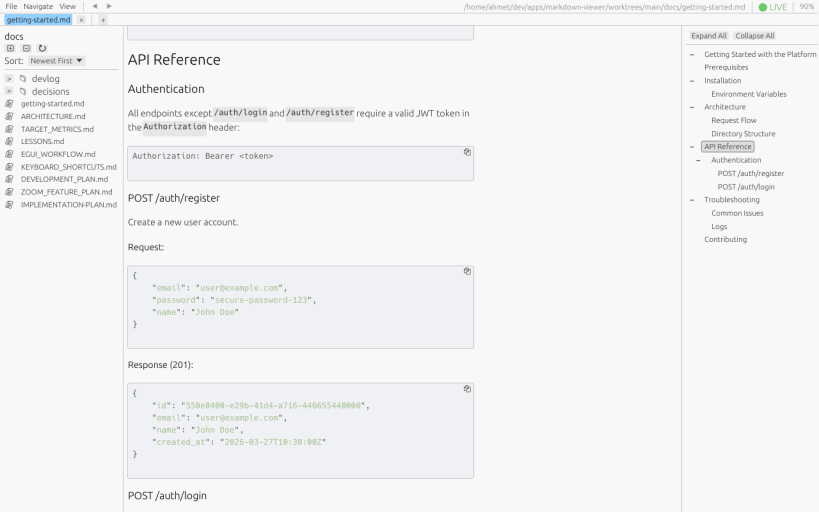
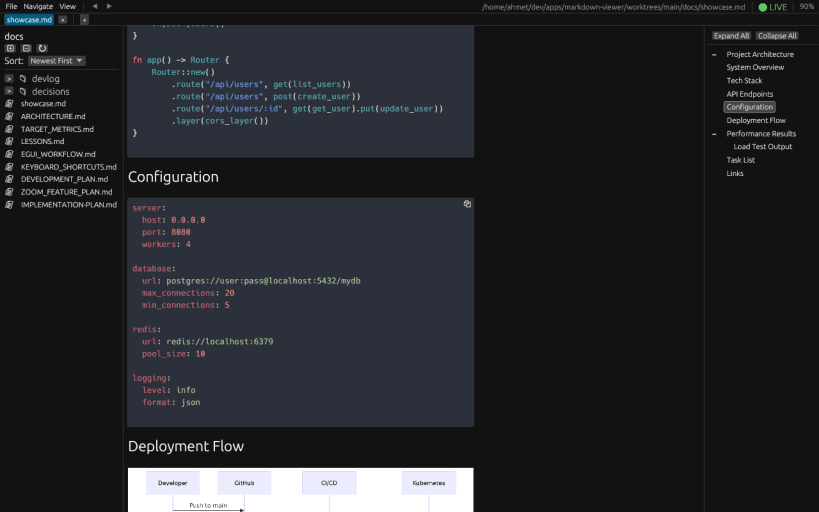
- Syntax highlighting for 200+ languages
- Mermaid diagrams (flowcharts, sequence diagrams) rendered natively, click to enlarge
- Math rendering (LaTeX via typst)
- Resizable table columns - drag dividers to fit content
- HTML tables with proper cell padding
- Images and SVG support (PNG, JPEG, GIF, SVG, HTTP URLs) - click images to enlarge
- Unicode support with system font fallbacks (emojis, CJK, non-Latin scripts)
- 60 FPS rendering with viewport-based lazy rendering
- WCAG 2.1 compliant typography (1.5x line height)
Navigation:
- Tab system for multiple documents (Ctrl+Click links to open in new tab)
- In-document search (Ctrl+F) with inline highlights and Enter/Shift+Enter to cycle
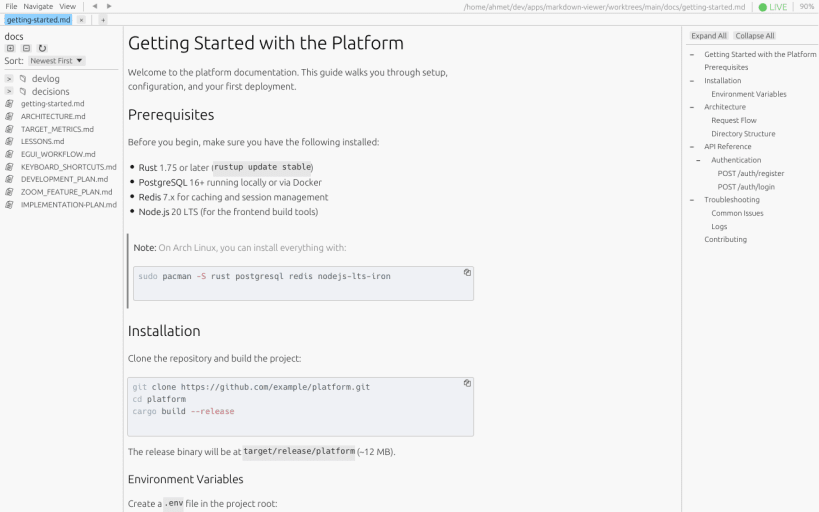
- File explorer sidebar with hierarchical directory tree
- Outline sidebar with click-to-navigate table of contents
- Per-tab back/forward history (Alt+Left/Right)
- Internal links between markdown files
View:
- Dark and light themes (Ctrl+D)
- Zoom 50%-300% (Ctrl++/-/0 or Ctrl+Scroll)
- Full-width content toggle (View menu) to use the entire content pane
- Shift+Scroll over a wide table scrolls it horizontally
- Live reload on file changes (enabled by default)
Usability:
- Drag and drop files to open
- Native file dialogs
- Session persistence (tabs, theme, zoom, sidebar state)
- Native X11 and Wayland support
| Revision | Channel | Version | Build | Commit | Download SBOM |
|---|
The build and commit information is derived from build infrastructure records.
Install md-viewer on your Linux distribution
Choose your Linux distribution to get detailed installation instructions. If yours is not shown, get more details on the installing snapd documentation.











