

Medieval Guild Raid
Install latest/stable of Medieval Guild Raid
Ubuntu 16.04 or later?
Make sure snap support is enabled in your Desktop store.
Install using the command line
sudo snap install medieval-guild-raidDon't have snapd? Get set up for snaps.
Details for Medieval Guild Raid
Package name
- medieval-guild-raid
License
- MIT
Last updated
- Today - latest/stable
Websites
Contact
External link warning
You are about to open
Do you wish to proceed?
Report a Snap Store violation
Report Medieval Guild Raid for a Snap Store violation
Snap Store Violation Report submitted successfully
Thank you for your report. Information you provided will help us investigate further.
Error submitting report
There was an error while sending your report. Please try again later.
Share this snap
Generate an embeddable card to be shared on external websites.
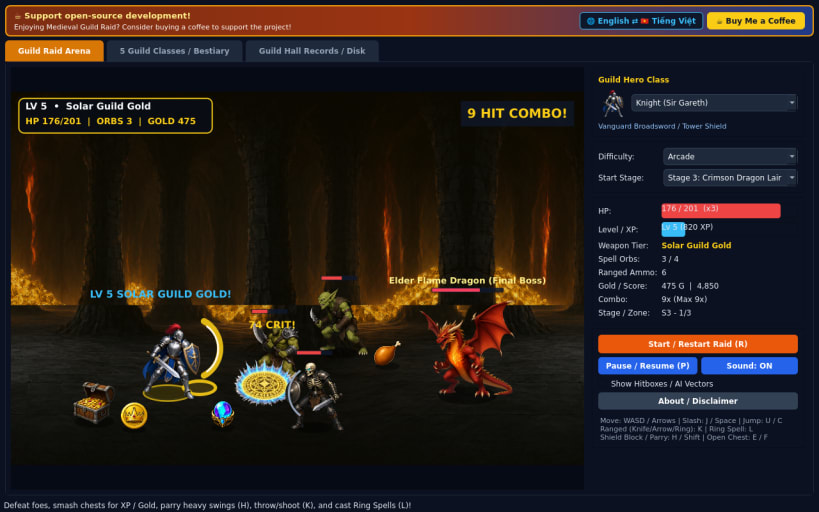
5-class medieval fantasy RPG brawler with leveling, spells, and dragon raids
A 60 FPS 2.5D side-scrolling medieval fantasy RPG beat-'em-up for Linux inspired by classic arcade dungeon raid brawlers. Choose from five distinct guild heroes — Knight, Dwarf, Archer, Cleric, or Mage — gain XP to level up stats and glowing weapon tiers, block or parry strikes, cast elemental ring spells, and slay the Elder Flame Dragon.
FEATURES
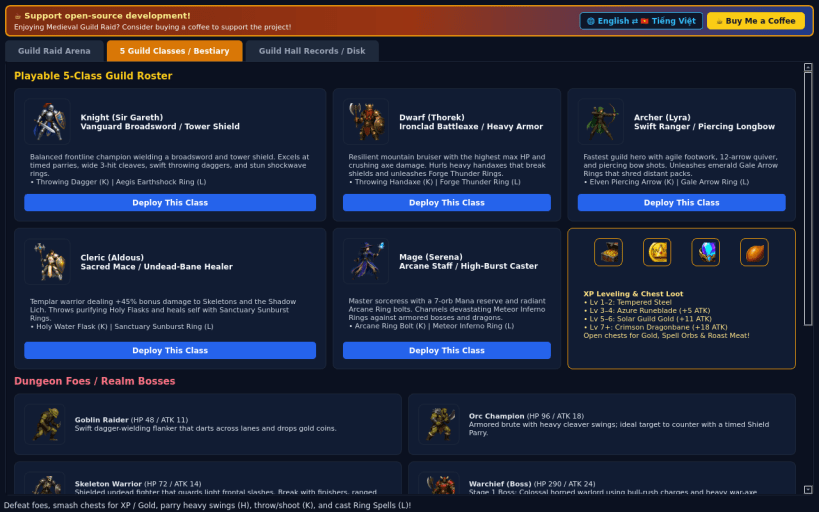
- Five Playable Hero Classes: Master Knight broadswords, Dwarf battleaxes, Archer elven arrows, Cleric undead-bane maces, and Mage arcane rings, each with unique stats, ranged skills (K), and elemental ring spells (L).
- XP Leveling & Weapon Glow Upgrades: Defeat monsters and smash treasure chests to gain XP, level up health and power, and unlock four glowing weapon tiers culminating in Crimson Dragonbane.
- Three Realms, Three Bosses & Three Difficulties: Battle goblin raiders, orc champions, and shield-bearing skeletons before facing the Warchief, Shadow Lich, and Elder Flame Dragon across Borderland Village, Gloomwood Ruins, and Crimson Dragon Lair in Casual, Arcade, and Turbo modes.
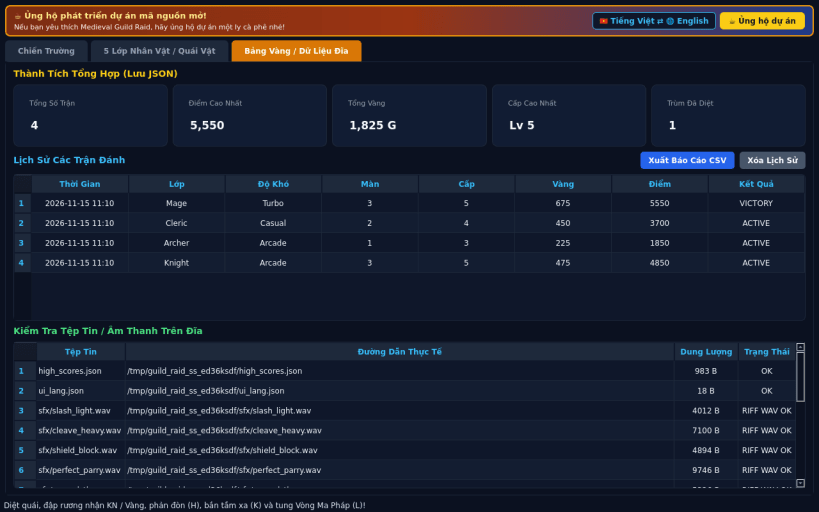
- Complete Arcade Package: Custom 2D RGBA artwork, 16-bit PCM WAV sound effects, persistent JSON high-score history, CSV export, and bilingual English / Vietnamese UI.
SUPPORT & DONATE
- Open-source development support: https://buymeacoffee.com/thanhnv128b
| Revision | Channel | Version | Build | Commit | Download SBOM |
|---|
The build and commit information is derived from build infrastructure records.
Install Medieval Guild Raid on your Linux distribution
Choose your Linux distribution to get detailed installation instructions. If yours is not shown, get more details on the installing snapd documentation.


