

Metro Zone Planner
Install latest/stable of Metro Zone Planner
Ubuntu 16.04 or later?
Make sure snap support is enabled in your Desktop store.
Install using the command line
sudo snap install metro-zone-plannerDon't have snapd? Get set up for snaps.
Details for Metro Zone Planner
Package name
- metro-zone-planner
License
- MIT
Last updated
- Today - latest/stable
Websites
Contact
External link warning
You are about to open
Do you wish to proceed?
Report a Snap Store violation
Report Metro Zone Planner for a Snap Store violation
Snap Store Violation Report submitted successfully
Thank you for your report. Information you provided will help us investigate further.
Error submitting report
There was an error while sending your report. Please try again later.
Share this snap
Generate an embeddable card to be shared on external websites.
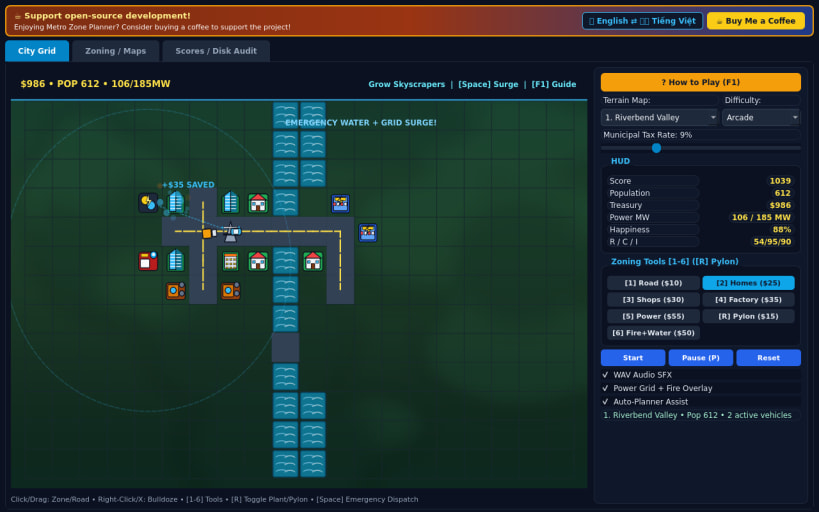
60 FPS urban grid builder with live traffic, power grid and fire response
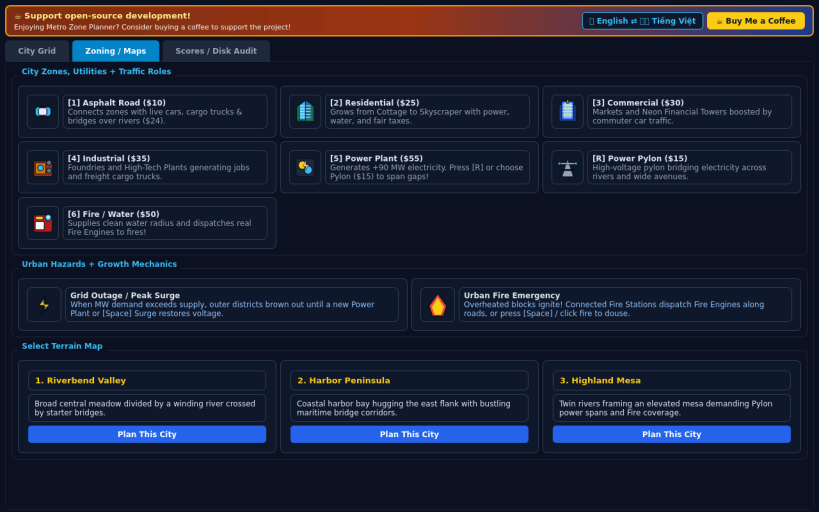
Design and grow a bustling modern metropolis across three terrain maps. Paint asphalt roads, zone Residential, Commercial, and Industrial districts, wire up Power Plants and high-voltage Pylons, dispatch Fire and Water Stations, and balance municipal tax rates as tiny vehicles cruise roads and cottages evolve into gleaming skyscrapers while overcoming Grid Outages and Fire Emergencies.
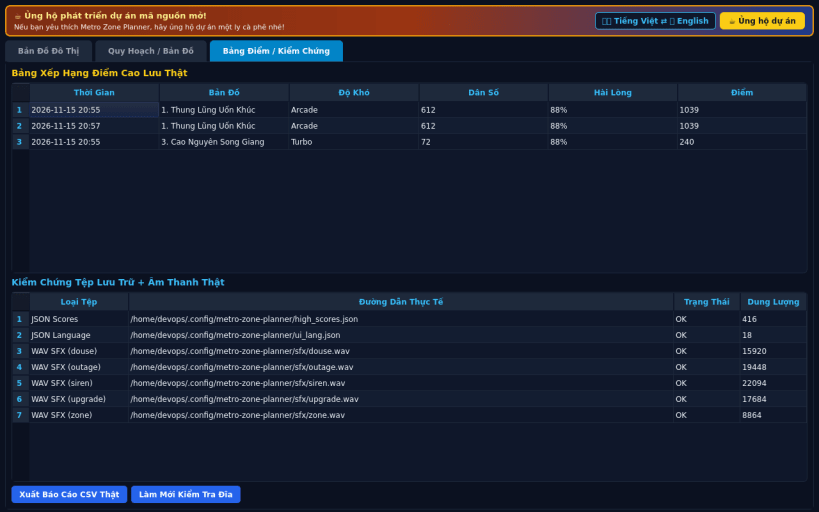
Features real-time 60 FPS PyQt5 city simulation, three distinct urban terrain maps, three difficulty modes (Casual, Arcade, Turbo), dynamic road traffic and fire engine routing, 16-bit PCM WAV audio effects, bilingual English/Vietnamese UI, local high-score tracking, and CSV export.
Disclaimer: This project is an independent open-source game and is not affiliated with, sponsored by, or endorsed by the creators of classic city-building inspirations.
| Revision | Channel | Version | Build | Commit | Download SBOM |
|---|
The build and commit information is derived from build infrastructure records.
Install Metro Zone Planner on your Linux distribution
Choose your Linux distribution to get detailed installation instructions. If yours is not shown, get more details on the installing snapd documentation.


