

minesweeperjs
Install latest/stable of minesweeperjs
Ubuntu 16.04 or later?
Make sure snap support is enabled in your Desktop store.
Install using the command line
sudo snap install minesweeperjsDon't have snapd? Get set up for snaps.
Details for minesweeperjs
Package name
- minesweeperjs
License
- unset
Last updated
- 13 March 2022 - latest/stable
Contact
External link warning
You are about to open
Do you wish to proceed?
Report a Snap Store violation
Report minesweeperjs for a Snap Store violation
Snap Store Violation Report submitted successfully
Thank you for your report. Information you provided will help us investigate further.
Error submitting report
There was an error while sending your report. Please try again later.
Share this snap
Generate an embeddable card to be shared on external websites.
MinesweeperJs
1.0.2 update release notes:
- fixed minor bugs
- added settings screen
- added themes
- added game mode selection
- added new win screen
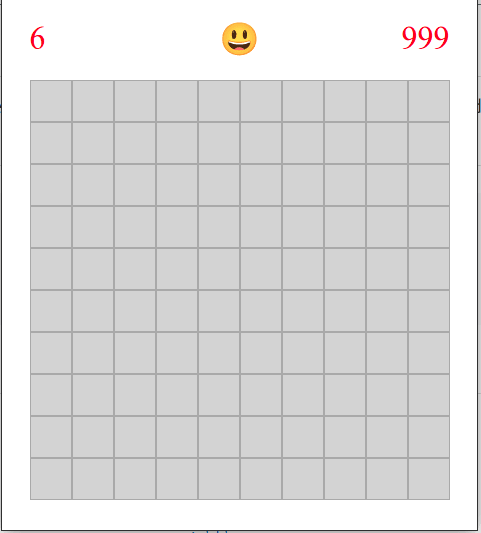
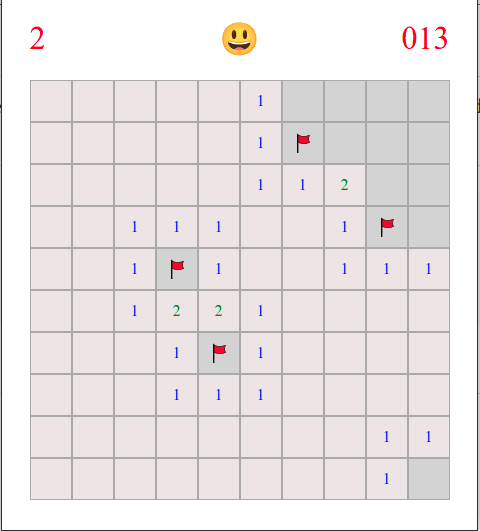
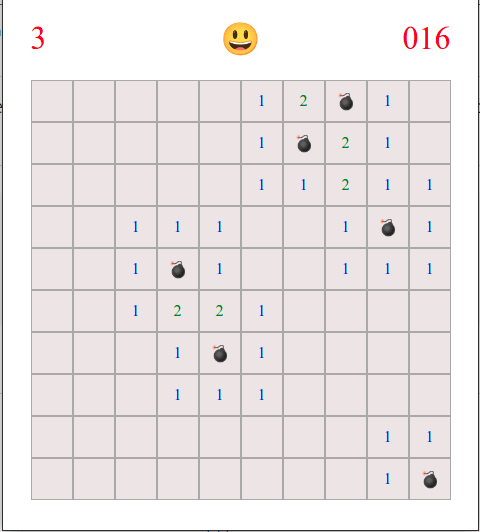
Minesweeper game built by Janko Stanic. Objective of the game is to place flags on all of the bombs. Number of available flags is placed in the top left corner. You can add or remove flags on right click. You can start a new game by clicking on the Smiley. Timer is located in the top right corner and start once you reveal your first field. You can submit requests and bug reports at: janko@jjsolutions.rs Hope you enjoy.
| Revision | Channel | Version | Build | Commit | Download SBOM |
|---|
The build and commit information is derived from build infrastructure records.
Install minesweeperjs on your Linux distribution
Choose your Linux distribution to get detailed installation instructions. If yours is not shown, get more details on the installing snapd documentation.











