

Mixpilot
Install latest/stable of Mixpilot
Ubuntu 16.04 or later?
Make sure snap support is enabled in your Desktop store.
Details for Mixpilot
Package name
- mixpilot
License
- GPL-3.0-only
Last updated
- Today - latest/stable
Websites
Donations
Source code
Report a bug
External link warning
You are about to open
Do you wish to proceed?
Report a Snap Store violation
Report Mixpilot for a Snap Store violation
Snap Store Violation Report submitted successfully
Thank you for your report. Information you provided will help us investigate further.
Error submitting report
There was an error while sending your report. Please try again later.
Share this snap
Generate an embeddable card to be shared on external websites.
Mixer, sound and microphone control for PipeWire
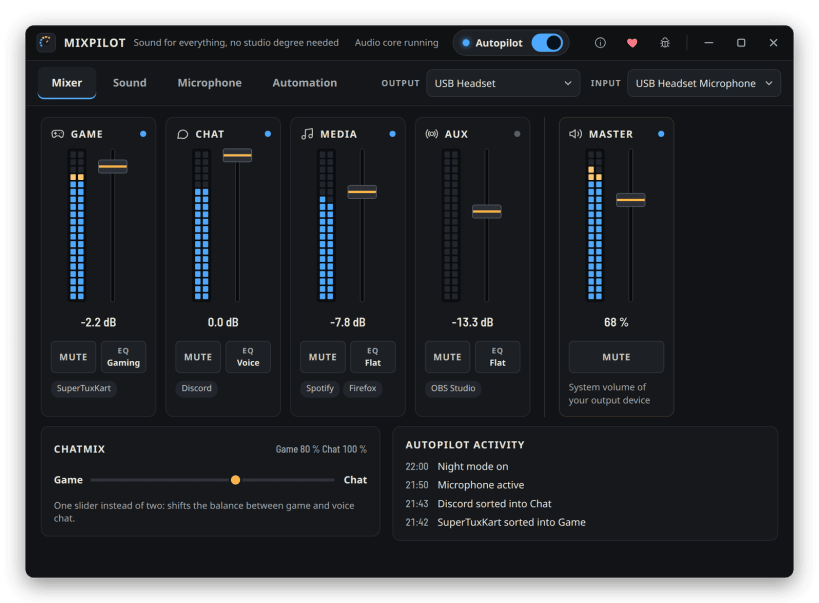
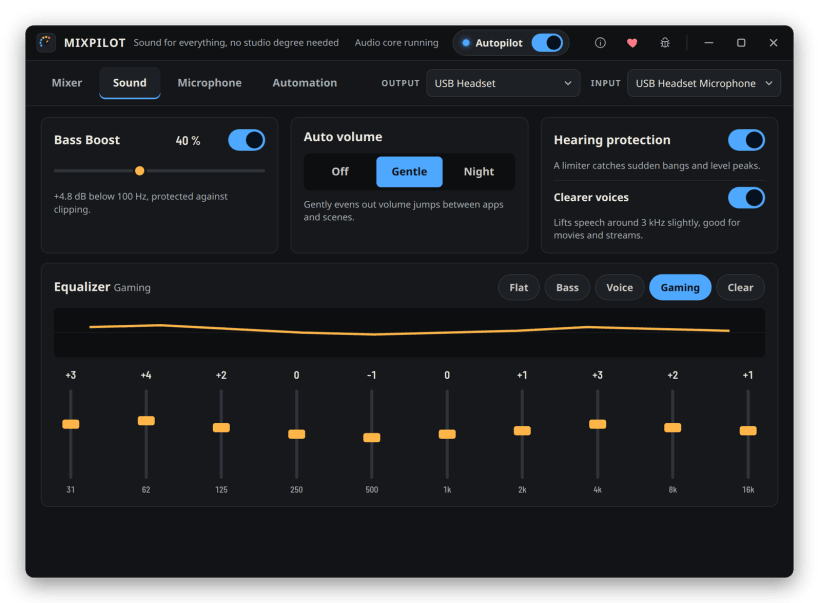
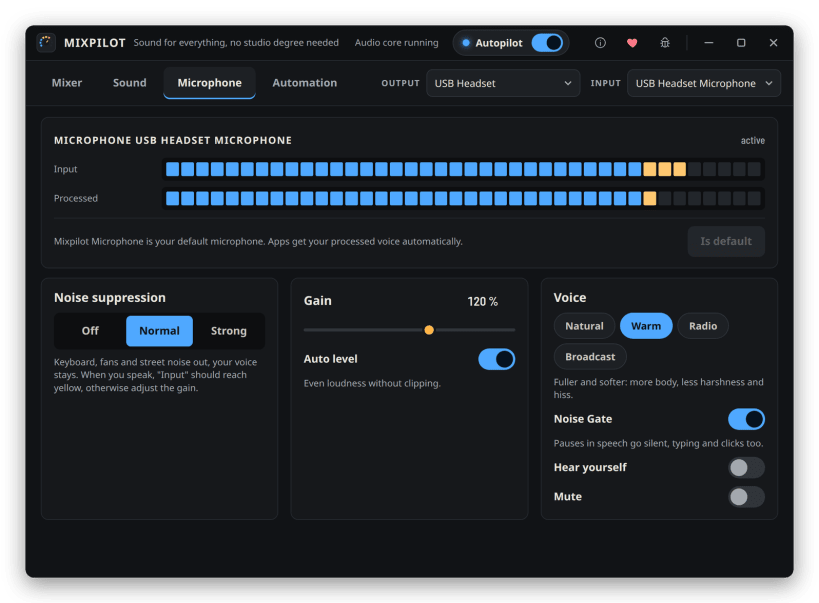
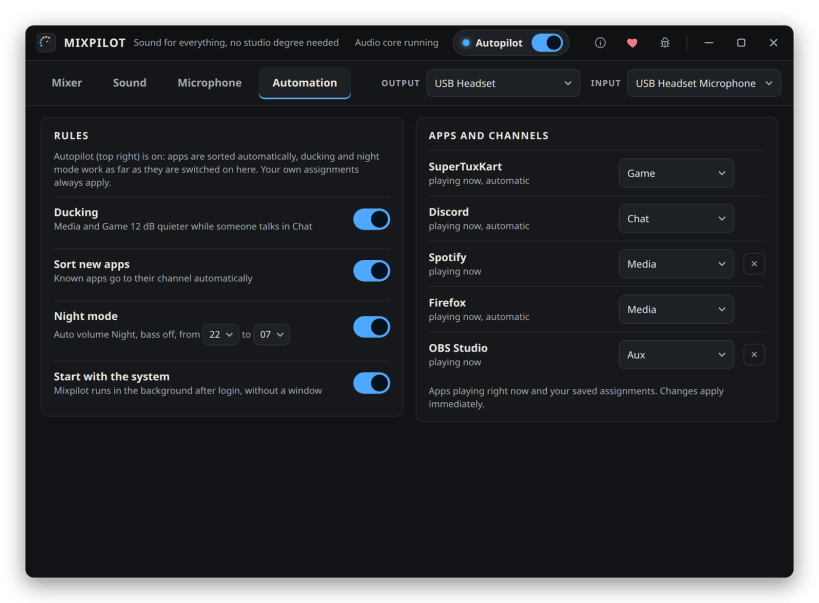
Mixpilot sorts your apps into Game, Chat, Media and Aux channels with their own faders, a ChatMix balance and ducking. It adds an equalizer, bass boost, automatic loudness and a hearing protection limiter, and cleans up your microphone with noise suppression, auto gain and voice presets. It keeps running in the background with a tray icon.
After installing, connect the two permissions Mixpilot asks for on first start: sudo snap connect mixpilot:pipewire && sudo snap connect mixpilot:audio-record
Planned:
- Global hotkey for microphone mute and push-to-talk
- Profiles (Gaming, Movie, Night) with one click, optionally switched by the running app
- Save your own EQ presets
- Headphone correction based on measured frequency responses
- Automatic fallback to speakers when the headset disconnects
- Microphone test: record and play back
- Compact mini mixer
- Separate output device per channel
- Separate stream mix for OBS
| Revision | Channel | Version | Build | Commit | Download SBOM |
|---|
The build and commit information is derived from build infrastructure records.
Install Mixpilot on your Linux distribution
Choose your Linux distribution to get detailed installation instructions. If yours is not shown, get more details on the installing snapd documentation.











