

Mockuuups Studio (mockuuups)
Install latest/stable of Mockuuups Studio
Ubuntu 16.04 or later?
Make sure snap support is enabled in your Desktop store.


Details for Mockuuups Studio
Package name
- mockuuups
License
- Proprietary
Last updated
- 13 January 2022 - latest/stable
- 13 January 2022 - latest/beta
Websites
Contact
External link warning
You are about to open
Do you wish to proceed?
Report a Snap Store violation
Report Mockuuups Studio for a Snap Store violation
Snap Store Violation Report submitted successfully
Thank you for your report. Information you provided will help us investigate further.
Error submitting report
There was an error while sending your report. Please try again later.
Share this snap
Generate an embeddable card to be shared on external websites.
Product mockups, made easy and instantly.
Generate amazing product mockups in a second.
Mockuuups Studio lets you work with mockups no matter if you’re a designer or not. App is packed with everything you need to create product mockups, outstanding marketing materials, even visual content for social media or blog posts.
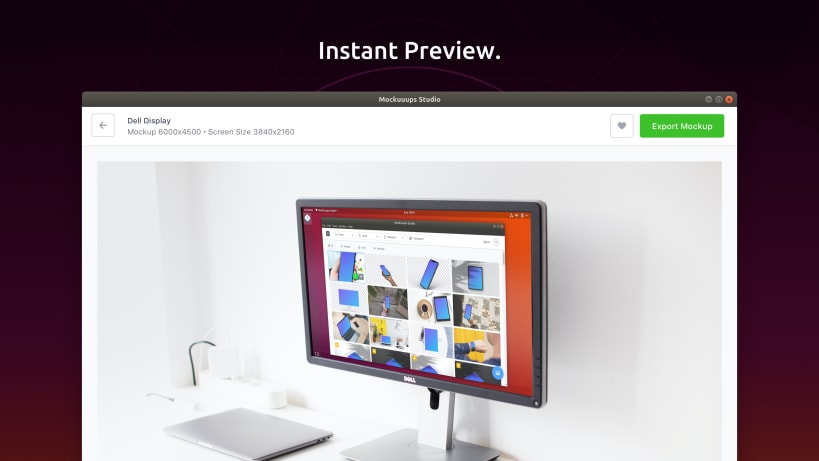
Instant Preview
Simply drag and drop your product screenshots and Mockuuups Studio takes care of the rest. Mockuuups Studio automatically inserts & scale your screenshots into the hundred of scenes.
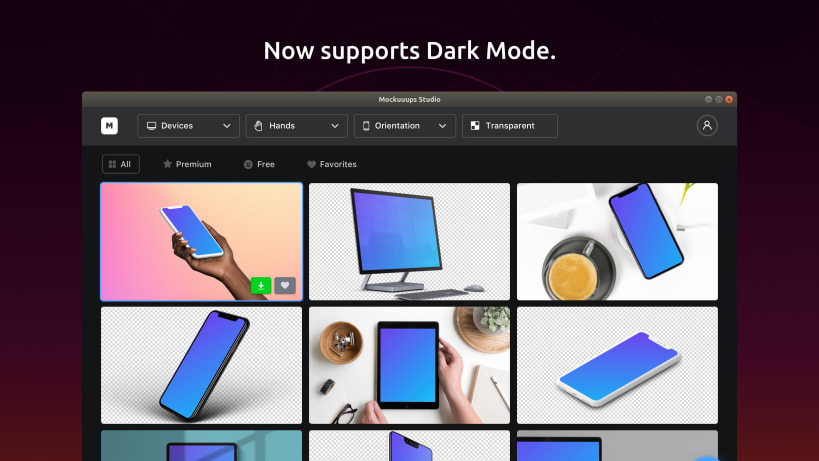
Growing library
More than 500 high-quality scenes with various angles, different backgrounds and device types are accessible from one place - no need to "google" and download mockups anymore.
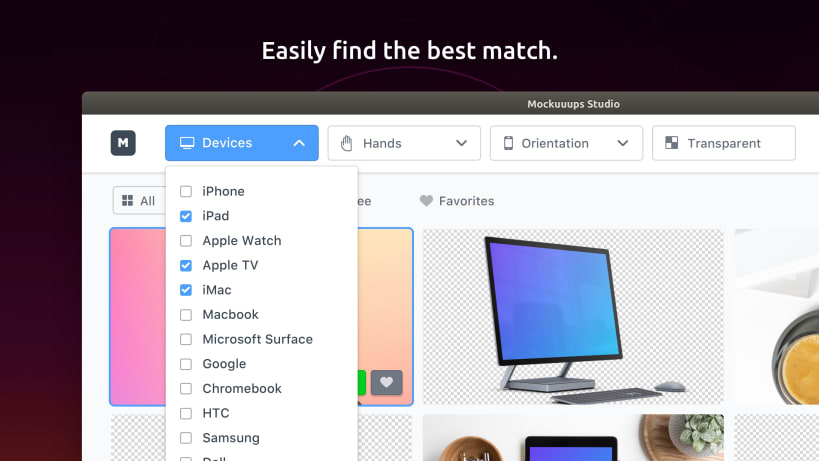
Well-organised
Easily filter mockups based on your criteria. Are you looking for the scene with transparent background and the latest version of the iPhone? No problem!
Compatible with Figma & Photoshop Files
Do you prefer to work with a design tool? Mockuuups Studio lets you connect your design files with the app and update every time you move a pixel.
| Revision | Channel | Version | Build | Commit | Download SBOM |
|---|
The build and commit information is derived from build infrastructure records.
Install Mockuuups Studio on your Linux distribution
Choose your Linux distribution to get detailed installation instructions. If yours is not shown, get more details on the installing snapd documentation.











