

MTUI
Contact us about Snaps and IoT ›
Install latest/stable of MTUI
Ubuntu 16.04 or later?
Make sure snap support is enabled in your Desktop store.
Details for MTUI
Package name
- mtui
License
- GPL-2.0-only
Last updated
- Today - latest/stable
Websites
Source code
Report a bug
External link warning
You are about to open
Do you wish to proceed?
Report a Snap Store violation
Report MTUI for a Snap Store violation
Snap Store Violation Report submitted successfully
Thank you for your report. Information you provided will help us investigate further.
Error submitting report
There was an error while sending your report. Please try again later.
Share this snap
Generate an embeddable card to be shared on external websites.
Extensive Modbus client for your terminal (TCP, RTU & mock)
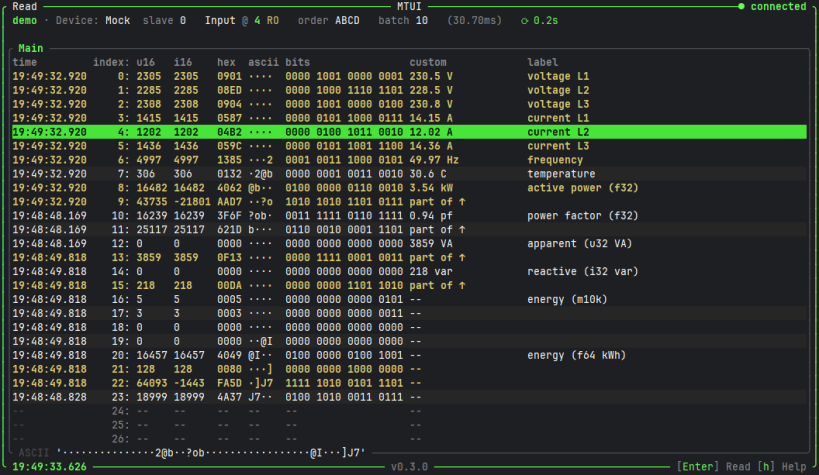
MTUI is an extensive Modbus client that runs in pretty much any terminal, written in pure safe Rust on top of tokio-modbus and ratatui.
Features:
- Modbus TCP, RTU, RTU-over-TCP and a built-in mock device for playing around
- Live register reading with auto-refresh, pause/resume and slave-id selection
- Interpretation columns with configurable word order: u16, i16, hex, binary, ASCII, u32, i32, f32, f64, M10K and more
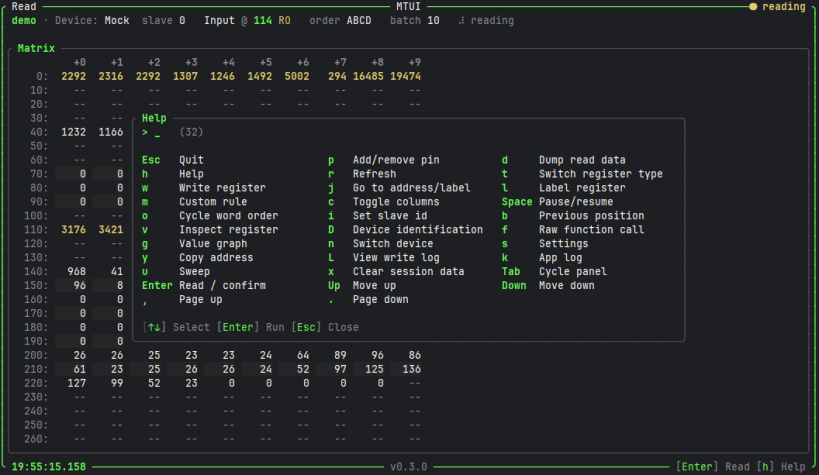
- Panels: main view, pinned, labeled, custom rules and an address matrix
- Pin, label and custom-rule registers; jump to an address or label
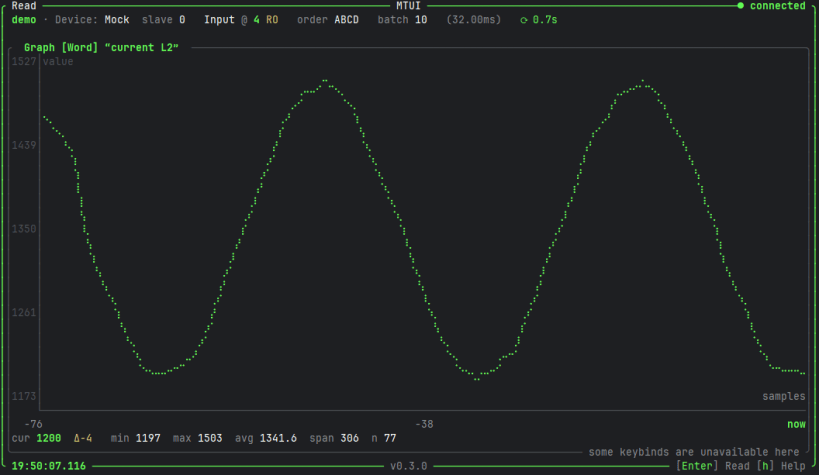
- Value graph for a register over time
- Register writes, with a write log and an optional read-only mode
- HTTP API (POST /read, POST /write, GET /health), runnable standalone with --headless
- Dump read data to a file and copy addresses to the clipboard
- Configurable via config.json (or --config <path>) and an in-app settings screen
Press "h" inside the app for all available keybinds.
Modbus RTU (serial) and the clipboard rely on interfaces that snapd does not auto-connect. After installing, run:
 snap connect mtui:serial-port
 snap connect mtui:raw-usb
| Revision | Channel | Version | Build | Commit | Download SBOM |
|---|
The build and commit information is derived from build infrastructure records.
Install MTUI on your Linux distribution
Choose your Linux distribution to get detailed installation instructions. If yours is not shown, get more details on the installing snapd documentation.












