

Multi Grid Video Wall
Install latest/stable of Multi Grid Video Wall
Ubuntu 16.04 or later?
Make sure snap support is enabled in your Desktop store.
Install using the command line
sudo snap install multi-grid-video-wallDon't have snapd? Get set up for snaps.
Details for Multi Grid Video Wall
Package name
- multi-grid-video-wall
License
- GPL-3.0-or-later
Last updated
- Today - latest/stable
Websites
Contact
External link warning
You are about to open
Do you wish to proceed?
Report a Snap Store violation
Report Multi Grid Video Wall for a Snap Store violation
Snap Store Violation Report submitted successfully
Thank you for your report. Information you provided will help us investigate further.
Error submitting report
There was an error while sending your report. Please try again later.
Share this snap
Generate an embeddable card to be shared on external websites.
Synchronized multi-stream video grid player for Linux desktops
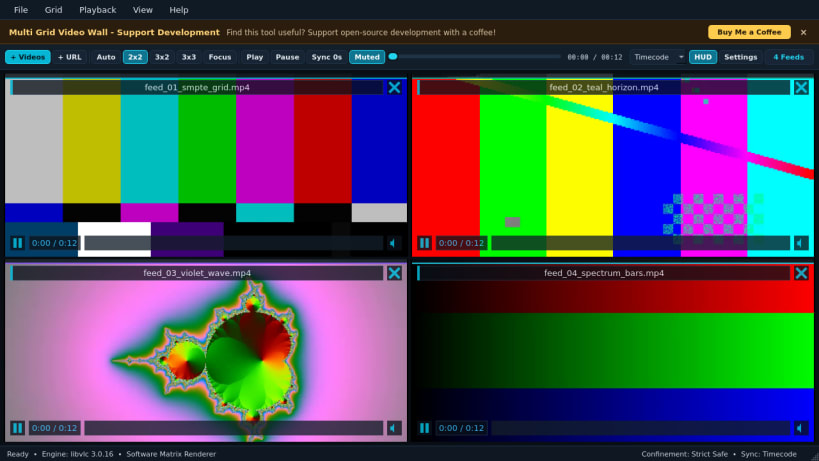
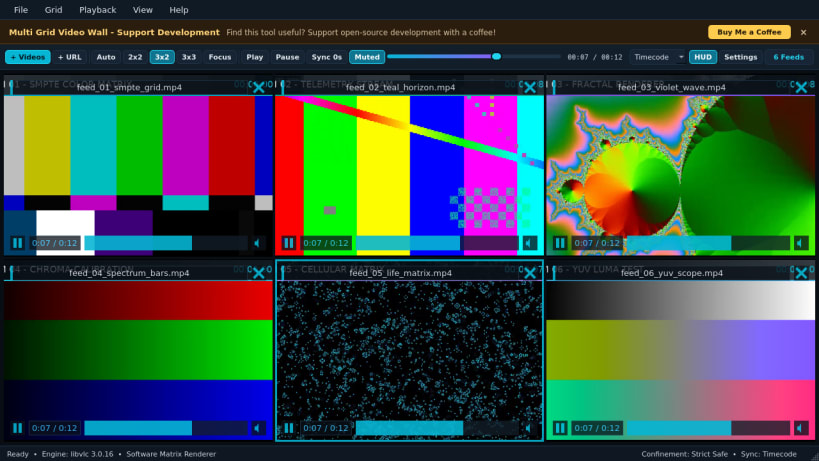
Multi Grid Video Wall lets you monitor, arrange, and play multiple local video files or network media streams simultaneously inside a synchronized grid matrix. Switch effortlessly between 2x2, 3x2, 3x3, or adaptive grid layouts, or toggle Single Focus Mode to inspect one feed full screen while keeping every stream aligned.
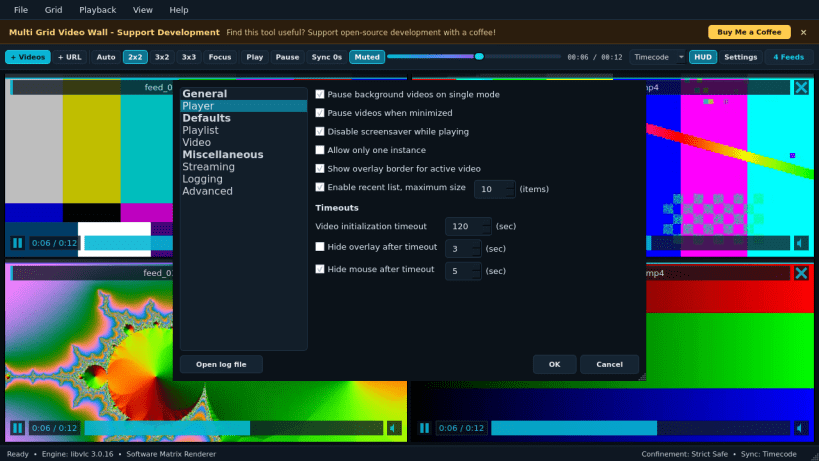
Designed for video editors, broadcast monitors, studio operators, and multi-camera workflows, Multi Grid Video Wall combines synchronized master timeline scrubbing, per-tile playback and audio controls, playlist matrix snapshots, and strict Snap confinement isolation.
| Revision | Channel | Version | Build | Commit | Download SBOM |
|---|
The build and commit information is derived from build infrastructure records.
Install Multi Grid Video Wall on your Linux distribution
Choose your Linux distribution to get detailed installation instructions. If yours is not shown, get more details on the installing snapd documentation.


