
NDrive PRO FILE MANAGER DESKTOP APP (ndrive-pro)
Install latest/stable of NDrive PRO FILE MANAGER DESKTOP APP
Ubuntu 16.04 or later?
Make sure snap support is enabled in your Desktop store.

Details for NDrive PRO FILE MANAGER DESKTOP APP
Package name
- ndrive-pro
License
- unset
Last updated
- 19 July 2026 - latest/stable
Websites
External link warning
You are about to open
Do you wish to proceed?
Report a Snap Store violation
Report NDrive PRO FILE MANAGER DESKTOP APP for a Snap Store violation
Snap Store Violation Report submitted successfully
Thank you for your report. Information you provided will help us investigate further.
Error submitting report
There was an error while sending your report. Please try again later.
Share this snap
Generate an embeddable card to be shared on external websites.
NDrive PRO FILE MANAGER Desktop App
NDrive PRO FILE MANAGER
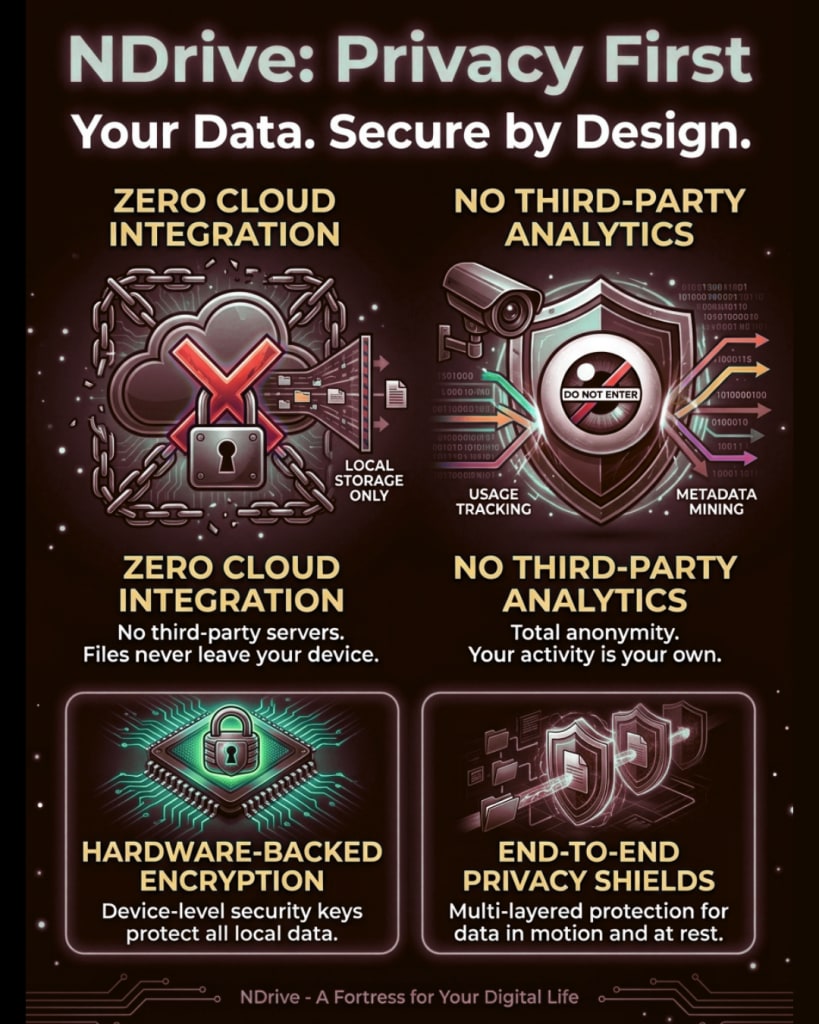
Take Control of Your Data. No Cloud. No Tracking. Absolute Privacy. NDrive PRO is the ultimate local file management and transfer solution designed for users who value speed, efficiency, and uncompromised privacy. Say goodbye to slow internet uploads, costly cloud subscriptions, and data tracking. NDrive PRO connects your smartphone, laptop, and PC locally and securely.
Key Features Zero-Trust Privacy: Your data never leaves your devices. With zero cloud uploads and a strict no-tracking policy, your personal files, documents, and media remain entirely yours.
High-Speed Local Transfers: Move massive files, high-res photos, 4K videos, and entire music libraries instantly using USB, Wi-Fi, or Hotspot connections.
True Cloud-Free Sync: Experience seamless, real-time synchronization across all your personal devices without relying on an internet connection or third-party servers.
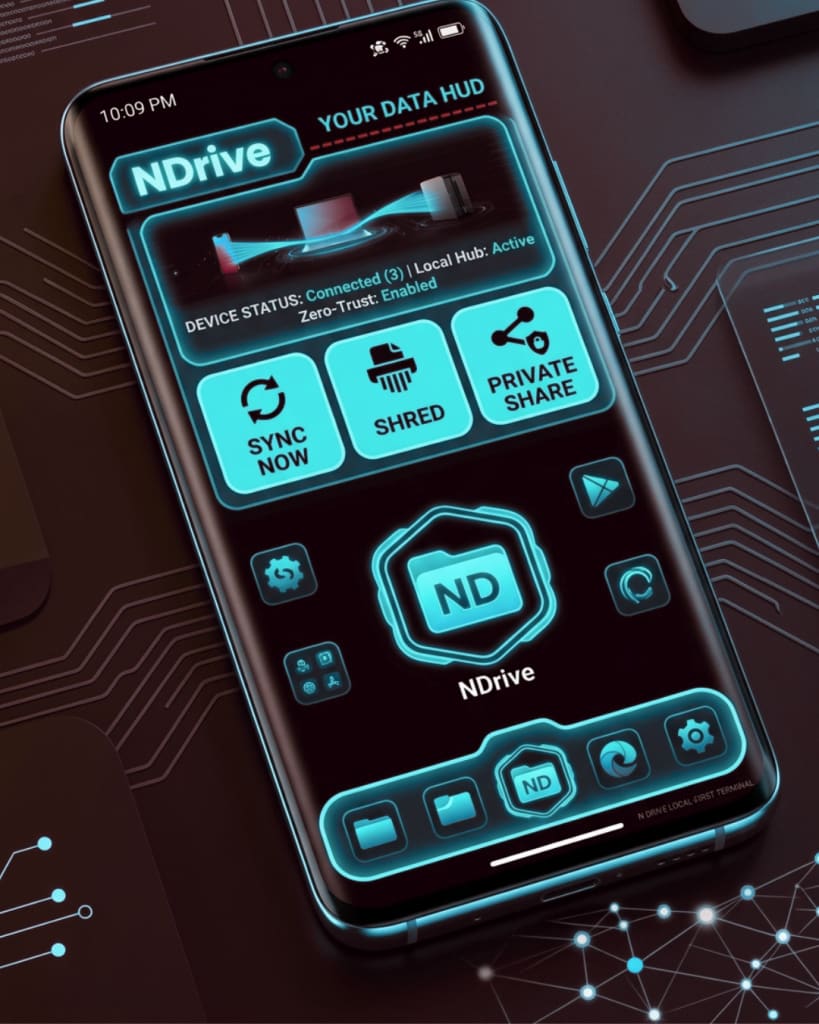
One App for All Your Devices: Effortlessly manage, organize, and bridge the gap between your mobile devices and your PC/laptop through a single, unified eco-system.
Premium, Intuitive Interface: Navigate your storage with a sleek, modern UI designed for power users who demand both aesthetic elegance and structural organization.
| Revision | Channel | Version | Build | Commit | Download SBOM |
|---|
The build and commit information is derived from build infrastructure records.
Install NDrive PRO FILE MANAGER DESKTOP APP on your Linux distribution
Choose your Linux distribution to get detailed installation instructions. If yours is not shown, get more details on the installing snapd documentation.











