

Network Speedometer
Contact us about Snaps and IoT ›
Install latest/stable of Network Speedometer
Ubuntu 16.04 or later?
Make sure snap support is enabled in your Desktop store.
Install using the command line
sudo snap install network-speedometerDon't have snapd? Get set up for snaps.
Details for Network Speedometer
Package name
- network-speedometer
License
- Proprietary
Last updated
- Today - latest/stable
Websites
Contact
External link warning
You are about to open
Do you wish to proceed?
Report a Snap Store violation
Report Network Speedometer for a Snap Store violation
Snap Store Violation Report submitted successfully
Thank you for your report. Information you provided will help us investigate further.
Error submitting report
There was an error while sending your report. Please try again later.
Share this snap
Generate an embeddable card to be shared on external websites.
Internet speed test and Wi-Fi signal finder with screenshots and recording
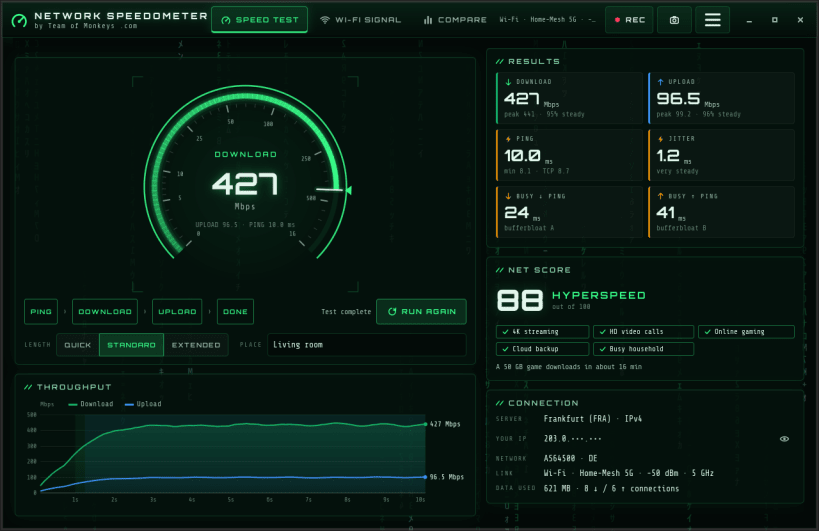
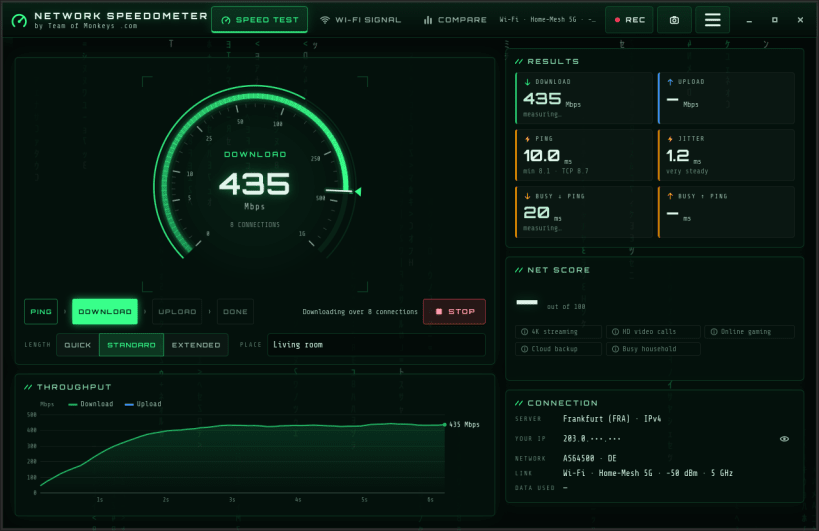
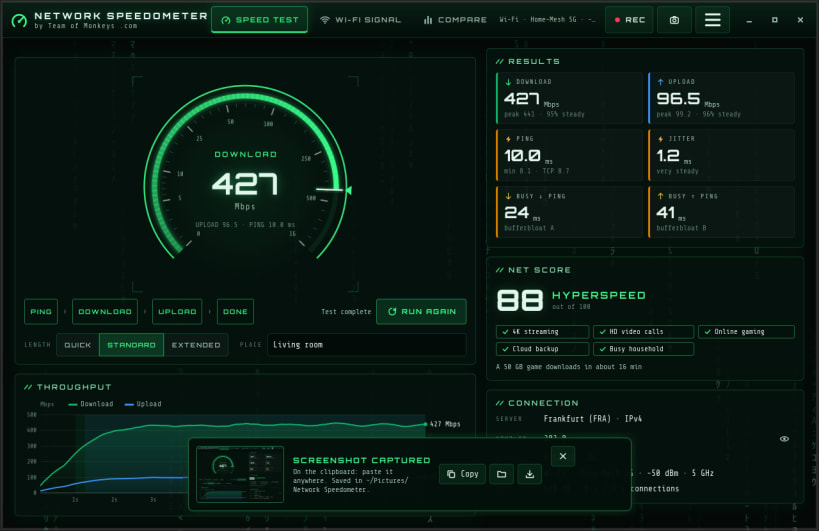
Network Speedometer by Team of Monkeys .com measures how fast your internet really is and helps you find the spot in your home with the best Wi-Fi. A neon speedometer, live charts and a gentle digital rain make it a pleasure to watch.
SPEED TEST
- Download and upload over parallel encrypted connections, with peak speed and stability
- Ping and jitter, plus ping while the line is busy (bufferbloat grade)
- Upload speed counted from what the server has actually received, read from the kernel's own TCP counters
- A 0-100 score, and whether your line is ready for 4K streaming, video calls, online gaming and cloud backup
- Quick, standard and extended tests; Mbps or MB/s
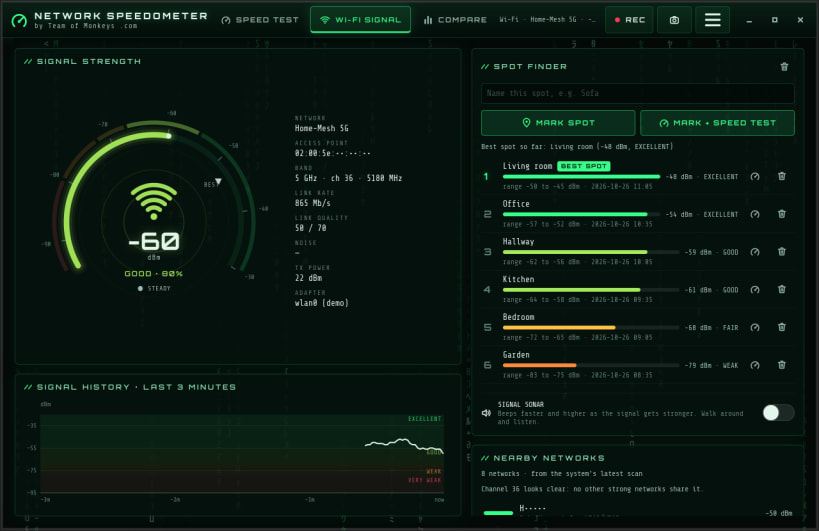
WI-FI SIGNAL FINDER
- Live signal strength in dBm and percent, with a three-minute history
- Spot finder: name a room, mark it, and see which spot gets the best signal; run a speed test right there with one click
- Signal sonar: beeps faster as the signal gets stronger, so you can walk around with a laptop and listen
- Nearby networks with channel, band and security, and a busy-channel hint
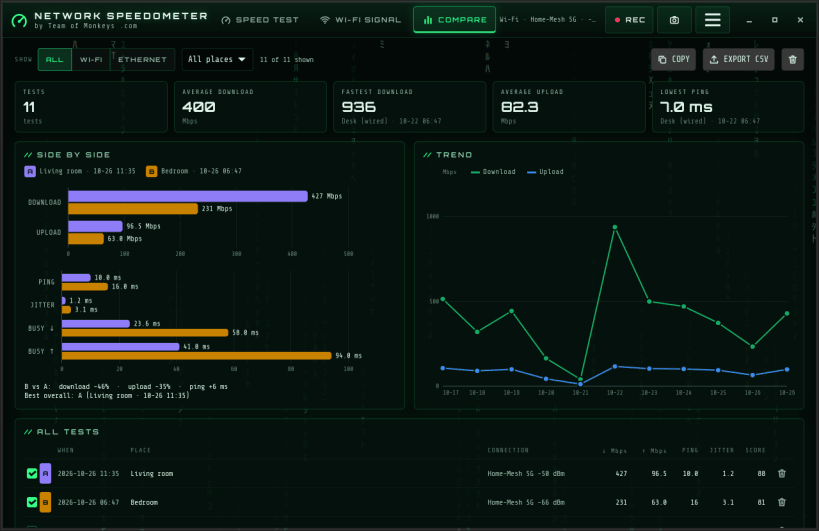
COMPARE AND SHARE
- Every result is saved with the place you ran it; compare up to three side by side, see the trend over time, and export to CSV
- One-click screenshot, saved and copied to the clipboard, ready to paste into a chat or e-mail
- Built-in screen recording of the app to a video file, no other app needed
No special permissions: everything the app uses is connected automatically, with nothing to approve. No accounts, no ads and no telemetry. Your results stay on this computer, and privacy mode masks addresses and neighbours' network names in screenshots.
Speed tests run against Cloudflare's public speed-test service. Cloudflare is a trademark of Cloudflare, Inc. This app is not affiliated with or endorsed by Cloudflare.
Keys: F5 start, Esc stop, Ctrl+Shift+S screenshot, Ctrl+Shift+R record, Ctrl+1/2/3 pages, Ctrl+M mark a Wi-Fi spot, F11 full screen. Terminal: network-speedometer --cli, --json or --wifi.
| Revision | Channel | Version | Build | Commit | Download SBOM |
|---|
The build and commit information is derived from build infrastructure records.
Install Network Speedometer on your Linux distribution
Choose your Linux distribution to get detailed installation instructions. If yours is not shown, get more details on the installing snapd documentation.











