
Install latest/stable of OA Player
Ubuntu 16.04 or later?
Make sure snap support is enabled in your Desktop store.


You are about to open
Do you wish to proceed?
Thank you for your report. Information you provided will help us investigate further.
There was an error while sending your report. Please try again later.
Generate an embeddable card to be shared on external websites.
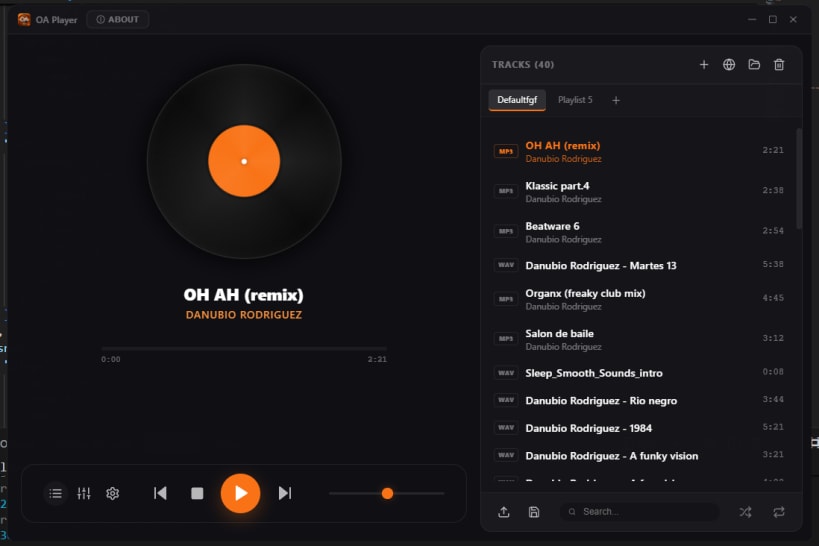
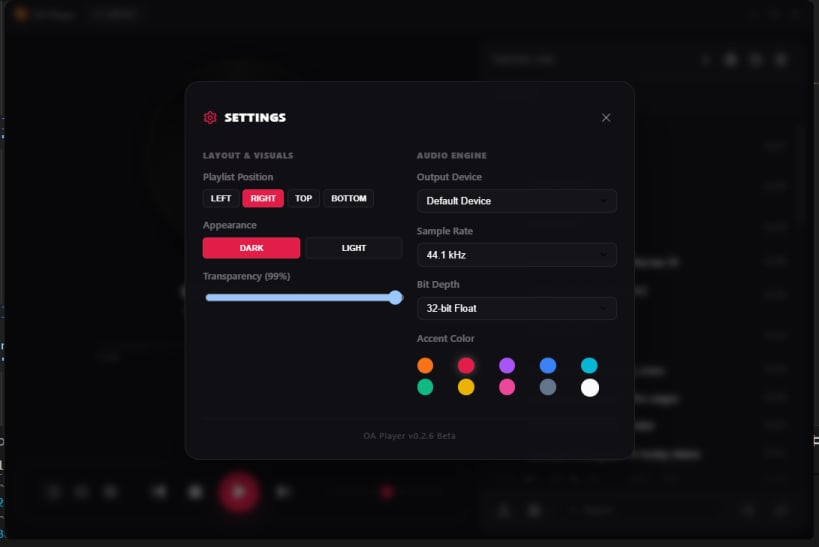
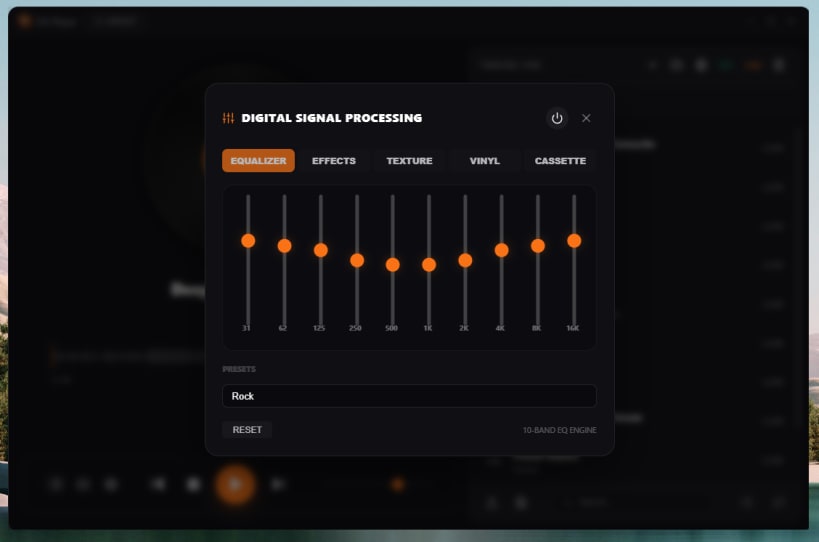
Transform your PC into a premium analog audio experience with the latest version of OA Player. This audiophile-grade, hi-fi integrated media player combines cutting-edge digital technology with the warm, rich character of classic analog sound.
✨ Key Features:
🎧 Whether you're a casual listener or a dedicated audiophile, OA Player 0.4.8 delivers studio-quality sound with the soul of analog—right on your desktop.
➡️ Update now and rediscover your music like never before.
| Revision | Channel | Version | Build | Commit |
|---|
The build and commit information is derived from build infrastructure records.
Choose your Linux distribution to get detailed installation instructions. If yours is not shown, get more details on the installing snapd documentation.












