

Observer core (obsr) (obsr)
Install latest/stable of Observer core (obsr)
Ubuntu 16.04 or later?
Make sure snap support is enabled in your Desktop store.
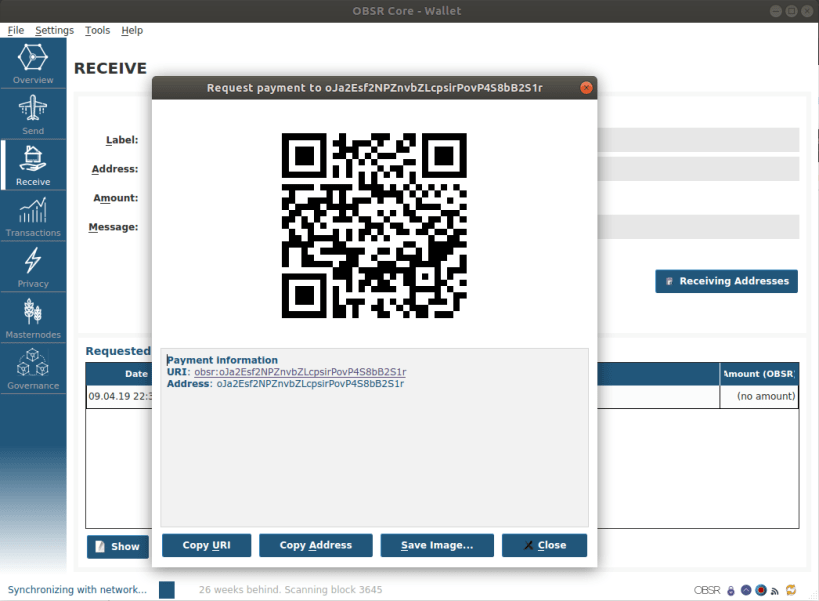
Details for Observer core (obsr)
Package name
- obsr
License
- MIT
Last updated
- 3 July 2019 - latest/stable
- 14 August 2019 - latest/edge
Websites
Contact
External link warning
You are about to open
Do you wish to proceed?
Report a Snap Store violation
Report Observer core (obsr) for a Snap Store violation
Snap Store Violation Report submitted successfully
Thank you for your report. Information you provided will help us investigate further.
Error submitting report
There was an error while sending your report. Please try again later.
Share this snap
Generate an embeddable card to be shared on external websites.
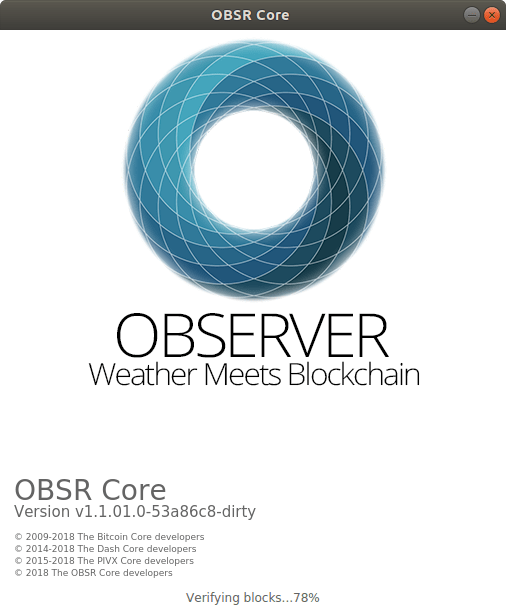
OBSR is OBServer's core wallet software.
OBSR is an open source crypto-currency focused on fast private transactions with low transaction fees & environmental footprint. It utilizes a custom Proof of Stake protocol for securing its network and uses an innovative variable seesaw reward mechanism that dynamically balances 90% of its block reward size between masternodes and staking nodes and 10% dedicated for budget proposals. The goal of OBSR is to achieve a decentralized sustainable crypto currency with near instant full-time private transactions, fair governance and community intelligence.
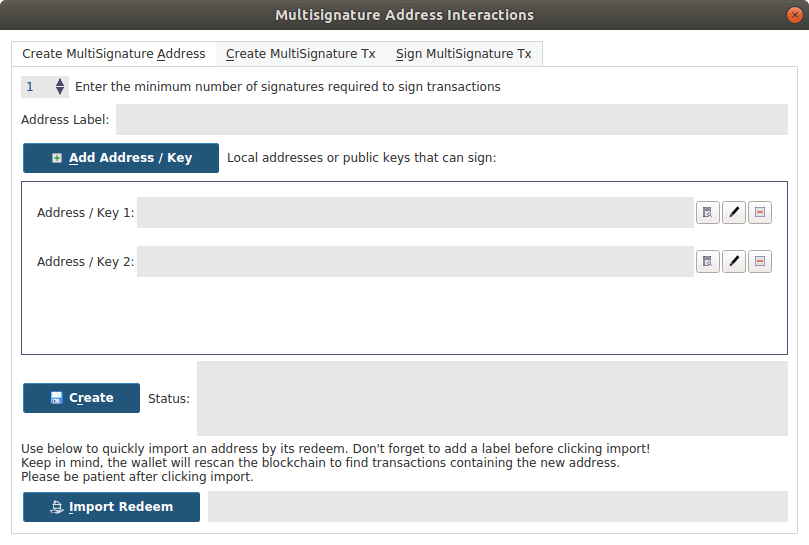
- Anonymized transactions using the Zerocoin Protocol (http://www.obsr.org/zobsr).
- Fast transactions featuring guaranteed zero confirmation transactions, we call it SwiftX.
- Decentralized blockchain voting utilizing Masternode technology to form a DAO. The blockchain will distribute monthly treasury funds based on successful proposals submitted by the community and voted on by the DAO.
| Revision | Channel | Version | Build | Commit | Download SBOM |
|---|
The build and commit information is derived from build infrastructure records.
Install Observer core (obsr) on your Linux distribution
Choose your Linux distribution to get detailed installation instructions. If yours is not shown, get more details on the installing snapd documentation.












