
Offline API Client Desk
Install latest/stable of Offline API Client Desk
Ubuntu 16.04 or later?
Make sure snap support is enabled in your Desktop store.
Install using the command line
sudo snap install offline-api-client-deskDon't have snapd? Get set up for snaps.
Details for Offline API Client Desk
Package name
- offline-api-client-desk
License
- MIT
Last updated
- Today - latest/stable
Websites
Contact
External link warning
You are about to open
Do you wish to proceed?
Report a Snap Store violation
Report Offline API Client Desk for a Snap Store violation
Snap Store Violation Report submitted successfully
Thank you for your report. Information you provided will help us investigate further.
Error submitting report
There was an error while sending your report. Please try again later.
Share this snap
Generate an embeddable card to be shared on external websites.
Offline REST & GraphQL API client with folder-backed YAML/JSON collections
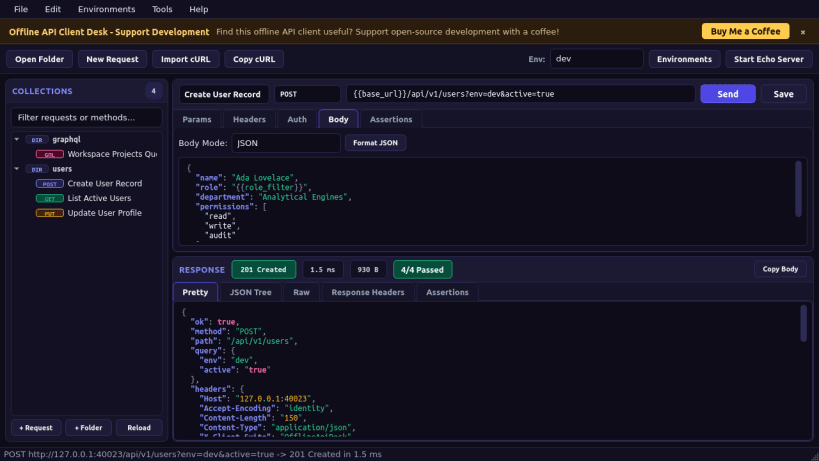
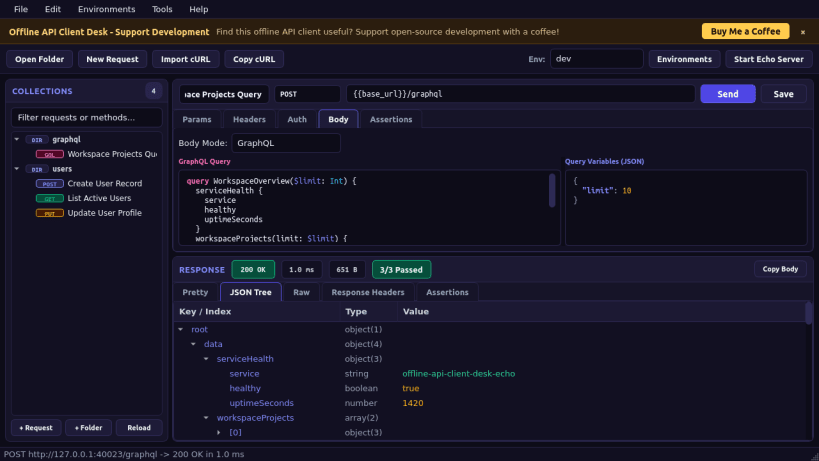
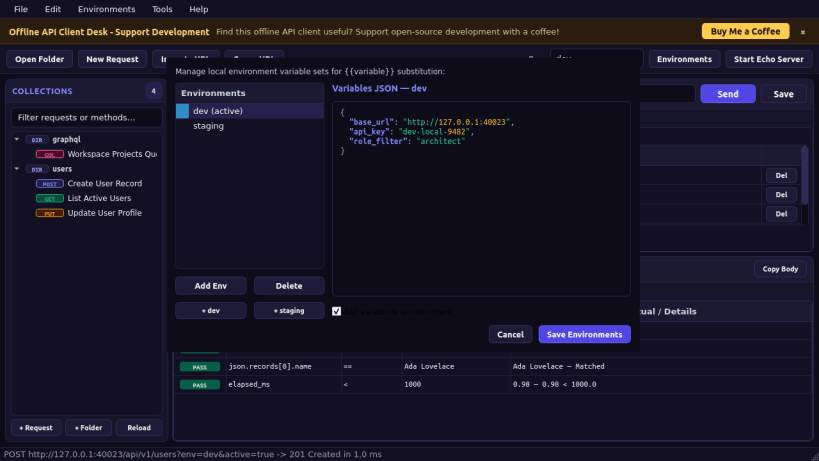
Offline API Client Desk is an offline-first REST and GraphQL API desktop workbench for Linux. Keep every request in human-readable YAML or JSON files inside any local folder, compose parameterized HTTP calls with environment variables, inspect live responses, and run declarative assertion checks without cloud accounts or external sync.
Key features:
- Folder-Backed Collection Explorer: Open and organize collections as clean YAML and JSON files directly on your local filesystem, with subfolder trees, HTTP method badges, search filtering, and instant save/reload workflows.
- REST & GraphQL Request Composer: Build GET, POST, PUT, PATCH, DELETE, HEAD, and OPTIONS requests with live URL and query-parameter synchronization, custom headers, Bearer and Basic header helpers, JSON/GraphQL/form/raw body modes, double-brace environment substitution, and cURL import/export.
- Live HTTP Response Inspector & Assertions: Execute HTTP and HTTPS calls asynchronously with exact millisecond timing and byte counts, inspect Pretty JSON, expandable JSON trees, raw output, and response headers, verify declarative assertion rules, and test locally with a built-in loopback echo server.
| Revision | Channel | Version | Build | Commit | Download SBOM |
|---|
The build and commit information is derived from build infrastructure records.
Install Offline API Client Desk on your Linux distribution
Choose your Linux distribution to get detailed installation instructions. If yours is not shown, get more details on the installing snapd documentation.











