

Olvid (Unofficial) (olvid-tsugu)

Install latest/stable of Olvid (Unofficial)
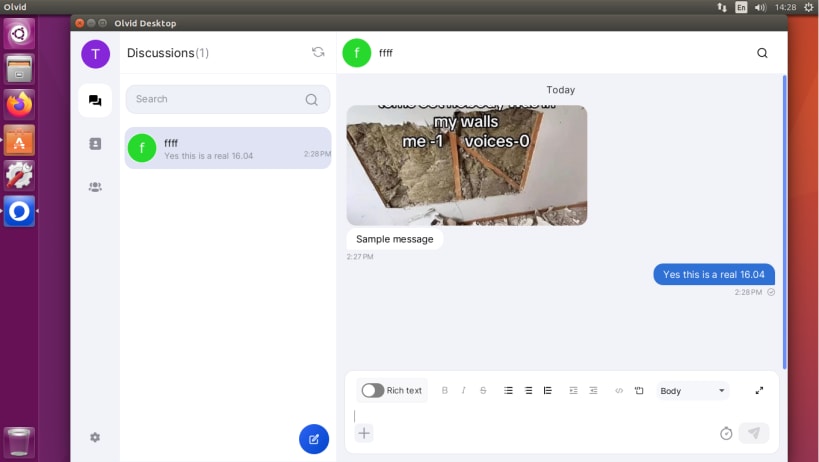
Ubuntu 16.04 or later?
Make sure snap support is enabled in your Desktop store.
Install using the command line
sudo snap install olvid-tsuguDon't have snapd? Get set up for snaps.
Details for Olvid (Unofficial)
Package name
- olvid-tsugu
License
- AGPL-3.0
Last updated
- Today - latest/stable
- Today - latest/edge
Websites
Contact
Report a bug
External link warning
You are about to open
Do you wish to proceed?
Report a Snap Store violation
Report Olvid (Unofficial) for a Snap Store violation
Snap Store Violation Report submitted successfully
Thank you for your report. Information you provided will help us investigate further.
Error submitting report
There was an error while sending your report. Please try again later.
Share this snap
Generate an embeddable card to be shared on external websites.
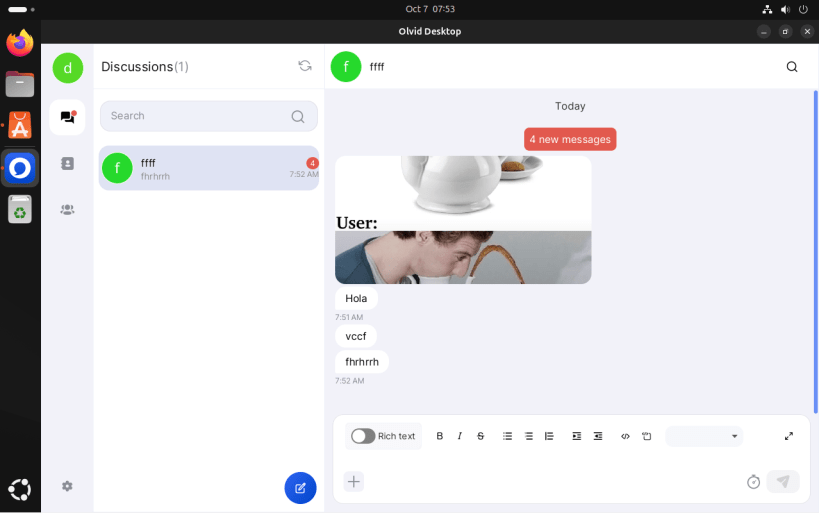
Private messaging for everyone
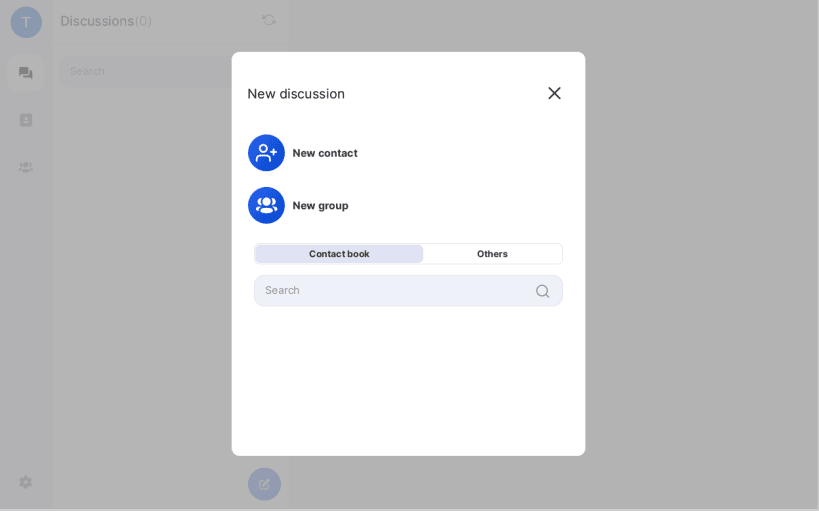
Olvid does not require any personal data: no phone number, no email, no name, no surname, no address no date of birth.
With Olvid, everything is end-to-end encrypted using cryptographic protocols with unrivalled power. Your messages & attachments are systematically protected. Olvid’s cryptographic protocols are able to guarantee the security of your data even if our servers are hacked
No nothing
Unlike your previous messenger, Olvid will never request access to your address book Six years of R&D have enabled us to propose a solution that makes no compromise on safety, while remaining very simple to use.
Your exchanges leave no digital trace. No one will ever know who you’ve discussed with. Not even us.
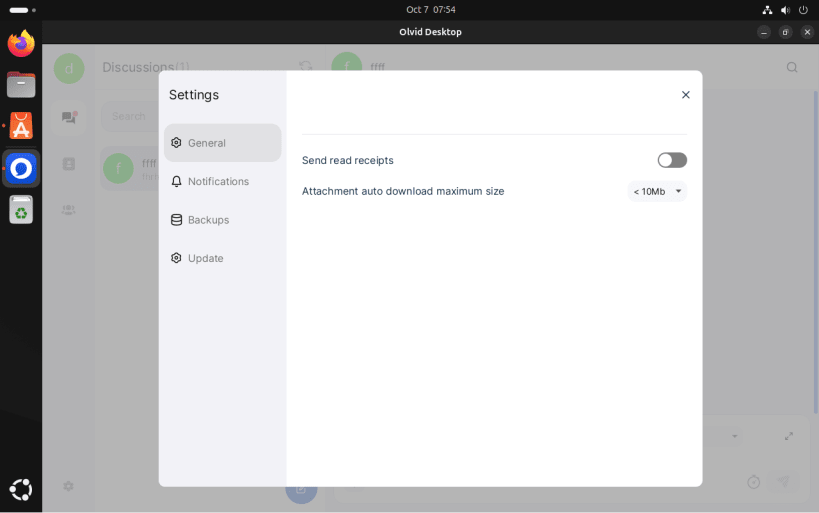
This is an unofficial snap. Notifications don't work however this is not an issue caused by this packaging.
| Revision | Channel | Version | Build | Commit | Download SBOM |
|---|
The build and commit information is derived from build infrastructure records.
Install Olvid (Unofficial) on your Linux distribution
Choose your Linux distribution to get detailed installation instructions. If yours is not shown, get more details on the installing snapd documentation.











