

open-planner-studio
Install latest/stable of open-planner-studio
Ubuntu 16.04 or later?
Make sure snap support is enabled in your Desktop store.
Install using the command line
sudo snap install open-planner-studioDon't have snapd? Get set up for snaps.
Details for open-planner-studio
Package name
- open-planner-studio
License
- LGPL-3.0-or-later
Last updated
- 31 October 2026 - latest/stable
Websites
Contact
Source code
Report a bug
External link warning
You are about to open
Do you wish to proceed?
Report a Snap Store violation
Report open-planner-studio for a Snap Store violation
Snap Store Violation Report submitted successfully
Thank you for your report. Information you provided will help us investigate further.
Error submitting report
There was an error while sending your report. Please try again later.
Share this snap
Generate an embeddable card to be shared on external websites.
Construction scheduling with Gantt charts and Critical Path Method
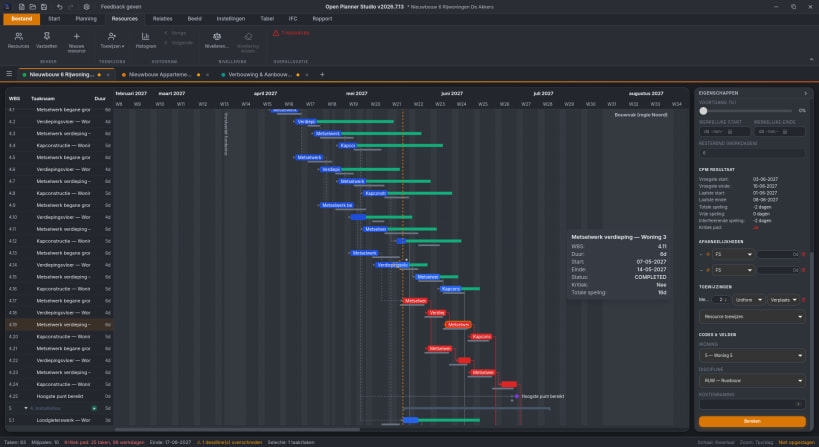
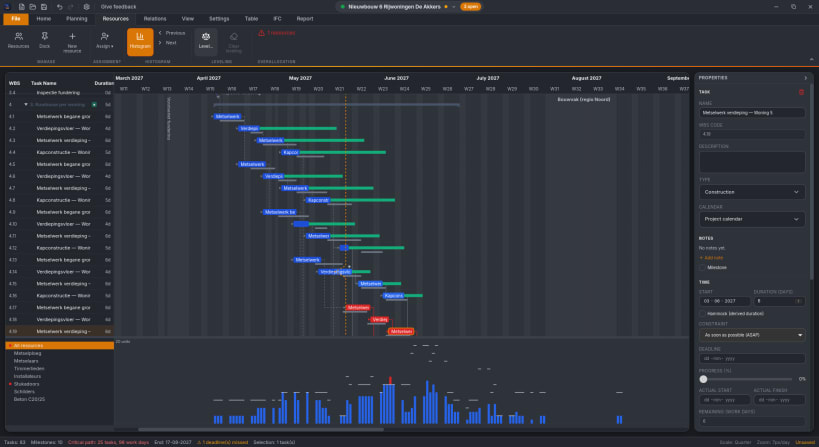
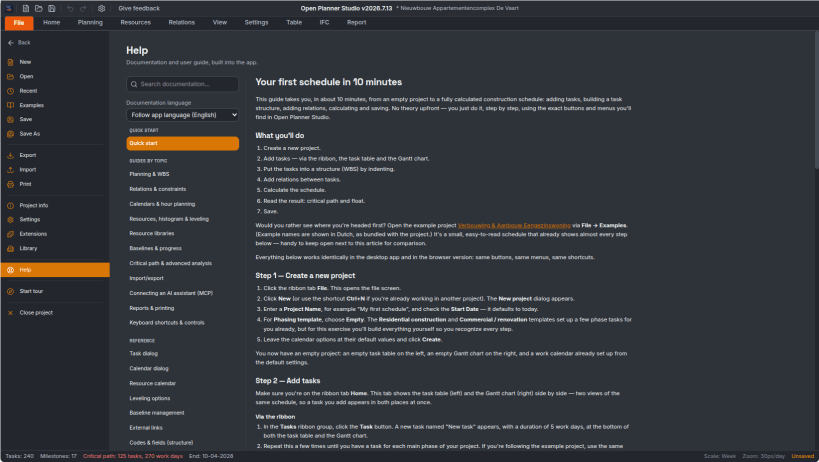
Open Planner Studio is a desktop application for construction planning: Gantt charts, Critical Path Method (CPM) scheduling, resources and calendars, with IFC 4.3 (buildingSMART) as its native file format — no separate project format, no lock-in.
Scheduling & the Gantt chart:
- Interactive Gantt chart rendered on Canvas, with drag & drop (including vertical drag to reorder or reparent tasks) and zoom
- Critical Path Method (CPM) with automatic critical-path and float calculation
- Work Breakdown Structure (WBS) with collapsible task groups
- Spreadsheet-style table view for quick bulk editing
- Construction-specific calendars: holidays, seasonal shutdowns, inspection milestones, phasing
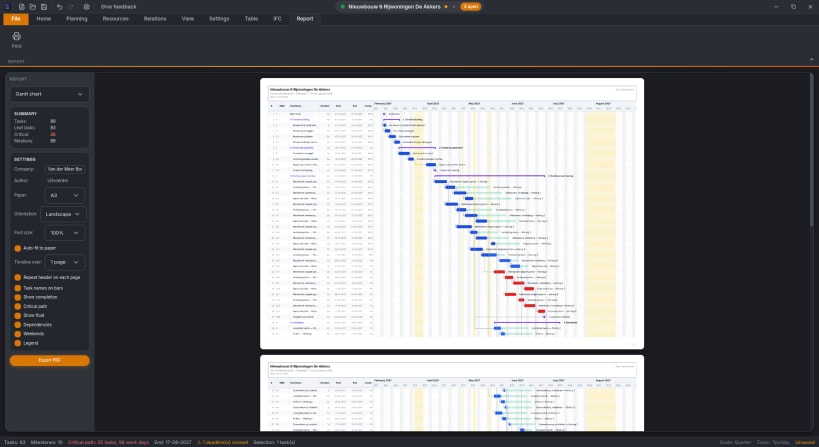
- Built-in report view with a live, configurable print preview
Resource libraries:
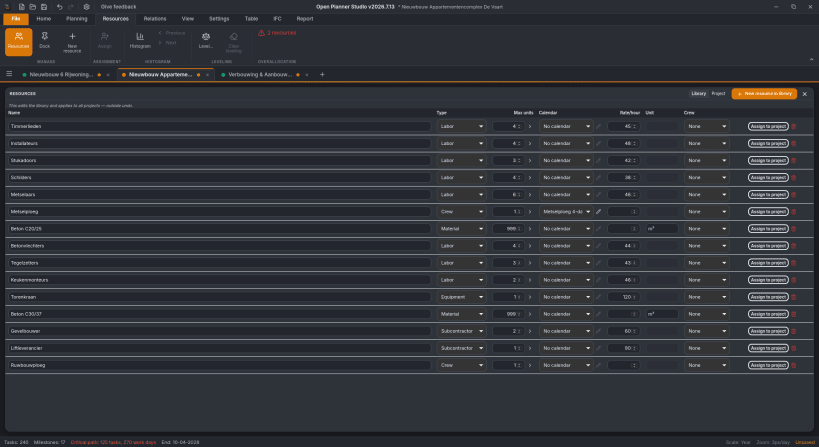
- Resources and calendars live in a shared, project-independent library instead of being copied into every project file
- Assigning a resource from the library materializes it into the project, with per-item provenance stamps showing what it came from and whether it has since drifted from the library version
- Share a resource library across a whole team or company, and reuse the same equipment, crews, and calendars across many projects
File formats & interoperability:
- IFC 4.3 native file format — open and save directly in the buildingSMART standard, so a project file is a standard-compliant IFC model, not a proprietary blob
- Import/export for CSV, Microsoft Project, and Primavera P6
AI assistant (MCP):
- Open Planner Studio can expose itself as an MCP server, so an AI assistant (such as Claude Code) can read and edit the open plan directly — creating and rescheduling tasks, wiring up dependencies, managing resources and calendars — instead of you doing it by hand
- Built-in safety controls: pause the assistant, put it in read-only mode, automatic backups before AI-driven changes, and a visible activity log of everything it did
- You decide when it's on — the AI assistant and its MCP server are opt-in and off by default
Also included:
- An extension system for adding custom ribbon buttons and behavior
- 14 languages, including right-to-left support for Arabic and Persian
Open Planner Studio is free and open source (LGPL-3.0-or-later), part of the OpenAEC Foundation family of applications, and built with Tauri for a small, native footprint.
| Revision | Channel | Version | Build | Commit | Download SBOM |
|---|
The build and commit information is derived from build infrastructure records.
Install open-planner-studio on your Linux distribution
Choose your Linux distribution to get detailed installation instructions. If yours is not shown, get more details on the installing snapd documentation.











