

OpenDictate
Install latest/stable of OpenDictate
Ubuntu 16.04 or later?
Make sure snap support is enabled in your Desktop store.
Install using the command line
sudo snap install opendictateDon't have snapd? Get set up for snaps.
Details for OpenDictate
Package name
- opendictate
License
- MIT
Last updated
- 20 October 2026 - latest/stable
Websites
Contact
Donations
Source code
Report a bug
External link warning
You are about to open
Do you wish to proceed?
Report a Snap Store violation
Report OpenDictate for a Snap Store violation
Snap Store Violation Report submitted successfully
Thank you for your report. Information you provided will help us investigate further.
Error submitting report
There was an error while sending your report. Please try again later.
Share this snap
Generate an embeddable card to be shared on external websites.
Privacy-first AI voice dictation for Linux
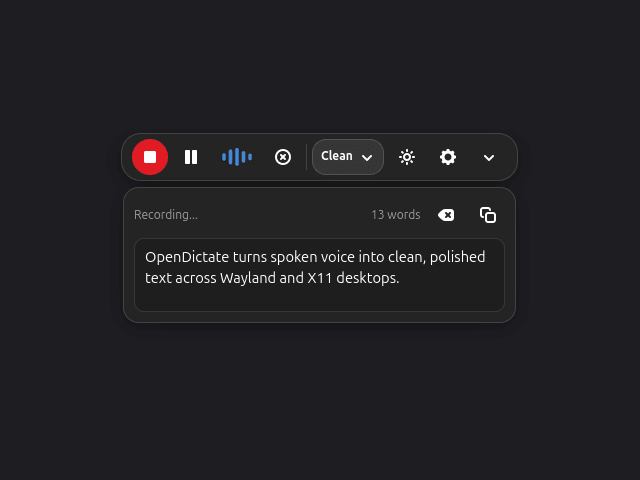
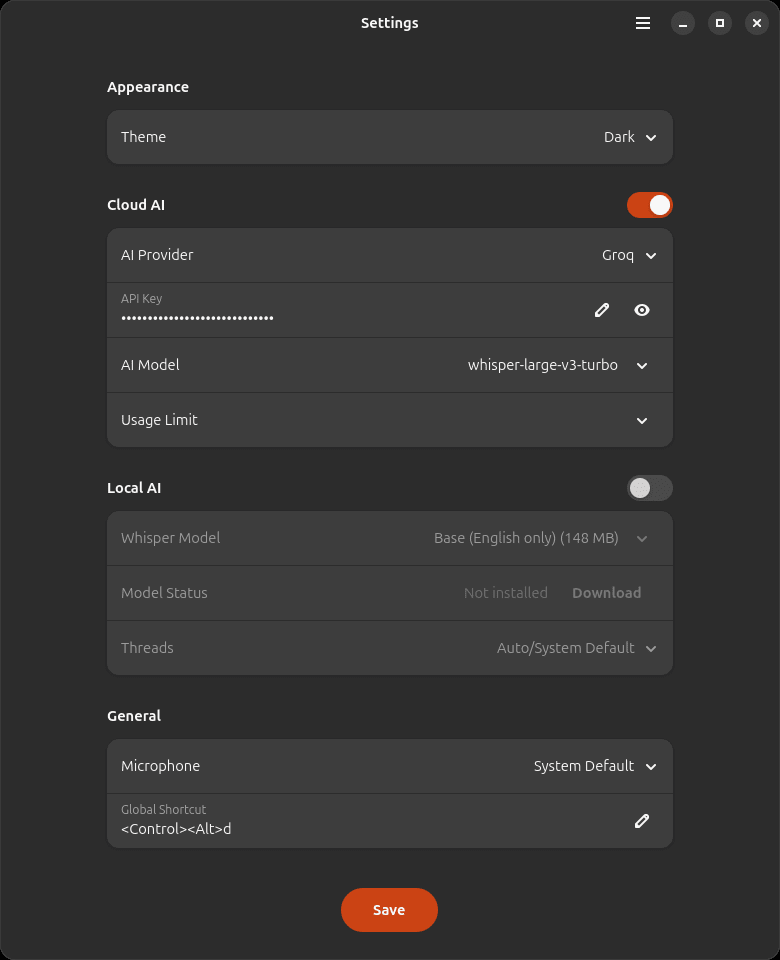
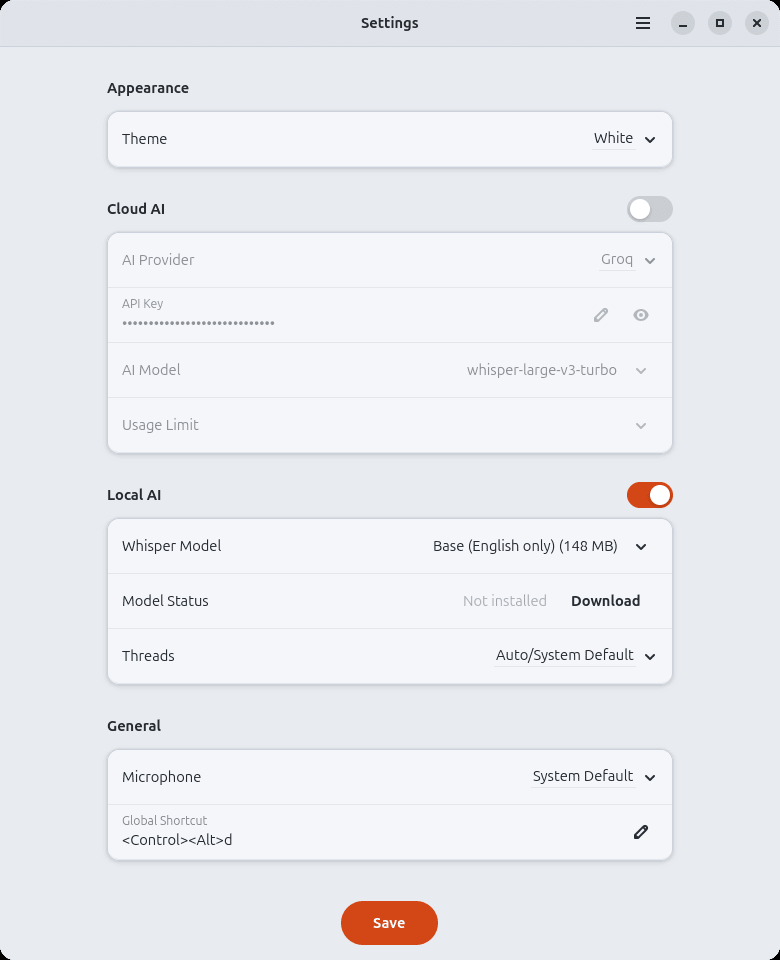
OpenDictate is a native GTK4 and Libadwaita voice dictation application for Linux written in 100% pure Rust. It turns spoken voice into clean, polished text across both Wayland and X11 desktops using either local on-device Whisper models or cloud AI providers.
Key Features:
- Dual AI Engine: Transcribe 100% offline with local
whisper.cppmodels (Tiny,Base,Small,Medium) or use low-latency Cloud AI (Groq,OpenAI,Google Gemini,Alibaba Qwen,DeepSeek). - Floating Live Waveform Minibar: Compact overlay bar with real-time audio waveform, word counter, tone selector (
Clean,Professional,Casual,Concise,Raw), and instant clipboard copy. - Hardware-Aware Audio Capture: Exclusive single-device capture with automatic detection of Bluetooth Handsfree headsets, wired headphones, and system microphones via PipeWire, PulseAudio, and ALSA.
- 28-Language UI Localization: Instant in-place interface translation across 28 desktop Linux languages.
- Persistent Dictation History: Local SQLite history (
~/.local/share/opendictate/history.db) with one-click copy and deletion inside the header menu popover. - Privacy-Safe Crash Diagnostics: Opt-in, user-editable diagnostic report viewer with automatic path and API key redaction.
| Revision | Channel | Version | Build | Commit | Download SBOM |
|---|
The build and commit information is derived from build infrastructure records.
Install OpenDictate on your Linux distribution
Choose your Linux distribution to get detailed installation instructions. If yours is not shown, get more details on the installing snapd documentation.











