

OpenShot Video Editor (openshot-qt)
Install latest/stable of OpenShot Video Editor
Ubuntu 16.04 or later?
Make sure snap support is enabled in your Desktop store.
Install using the command line
sudo snap install openshot-qtDon't have snapd? Get set up for snaps.


Details for OpenShot Video Editor
Package name
- openshot-qt
License
- GPL-3.0-or-later
Last updated
- 28 September 2026 - latest/stable
- 18 October 2026 - latest/edge
Websites
Contact
Donations
Source code
Report a bug
External link warning
You are about to open
Do you wish to proceed?
Report a Snap Store violation
Report OpenShot Video Editor for a Snap Store violation
Snap Store Violation Report submitted successfully
Thank you for your report. Information you provided will help us investigate further.
Error submitting report
There was an error while sending your report. Please try again later.
Share this snap
Generate an embeddable card to be shared on external websites.
Easy-to-use video editor with powerful creative tools
From your first cut to the final export, OpenShot makes video editing simple. Bring video, audio, and images together for films, animations, YouTube videos, tutorials, highlight reels, and more. OpenShot Video Editor is open-source, with no watermarks or subscription required.
Creative tools include:
- Timeline editing: layer video, audio, and images with drag-and-drop editing, trimming, splitting, and precise frame-by-frame control.
- Titles and transitions: customizable title templates, fades, wipes, and image overlays.
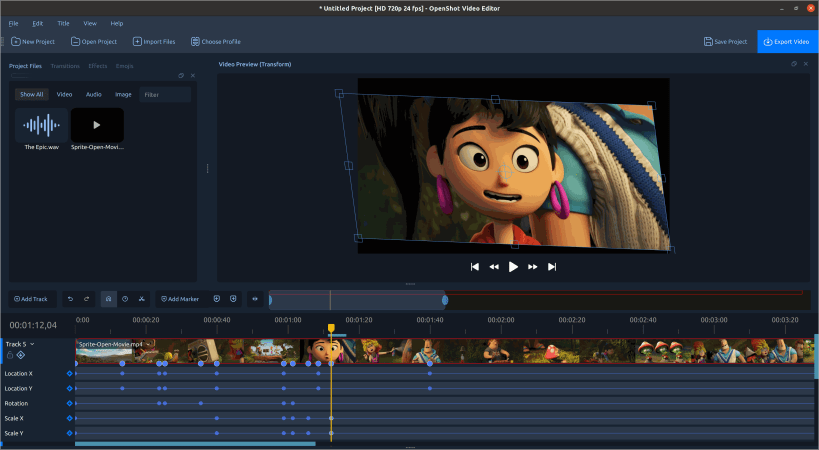
- Animation and speed: keyframes, motion, scaling, rotation, transparency, slow motion, and reverse playback.
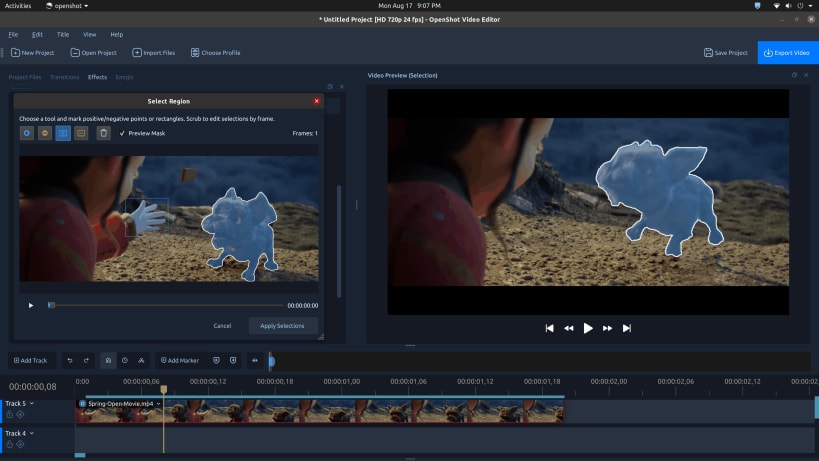
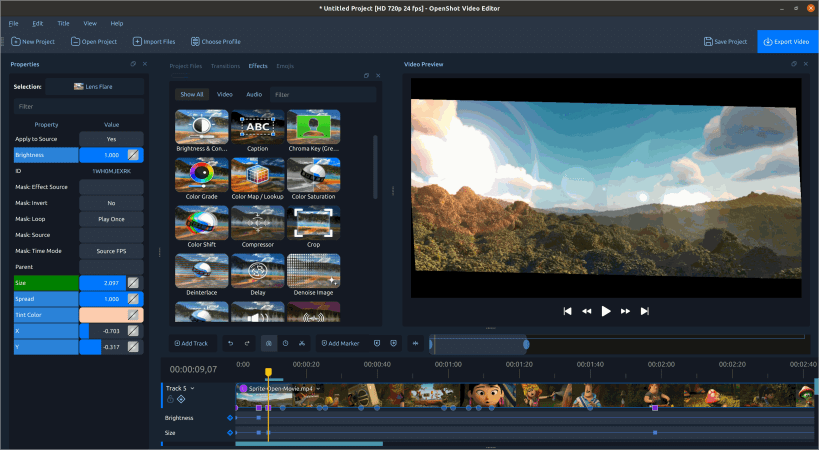
- Effects and compositing: an extensive library of video and audio effects, green screen (chroma key), masks, and layered visuals.
- Color grading: color wheels, curves, LUTs, and video scopes.
- Audio and recording: music and dialogue mixing, volume keyframes, waveforms, audio visualizations, and microphone and webcam capture.
- AI tools and effects: local AI models for object masking, plus ComfyUI integration for generation, enhancement, and custom workflows (additional models and ComfyUI setup required).
- Formats and export: combine popular video, audio, and image formats, then export videos for online sharing or local playback.
Maintained by the official OpenShot team.
| Revision | Channel | Version | Build | Commit | Download SBOM |
|---|
The build and commit information is derived from build infrastructure records.
Install OpenShot Video Editor on your Linux distribution
Choose your Linux distribution to get detailed installation instructions. If yours is not shown, get more details on the installing snapd documentation.












