

OrbiTerm
Install latest/stable of OrbiTerm
Ubuntu 16.04 or later?
Make sure snap support is enabled in your Desktop store.

Details for OrbiTerm
Package name
- orbiterm
License
- unset
Last updated
- 2 July 2026 - latest/stable
Websites
Contact
External link warning
You are about to open
Do you wish to proceed?
Report a Snap Store violation
Report OrbiTerm for a Snap Store violation
Snap Store Violation Report submitted successfully
Thank you for your report. Information you provided will help us investigate further.
Error submitting report
There was an error while sending your report. Please try again later.
Share this snap
Generate an embeddable card to be shared on external websites.
OrbiTerm The terminal workspace for power users
Manage your local shells, SSH connections, and SFTP transfers from a single unified window. Fully customizable, and built for maximum efficiency.
Orbiterm isn't just a terminal it's the rest of the toolbox developers keep switching windows for, brought into one app.
Features:
- Split panes to work on multiple servers simultaneously
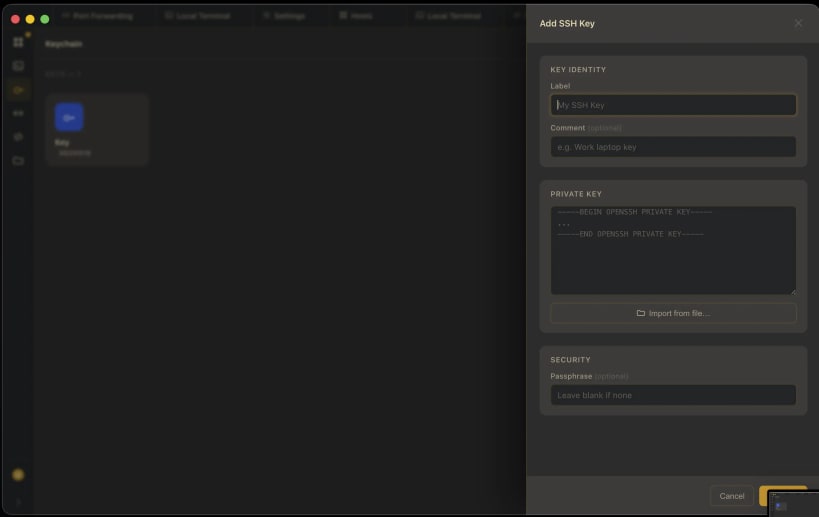
- Built-in SSH keychain — generate or import ED25519, ECDSA, and RSA keys
- Visual port forwarding — local, remote, and dynamic tunnels
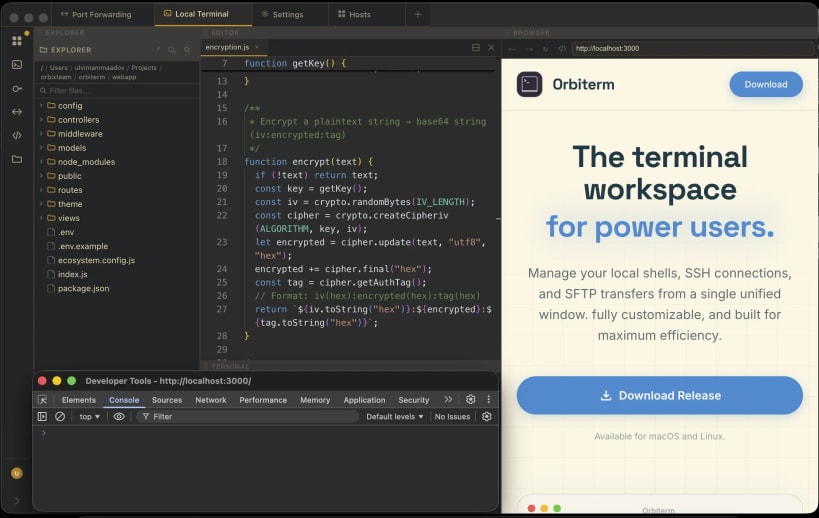
- Integrated Monaco code editor with a file explorer for local and remote files
- Browser tab with DevTools next to your terminals
- Command snippets drawer for reusable scripts
- AI assistant in the terminal — bring your own Anthropic or OpenAI key or custom provider
- Group sharing of hosts and SSH keys with teammates
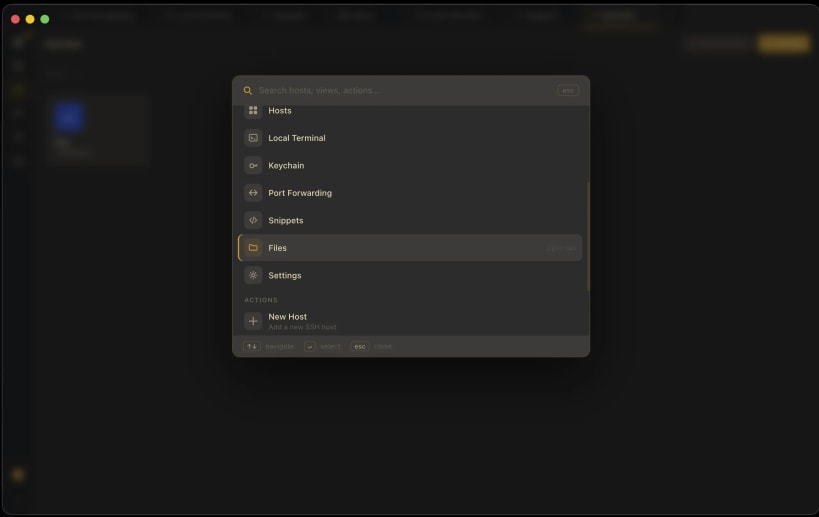
- Command palette (⌘K) for instant access to everything
- Theme
| Revision | Channel | Version | Build | Commit |
|---|
The build and commit information is derived from build infrastructure records.
Install OrbiTerm on your Linux distribution
Choose your Linux distribution to get detailed installation instructions. If yours is not shown, get more details on the installing snapd documentation.












