

Otto: Second Brain & Notes (otto-second-brain)
Install latest/stable of Otto: Second Brain & Notes
Ubuntu 16.04 or later?
Make sure snap support is enabled in your Desktop store.
Install using the command line
sudo snap install otto-second-brainDon't have snapd? Get set up for snaps.
Details for Otto: Second Brain & Notes
Package name
- otto-second-brain
License
- Proprietary
Last updated
- Today - latest/stable
Websites
Contact
External link warning
You are about to open
Do you wish to proceed?
Report a Snap Store violation
Report Otto: Second Brain & Notes for a Snap Store violation
Snap Store Violation Report submitted successfully
Thank you for your report. Information you provided will help us investigate further.
Error submitting report
There was an error while sending your report. Please try again later.
Share this snap
Generate an embeddable card to be shared on external websites.
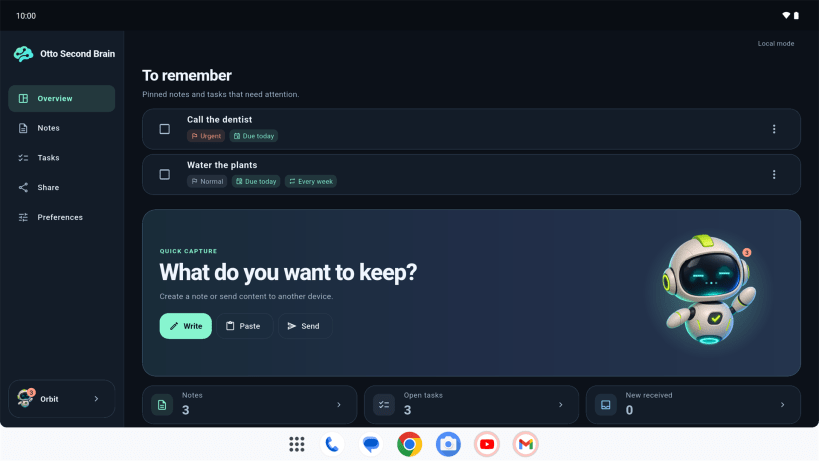
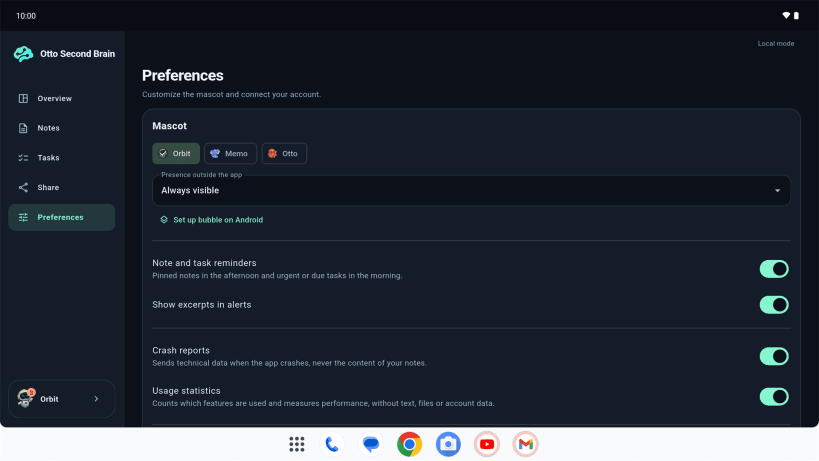
Notes, tasks and copy and paste across your devices
Otto is a notepad, a to-do list and a copy and paste bridge between your devices, in one app. Write things down fast, keep track of what you have to do, and move text, links and images from your phone to your computer (and back) without emailing them to yourself.
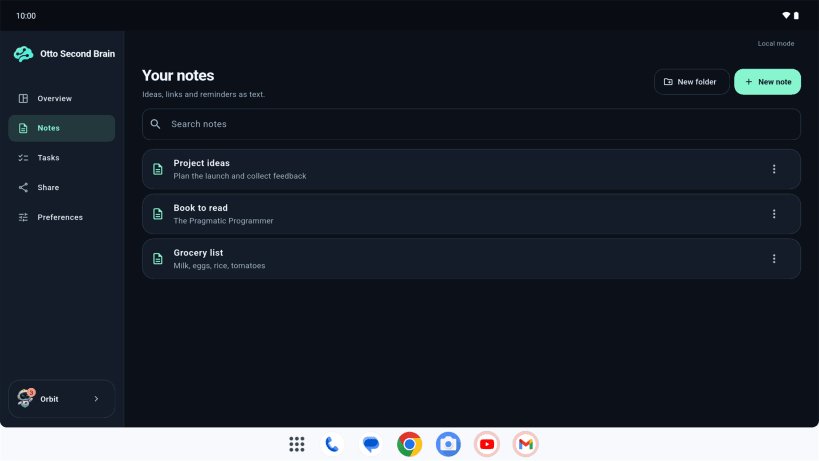
Notes: write in seconds, organize in folders, pin the important ones and search everything from one place.
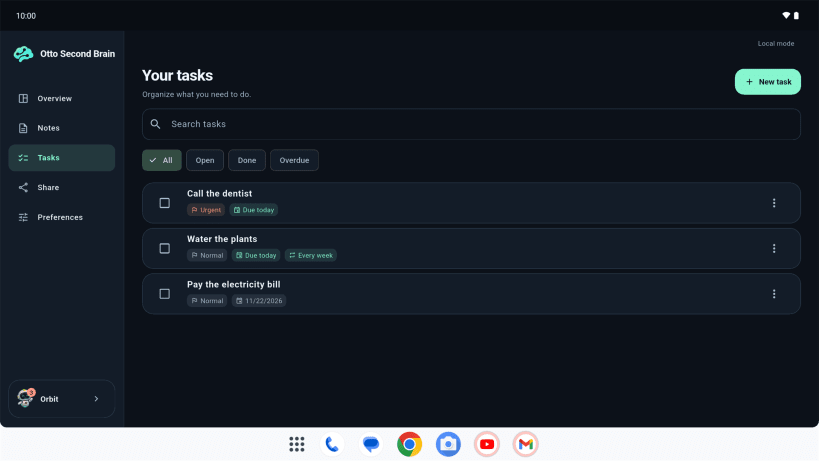
Tasks and reminders: due date and time, priorities, repeating tasks and reminders so nothing slips by.
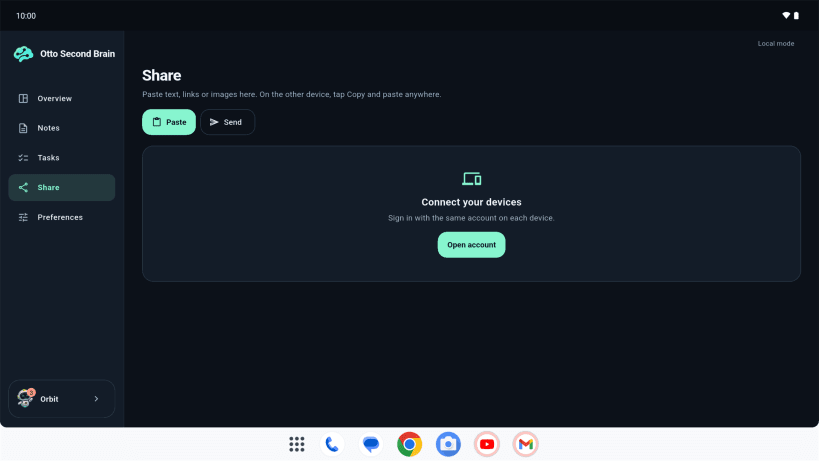
Copy and paste between devices: sign in with Google or Apple on two devices and send text, links and images from one to the other. Sends can be temporary and disappear on their own.
Works offline, account optional: notes and tasks work without an account and without a connection. Sign in only to send things between devices.
Available for Linux, Windows, macOS, Android, iOS and web, in English, Portuguese and Spanish.
Privacy policy: https://secondbrain.webevolui.com/privacidade.html
| Revision | Channel | Version | Build | Commit | Download SBOM |
|---|
The build and commit information is derived from build infrastructure records.
Install Otto: Second Brain & Notes on your Linux distribution
Choose your Linux distribution to get detailed installation instructions. If yours is not shown, get more details on the installing snapd documentation.











