

Install latest/stable of Owlo
Ubuntu 16.04 or later?
Make sure snap support is enabled in your Desktop store.

Details for Owlo
Package name
- owlo
License
- Proprietary
Last updated
- Today - latest/stable
Websites
Contact
Report a bug
External link warning
You are about to open
Do you wish to proceed?
Report a Snap Store violation
Report Owlo for a Snap Store violation
Snap Store Violation Report submitted successfully
Thank you for your report. Information you provided will help us investigate further.
Error submitting report
There was an error while sending your report. Please try again later.
Share this snap
Generate an embeddable card to be shared on external websites.
Play the TV, movies and series of your own subscription
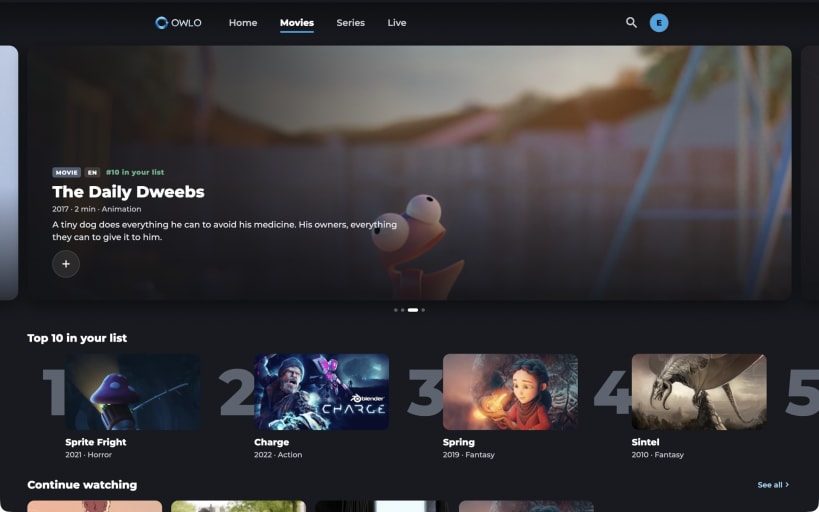
Owlo is a player for the TV subscription you already have. Sign in, add your own M3U playlist or Xtream-compatible login, and Owlo organises everything into a clean, fast interface built for the big screen, the mouse and the keyboard.
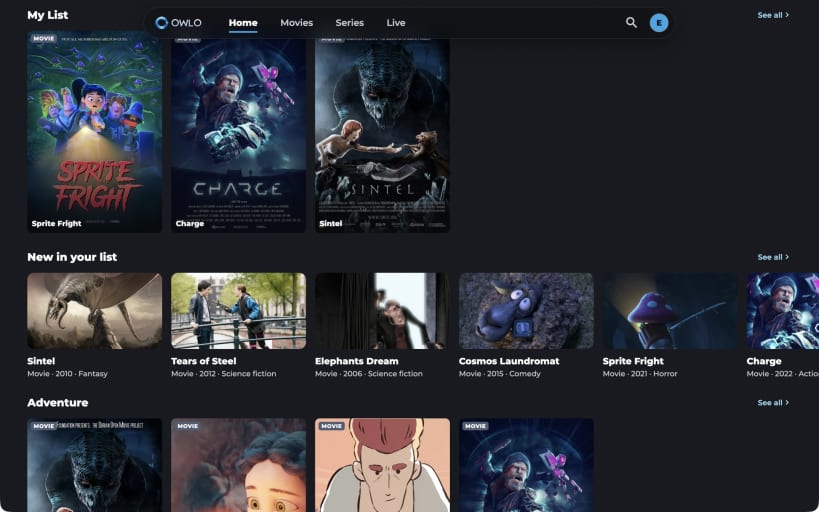
- Home with Continue watching, your favourites and recommendations from your own playlist
- Movies and series with posters, synopsis, seasons and episodes; resume where you left off
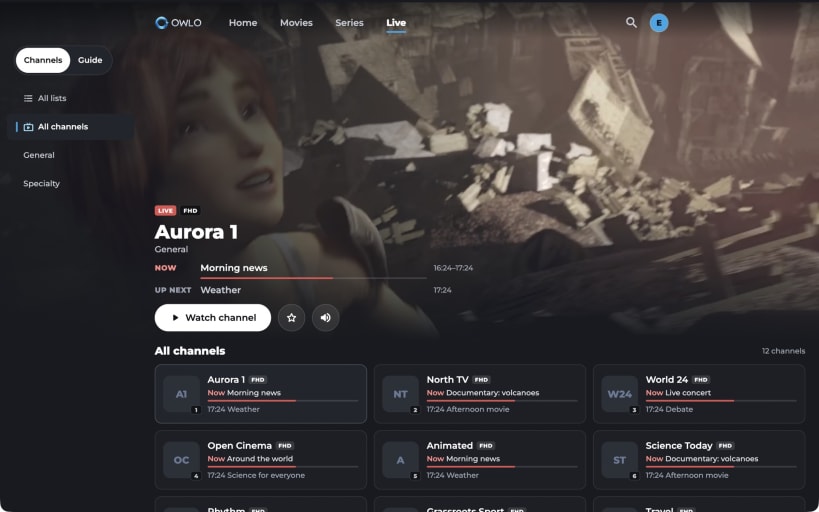
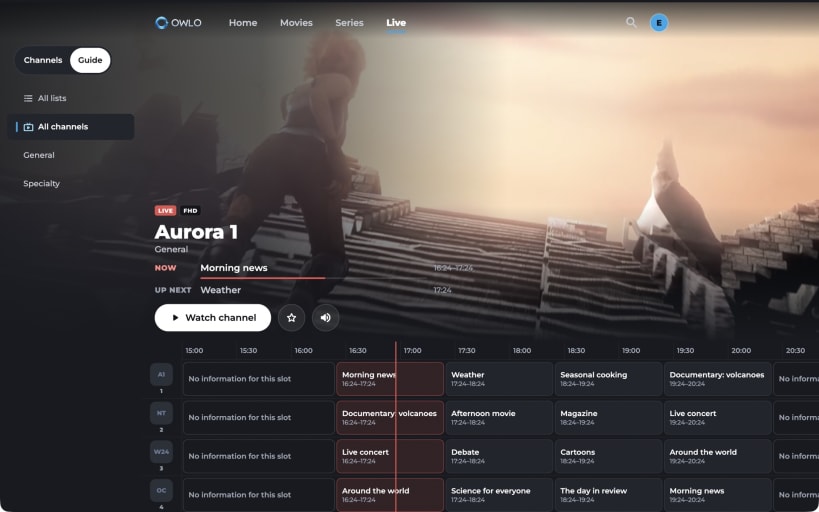
- Live TV with a programme guide, now/next and quick zapping
- Watch several channels at once with multiview
- Profiles for the family, parental control with PIN that hides adult content
- Audio track and subtitle selection, keyboard shortcuts
- Your account, lists and progress sync with Owlo on your TV, phone and tablet
Owlo does not provide, sell or host any channels, movies or other content. You need your own subscription or playlist from a legal provider, and you are responsible for the content you add.
| Revision | Channel | Version | Build | Commit | Download SBOM |
|---|
The build and commit information is derived from build infrastructure records.
Install Owlo on your Linux distribution
Choose your Linux distribution to get detailed installation instructions. If yours is not shown, get more details on the installing snapd documentation.


