

PaperFlow
Install latest/stable of PaperFlow
Ubuntu 16.04 or later?
Make sure snap support is enabled in your Desktop store.
Details for PaperFlow
Package name
- paperflow
License
- MIT
Last updated
- Today - latest/stable
Websites
Contact
Source code
Report a bug
External link warning
You are about to open
Do you wish to proceed?
Report a Snap Store violation
Report PaperFlow for a Snap Store violation
Snap Store Violation Report submitted successfully
Thank you for your report. Information you provided will help us investigate further.
Error submitting report
There was an error while sending your report. Please try again later.
Share this snap
Generate an embeddable card to be shared on external websites.
Offline PDF toolkit. Your PDFs. Your Device. Your Privacy.
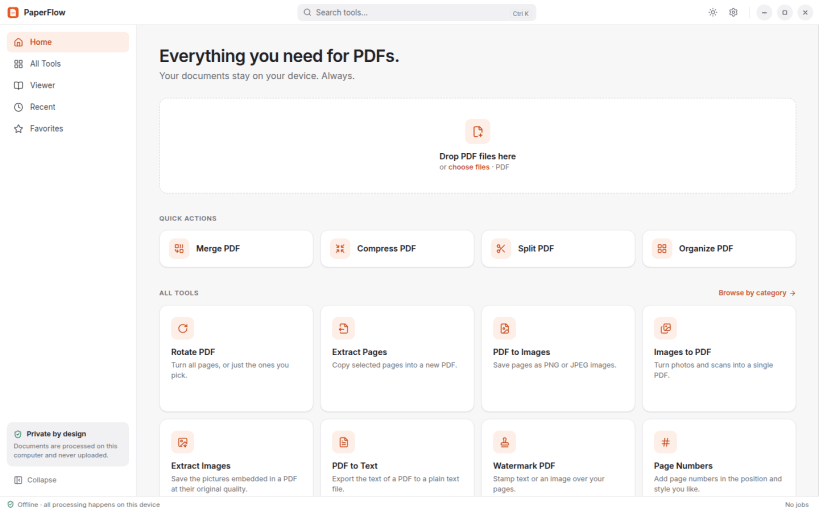
PaperFlow is a complete PDF toolkit that works entirely on your computer. Nothing is uploaded, no account is needed, and it works without an internet connection.
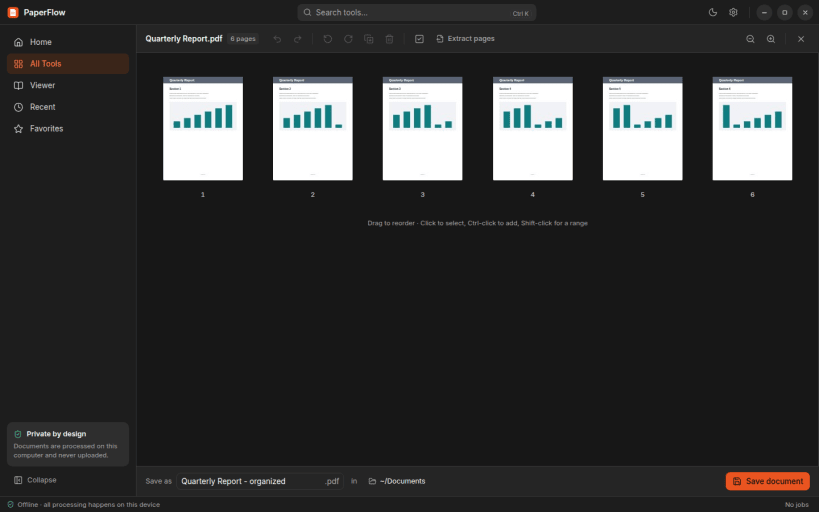
- Merge, split, organize, rotate and extract pages, with real page thumbnails, drag-and-drop reordering and undo.
- Compress PDFs with quality presets and see how much space you saved.
- Convert pages to PNG or JPEG, images to PDF, and PDFs to text, or extract the pictures embedded in a document.
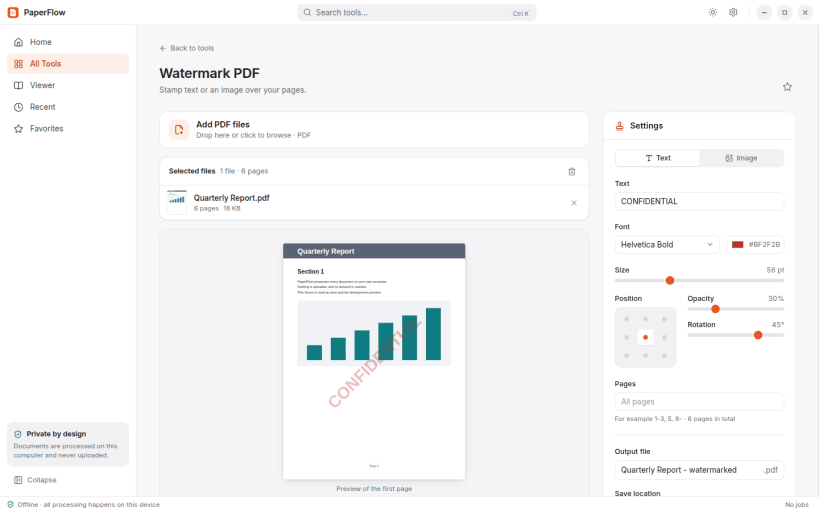
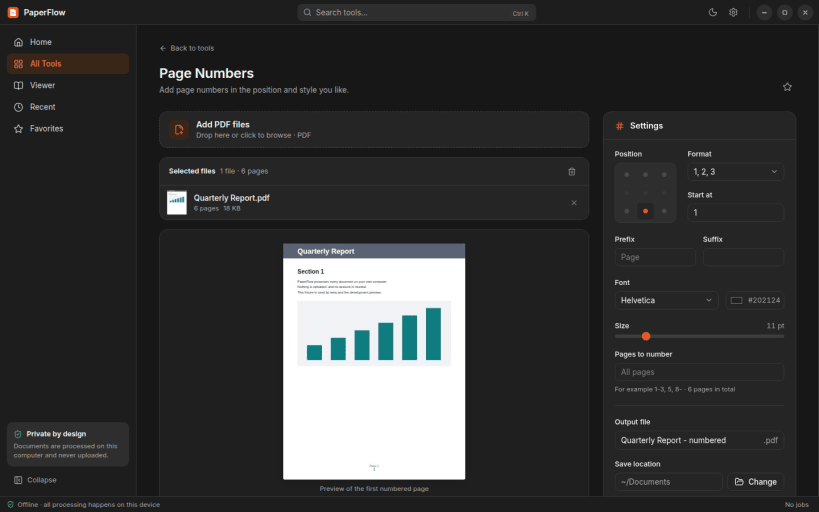
- Add text or image watermarks and page numbers with a live preview.
- Edit document metadata.
- Protect PDFs with AES-256 passwords and permissions, or remove a password you know.
- Make scanned documents searchable with OCR in 17 languages.
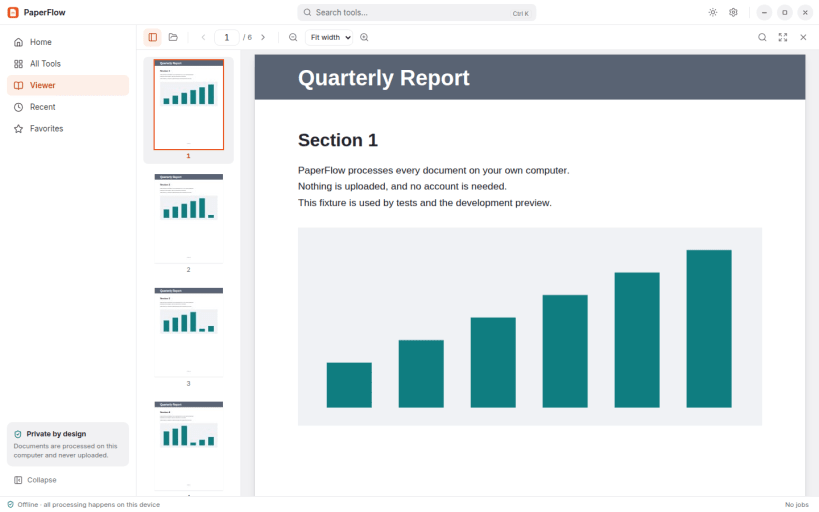
- Read, search and navigate PDFs in the built-in viewer.
Ghostscript, Poppler, qpdf and Tesseract with its language data are included, so every tool works out of the box.
| Revision | Channel | Version | Build | Commit | Download SBOM |
|---|
The build and commit information is derived from build infrastructure records.
Install PaperFlow on your Linux distribution
Choose your Linux distribution to get detailed installation instructions. If yours is not shown, get more details on the installing snapd documentation.


