
PDF 30-in-1 - PDF Editor & Converter (pdf-30-in-1)
Install latest/stable of PDF 30-in-1 - PDF Editor & Converter
Ubuntu 16.04 or later?
Make sure snap support is enabled in your Desktop store.
Install using the command line
sudo snap install pdf-30-in-1Don't have snapd? Get set up for snaps.
Details for PDF 30-in-1 - PDF Editor & Converter
Package name
- pdf-30-in-1
License
- Proprietary
Last updated
- 23 October 2026 - latest/stable
- 23 October 2026 - latest/edge
Websites
Contact
Donations
Source code
Report a bug
External link warning
You are about to open
Do you wish to proceed?
Report a Snap Store violation
Report PDF 30-in-1 - PDF Editor & Converter for a Snap Store violation
Snap Store Violation Report submitted successfully
Thank you for your report. Information you provided will help us investigate further.
Error submitting report
There was an error while sending your report. Please try again later.
Share this snap
Generate an embeddable card to be shared on external websites.
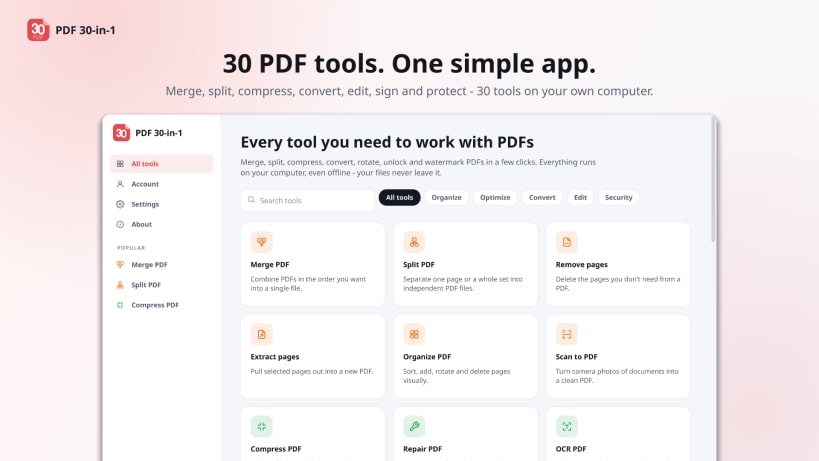
Edit, merge, split, compress and convert PDF files - 30 pdf tools - offline PDF editor
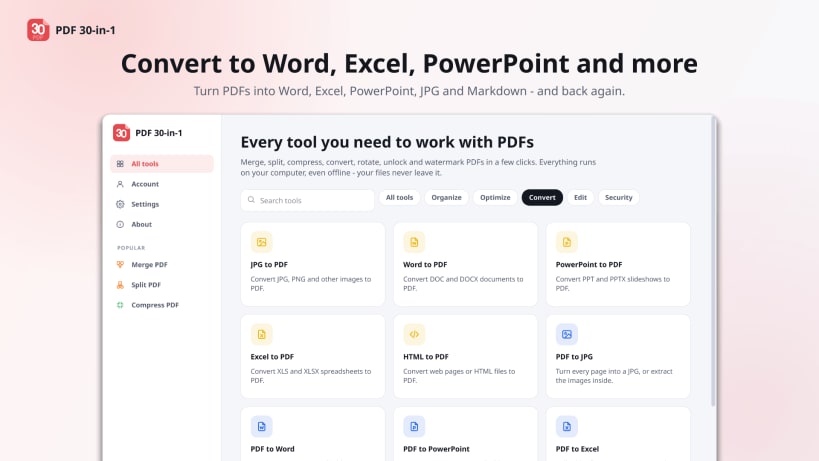
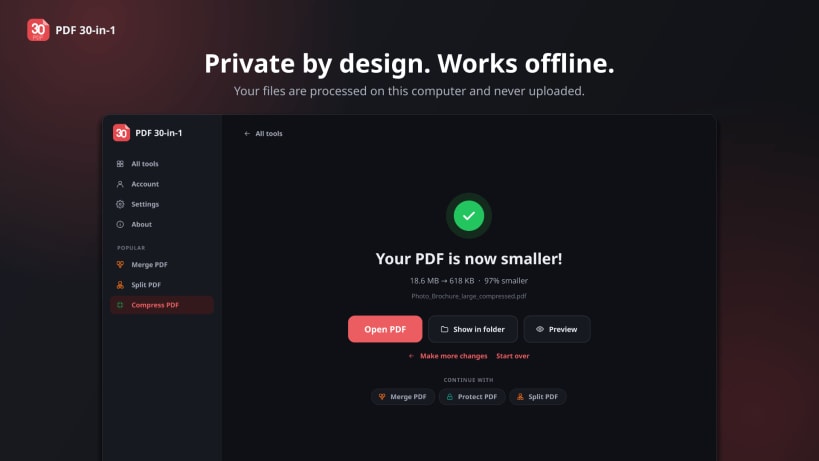
PDF 30-in-1 is an all-in-one PDF editor and PDF converter for Linux. Merge PDF files, split PDFs, compress PDFs, convert PDF to Word, Excel, PowerPoint and JPG, edit PDF text, fill in PDF forms and sign PDFs - 30+ PDF tools in one desktop app. Everything runs on your own computer, even offline: your files are processed on this computer and never uploaded.
Organize PDF
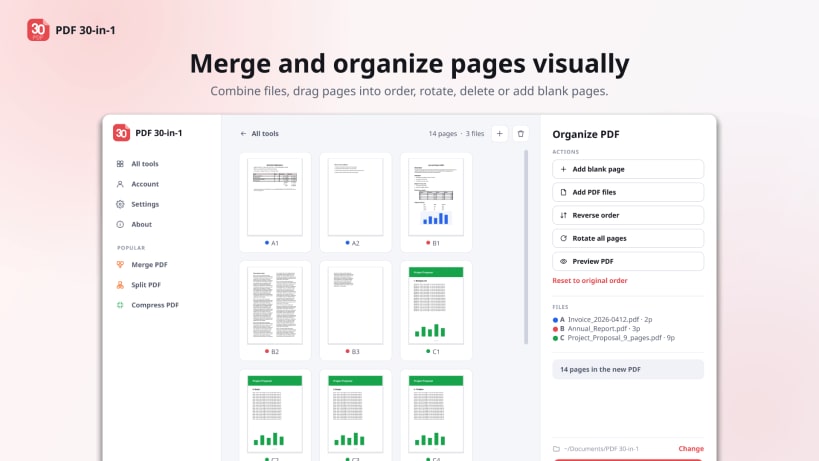
- Merge PDF: combine several PDF files into one, in any order
- Split PDF by page ranges, every N pages, or by file size for e-mail
- Remove pages, extract pages, rotate PDF pages, organize and reorder pages
- Scan to PDF: turn phone photos of documents into a clean scanned PDF
Optimize PDF
- Compress PDF: reduce PDF file size while keeping text sharp
- Repair damaged or corrupt PDF files
- OCR PDF: make scanned PDFs searchable and copyable, in over 100 languages
Convert PDF
- PDF to Word (DOCX) with editable text and tables, or the exact layout
- PDF to Excel (XLSX), PDF to PowerPoint (PPTX), PDF to JPG, PDF to Markdown
- Word to PDF, Excel to PDF, PowerPoint to PDF, JPG / PNG to PDF, HTML / web page to PDF
- PDF/A converter for long-term archiving
Edit and sign PDF
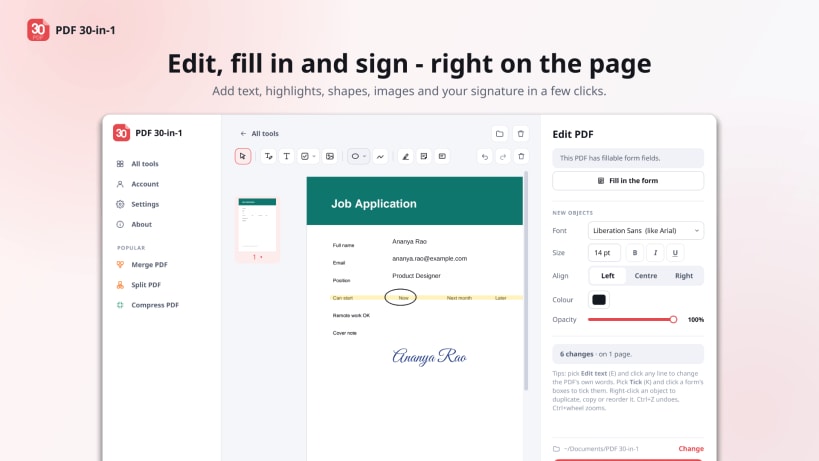
- PDF editor: change the PDF's own text, add text, highlights, shapes, images and drawings
- Fill in PDF forms, or create fillable PDF forms
- Sign PDF with a drawn, typed or uploaded signature, or a digital certificate
- Add page numbers, add a watermark, crop PDF pages, redact sensitive text
PDF security
- Protect PDF with a password (AES-256),
- Unlock PDF,
- Compare two PDFs side by side
Why PDF 30-in-1
- Private: works offline, no file uploads, no sign-up and no e-mail needed
- No watermarks on your files
- 19 languages, light and dark themes, touchscreen and pen support
- OCR (Tesseract), PDF/A (Ghostscript) and Office conversions (LibreOffice) are included
| Revision | Channel | Version | Build | Commit | Download SBOM |
|---|
The build and commit information is derived from build infrastructure records.
Install PDF 30-in-1 - PDF Editor & Converter on your Linux distribution
Choose your Linux distribution to get detailed installation instructions. If yours is not shown, get more details on the installing snapd documentation.











