

PDFForge Viewer
Install latest/stable of PDFForge Viewer
Ubuntu 16.04 or later?
Make sure snap support is enabled in your Desktop store.
Install using the command line
sudo snap install pdfforge-viewerDon't have snapd? Get set up for snaps.

Details for PDFForge Viewer
Package name
- pdfforge-viewer
License
- MIT
Last updated
- Today - latest/stable
Websites
Contact
Source code
Report a bug
External link warning
You are about to open
Do you wish to proceed?
Report a Snap Store violation
Report PDFForge Viewer for a Snap Store violation
Snap Store Violation Report submitted successfully
Thank you for your report. Information you provided will help us investigate further.
Error submitting report
There was an error while sending your report. Please try again later.
Share this snap
Generate an embeddable card to be shared on external websites.
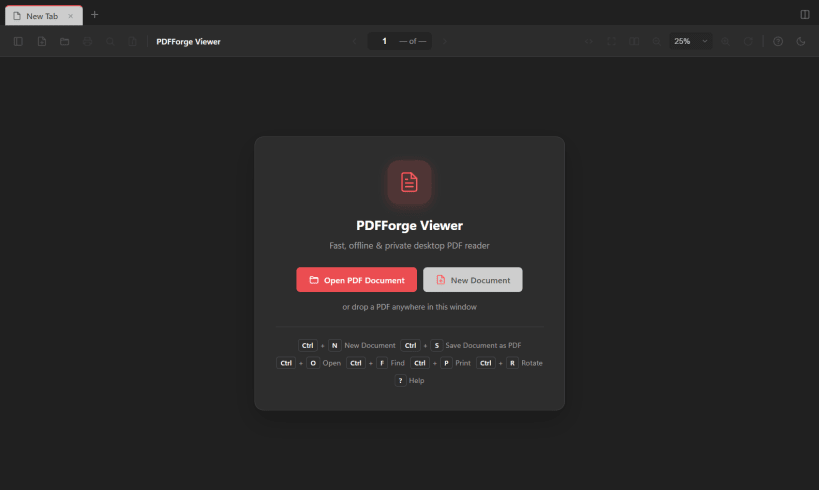
A modern PDF viewer with document creation, editing tools, tabs and a clean interface.
PDFForge Viewer is a modern, cross-platform PDF application designed to make viewing, managing and creating PDF documents simple and convenient.
With a clean interface, tabbed document management and useful built-in tools, PDFForge Viewer provides an efficient way to work with PDF files on your desktop.
## Features
- PDF Viewing: Open, read and navigate PDF documents.
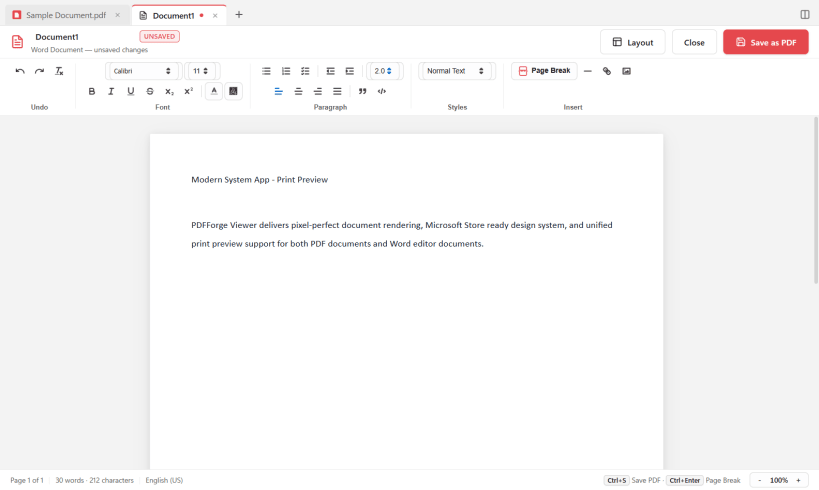
- PDF Creation: Create PDF files from rich text, plain text and images.
- Tabbed Interface: Open and manage multiple PDF documents in separate tabs.
- Split View: View two documents side by side.
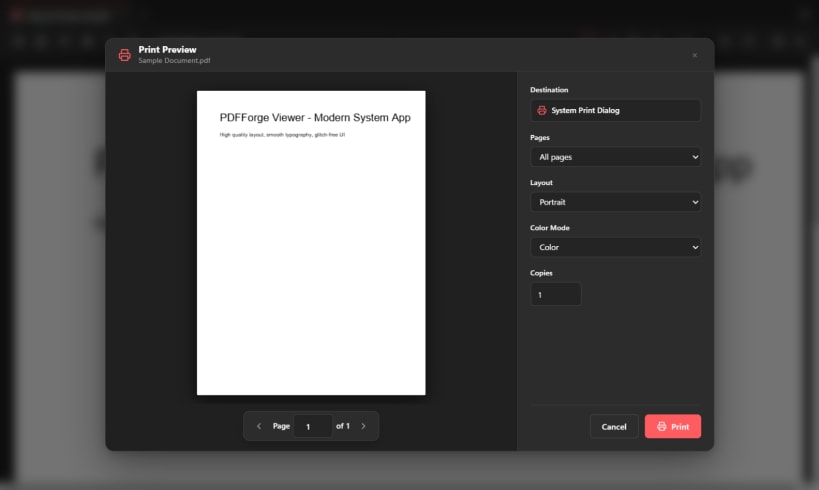
- Print Preview: Preview documents before printing.
- Document Metadata: View and export PDF metadata.
- Smart Detection: Automatically detect email addresses and phone numbers in PDF documents.
- Unsaved Changes Warning: Get notified before closing documents with unsaved changes.
- Themes: Customize the application's appearance.
- Default PDF Application: Set PDFForge Viewer as your default PDF reader.
- Cross-platform: Available for Windows and Linux.
## Designed for Productivity
PDFForge Viewer combines essential PDF functionality with a straightforward interface, helping you manage documents without unnecessary complexity.
## Open Source
PDFForge Viewer is released under the MIT License.
Website: https://pdfforge.acharyanischal.com.np/
Source code: https://github.com/NischalAcharya060/PDFForge
| Revision | Channel | Version | Build | Commit | Download SBOM |
|---|
The build and commit information is derived from build infrastructure records.
Install PDFForge Viewer on your Linux distribution
Choose your Linux distribution to get detailed installation instructions. If yours is not shown, get more details on the installing snapd documentation.











