

Penguin Mail
Install latest/edge of Penguin Mail
Ubuntu 16.04 or later?
Make sure snap support is enabled in your Desktop store.
Install using the command line
sudo snap install penguin-mail --edgeDon't have snapd? Get set up for snaps.




Details for Penguin Mail
Package name
- penguin-mail
License
- GPL-3.0-or-later
Last updated
- 28 October 2026 - latest/edge
Websites
Donations
Source code
Report a bug
External link warning
You are about to open
Do you wish to proceed?
Report a Snap Store violation
Report Penguin Mail for a Snap Store violation
Snap Store Violation Report submitted successfully
Thank you for your report. Information you provided will help us investigate further.
Error submitting report
There was an error while sending your report. Please try again later.
Share this snap
Generate an embeddable card to be shared on external websites.
Mail and calendar for Linux
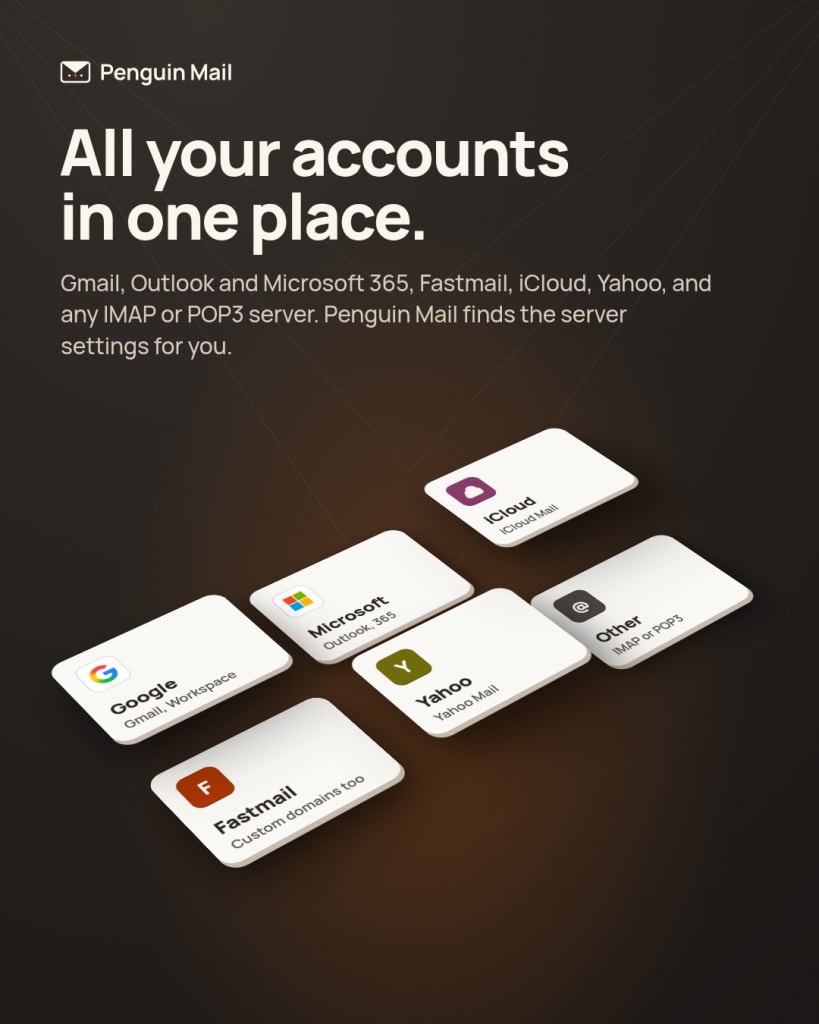
Penguin Mail reads Gmail, Outlook.com and Microsoft 365 accounts, and any IMAP or POP3 account with SMTP, such as Fastmail, iCloud and Yahoo, and finds the server settings for you. It syncs from the system tray, shows your accounts in one inbox or one at a time, and keeps your mail on your own computer.
- One inbox for every account, with Gmail's categories, Outlook's Focused and Other tabs, labels and search
- A calendar with Google Calendar, Outlook and any CalDAV server: Day, Week, Month and Agenda views, invitations answered in the mail, and reminders
- Contacts from Google, Outlook and any CardDAV server
- A composer that shows formatting as you write, with Undo Send and Send Later
- Flags in seven colors, VIPs, smart mailboxes and reminders
- Rules and automatic replies for every account, kept on Gmail, Outlook or a Sieve server, or run by the app on its own
- Plus addresses to give out instead of your own
- OpenPGP and S/MIME signing and encryption through your own GnuPG
- Remote images blocked until you ask for them
- An assistant that runs on a local model or on Claude, off until you pick one
- Every control named for screen readers and reachable from the keyboard
Adding a Gmail or Microsoft account takes one sign-in in your browser. Penguin Mail is built with GTK and libadwaita and fits best on GNOME, but it runs on any Linux desktop.
| Revision | Channel | Version | Build | Commit | Download SBOM |
|---|
The build and commit information is derived from build infrastructure records.
Install Penguin Mail on your Linux distribution
Choose your Linux distribution to get detailed installation instructions. If yours is not shown, get more details on the installing snapd documentation.











